Text animationPro
Pour
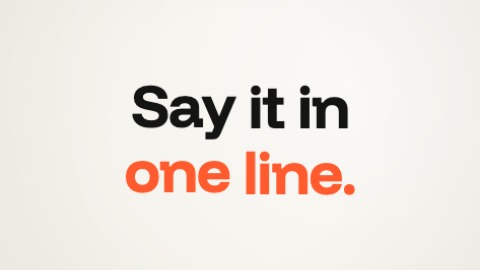
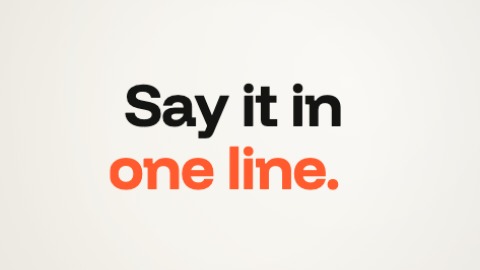
Each letter is poured: a drop falls into its place, spreads, and the letter grows out of it, liquid, from left to right; once poured, it is sharp.
- Its settings
- Nothing to set: it works as it is.
- In the editor
- Click a text of the picture, then “Animate”, and choose this one.
Pro piece. Try it freely in the editor; exporting a film that uses it needs the Pro plan.
 Preparing…