Guides
How to do each thing in Cutscene, in a few steps, with the screen as it is. Nothing to install: the film is made and exported in your browser, with a free account (with Google, or an e-mail address and a password).
- 1Choose a template
- 2Write your words
- 3Put your screenshots in
- 4Put your brand on
- 5Export as MP4
Getting started
From the template to the MP4 file: the basic gestures.
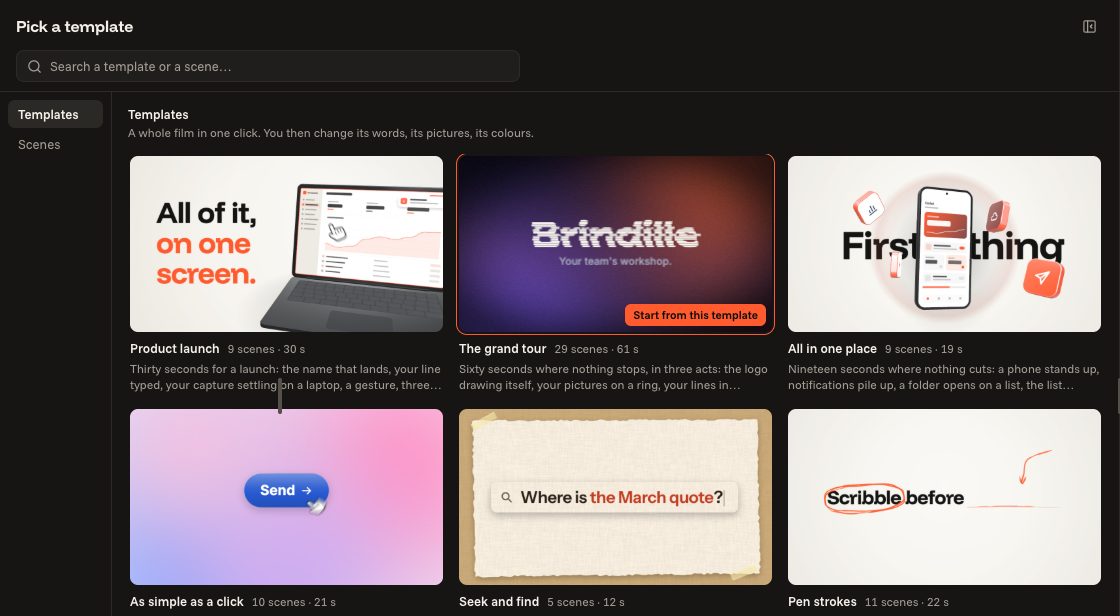
 Starting from a templateLook at the templates, try them in your format and your style, then open one in the editor.3 steps
 Your brand: logo, colours, typefacesYour product's name, your logo, your colour and your typefaces, on the whole film at once.4 steps
 Writing your textsReplace the examples with your words, put words in colour, fill a list.4 steps
 Putting your screenshots inShow your product in the scenes that have a screen.3 steps
Editing your film
The scenes, what links them, the sound and the time.
 Adding, changing, moving a sceneA scene is one idea on screen. Add some, swap one, change their order.4 steps
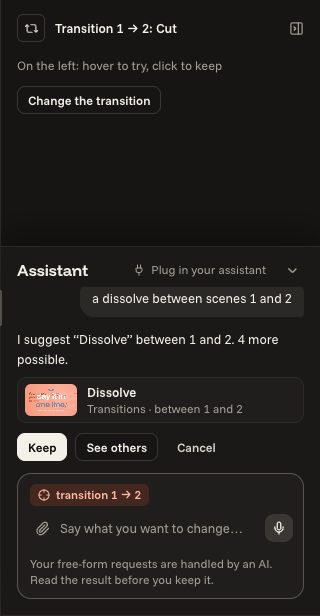
 TransitionsWhat takes one scene to the next: try it, keep it, take it away.4 steps
 StylesChange the grounds and the typefaces of the whole film in one click, keeping your colour.3 steps
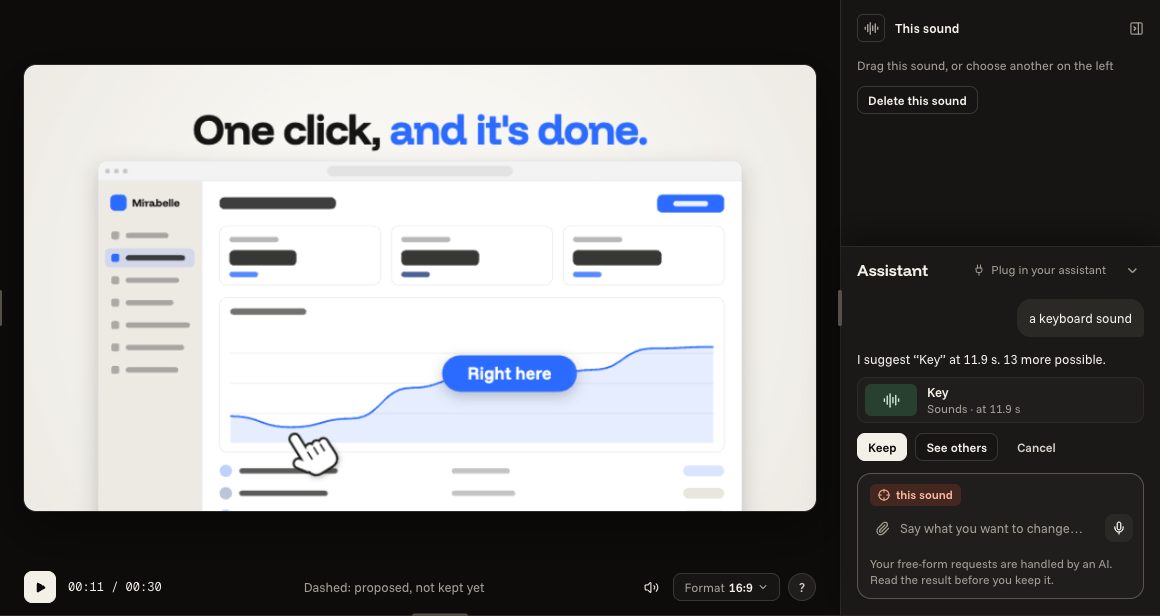
 Music and soundsChange the music, add a sound, place it where it belongs.3 steps
 LengthA scene longer or shorter, or the whole film to the second.3 steps
 Bring in an animation: Lottie, After Effects, DaVinci ResolveA file from another program becomes a scene of yours, in your brand's colours.6 steps
Formats and export
One film, several formats, one MP4 file.
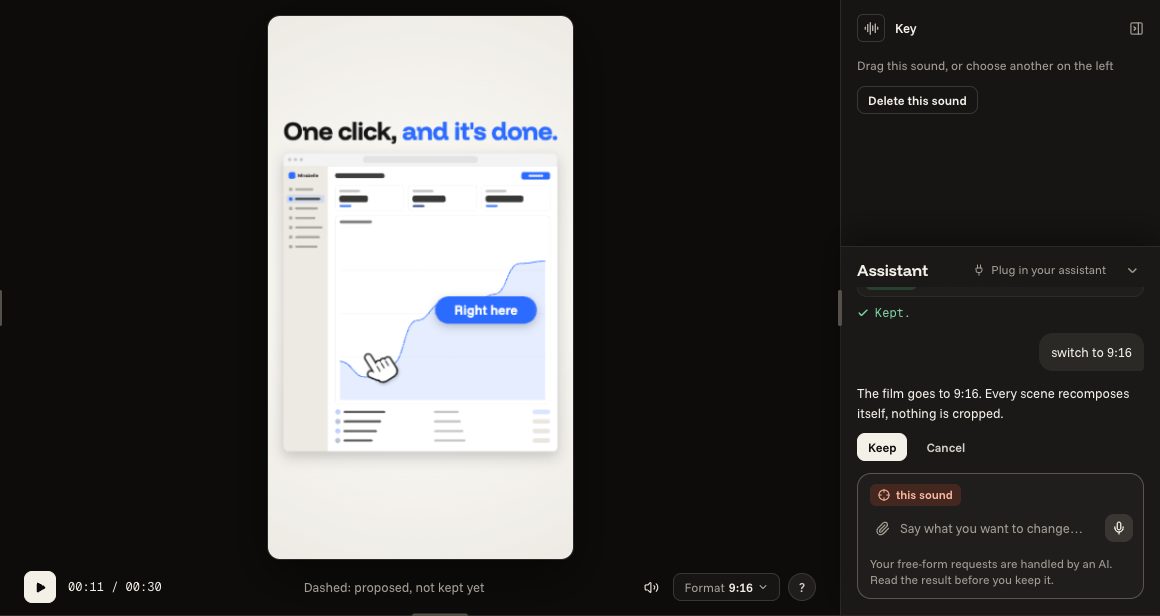
 Vertical for Reels and TikTokTurn the film to 9:16: each scene recomposes itself, nothing is cropped.3 steps
 Exporting as MP4Check what is left, make the file, download it.3 steps
 4KExporting in very high definition, with Pro.3 steps
 Open your film in After Effects or DaVinci ResolveA project to finish your film in another program: what stays editable, what comes as pictures.5 steps
The assistant
Asking in your own words for what you would do by hand.
Your account
The plans, your films, what you share.
 The plansFree to begin, Pro or Studio to go further.3 steps
 Cancelling or withdrawingThe two pages to stop a subscription: what each one does.3 steps
 Your films on your accountWhere your films are kept, how to find them elsewhere, how to keep them in a file.3 steps
 Sharing a templateGive your film to others as a starting point, without your brand or your pictures.3 steps
Frequent questions
Do I need an account?
Yes, to open the editor. The account is free: you create it with Google, or with an e-mail address and a password (an e-mail then confirms your address). On the free plan, your films and your pictures stay in your browser, and your account keeps a copy of 3 of your films, without their pictures; a paid plan keeps them all on your account, with their pictures, for you alone. The account is also for sharing with others, and for plugging in the assistant you already use (“Your assistant” page).
Where are my films kept?
In your browser, on this device, at every change, and as a copy on your account: 3 of them on the free plan, all of them with a paid plan. You find them under “My films”; from there you can also save a film to a file, to keep it or hand it to someone. That file does not hold your pictures: opened elsewhere, the film opens without them and they have to be put back (with a paid plan, your account keeps them and your film finds them).
Can I use my films for my business?
Yes, commercial use included. The music and the sounds of the library are included. You remain responsible for the pictures, logos and screenshots you add.
Which browsers?
A computer with Chrome, Edge or a recent Safari. The editor needs a wide screen; the other pages also read on a phone.
What is paid?
The free plan exports 16:9 and vertical, in 1080p, with a small line at the end. Pro opens portrait and square, 4K, the Pro pieces and removes the line. Everything can be tried freely first.
What if I want a made-to-measure film?
The Cutscene studio makes bespoke launch films: the link is at the bottom of every page.
A question?
Ask it on Cutscene's Discord, with your Discord account. You can suggest an idea there too.
For developers
Connecting Claude or ChatGPT, the connector on your computer, its tools, keys and limits: it is all in Developers.