Styles
Change the grounds and the typefaces of the whole film in one click, keeping your colour.
3 steps
- 01
Open “Brand”
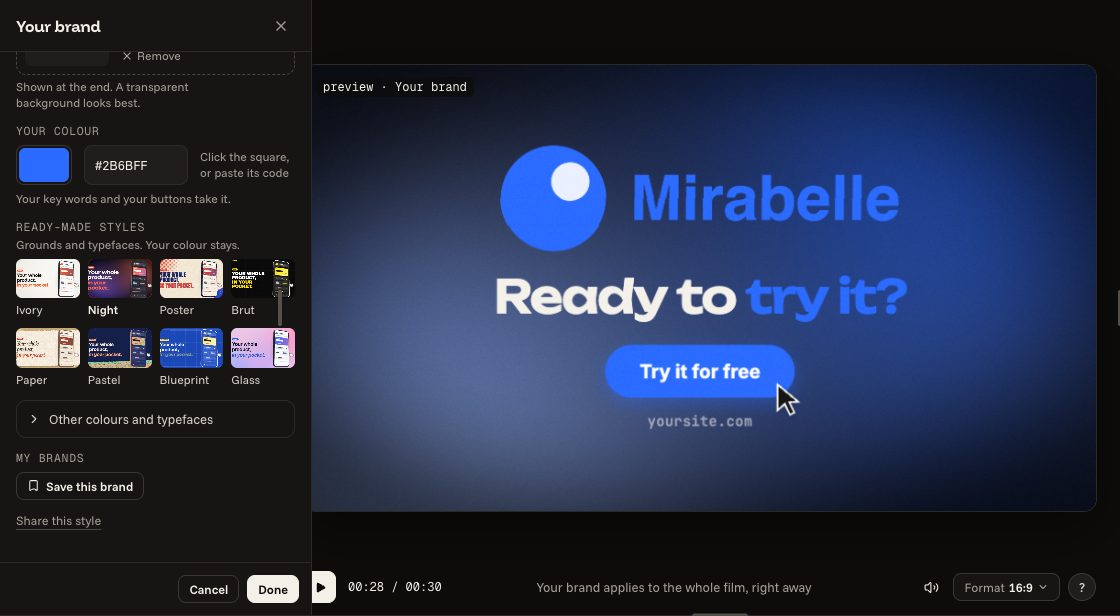
The “Ready-made styles” are in the “Your brand” panel. Click a style: the whole film takes it at once, and your colour stays.
- 02
Try several
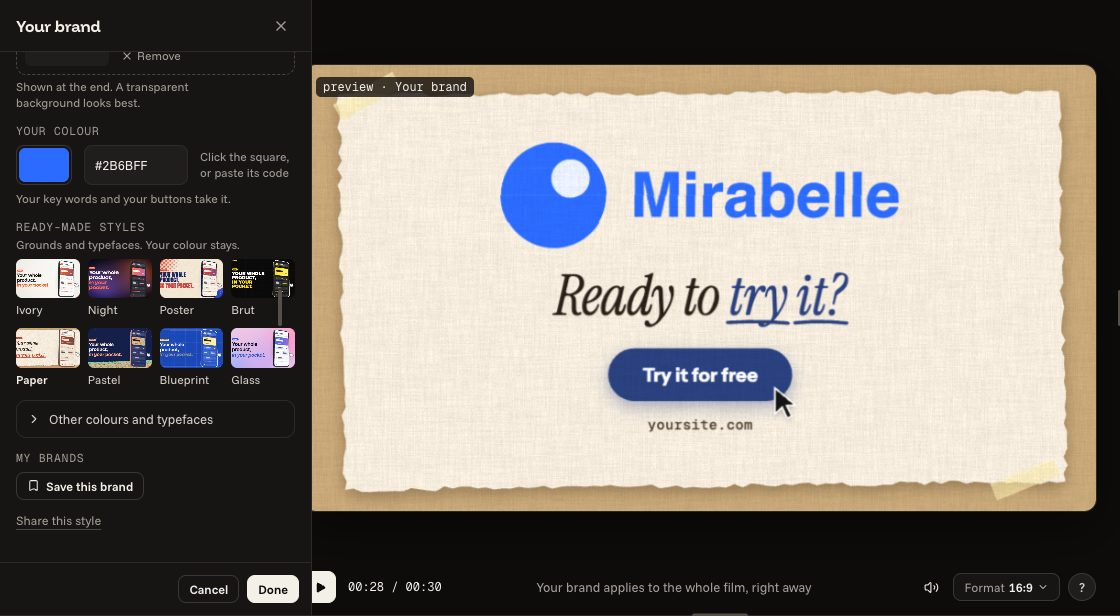
Click another one to compare. “Done” keeps the last one chosen; “Cancel” puts the film back as it was.
- 03
Or ask for it
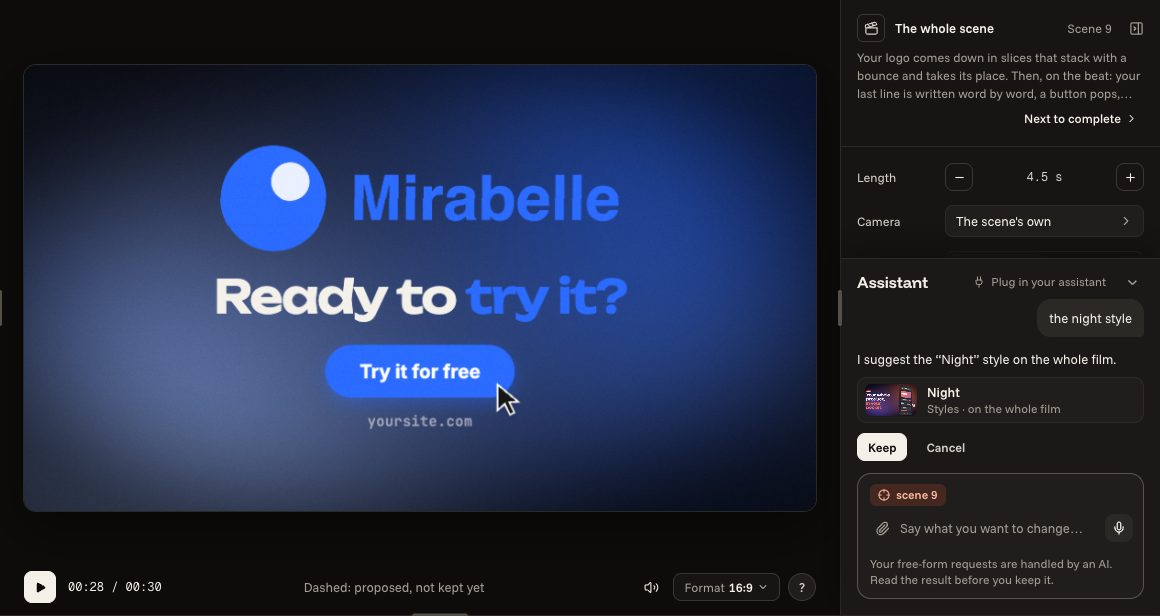
On the right, write the name of a style: the assistant offers it, and you keep it or leave it aside. The India ink and Ink cloud styles dress almost everything; these keep colours of their own: the scenes Letter by letter, Curve editor, Subject as a heat map, Restyle, Terminal and Wall and word and the transitions Construction lines, Pixel iris and Shutter. The Architect's drawing style dresses almost everything; these keep colours of their own: the scenes End on the tagline, One shape, three roles and Restyle. The ASCII art style dresses almost everything; these keep colours of their own: the scenes Subject as a heat map and Rating and the transition Shutter. The Bauhaus style dresses almost everything; these keep colours of their own: the scene Rating and the transitions Pixel iris and Shutter. The Neo-brutalism style dresses almost everything; these keep colours of their own: the transitions Pixel iris and Shutter. The Comic book style dresses almost everything; these keep colours of their own: the scenes Drop, Plume and Icon with volume and the transitions Mosaic, Pixel iris, Shutter and Tunnel. The Paper cutout style dresses almost everything; these keep colours of their own: the scene Rating. The Art deco style dresses almost everything; these keep colours of their own: the scene Restyle and the transition Shutter. The Halo style dresses almost everything; these keep colours of their own: the scenes Halo rise and Terminal and the transitions Construction lines, Pixel iris and Shutter. The Isometric style dresses almost everything; these keep colours of their own: the transitions Next panel and Shutter. The Kinetic type style dresses almost everything; these keep colours of their own: the transitions Pixel iris and Shutter. The Liquid morph style dresses almost everything; these keep colours of their own: the scenes Rating and Terminal and the transitions Pixel iris and Shutter. The Neon glow style dresses almost everything; these keep colours of their own: the scenes Restyle and Terminal and the transitions Pixel iris and Shutter. The Particles style dresses almost everything; these keep colours of their own: the scenes End on the tagline and Restyle and the transitions Pixel iris and Shutter. The Physics style dresses almost everything; these keep colours of their own: the scenes Typed in the frame, Rating and Terminal and the transitions Pixel iris and Shutter. The Pixel art style dresses almost everything; these keep colours of their own: the scene Restyle. The Split flap style dresses almost everything; these keep colours of their own: the scenes Subject as a heat map, Restyle and Terminal and the transitions Pixel iris and Shutter.
the night style