Length
A scene longer or shorter, or the whole film to the second.
3 steps
- 01
Pull the edge of a scene
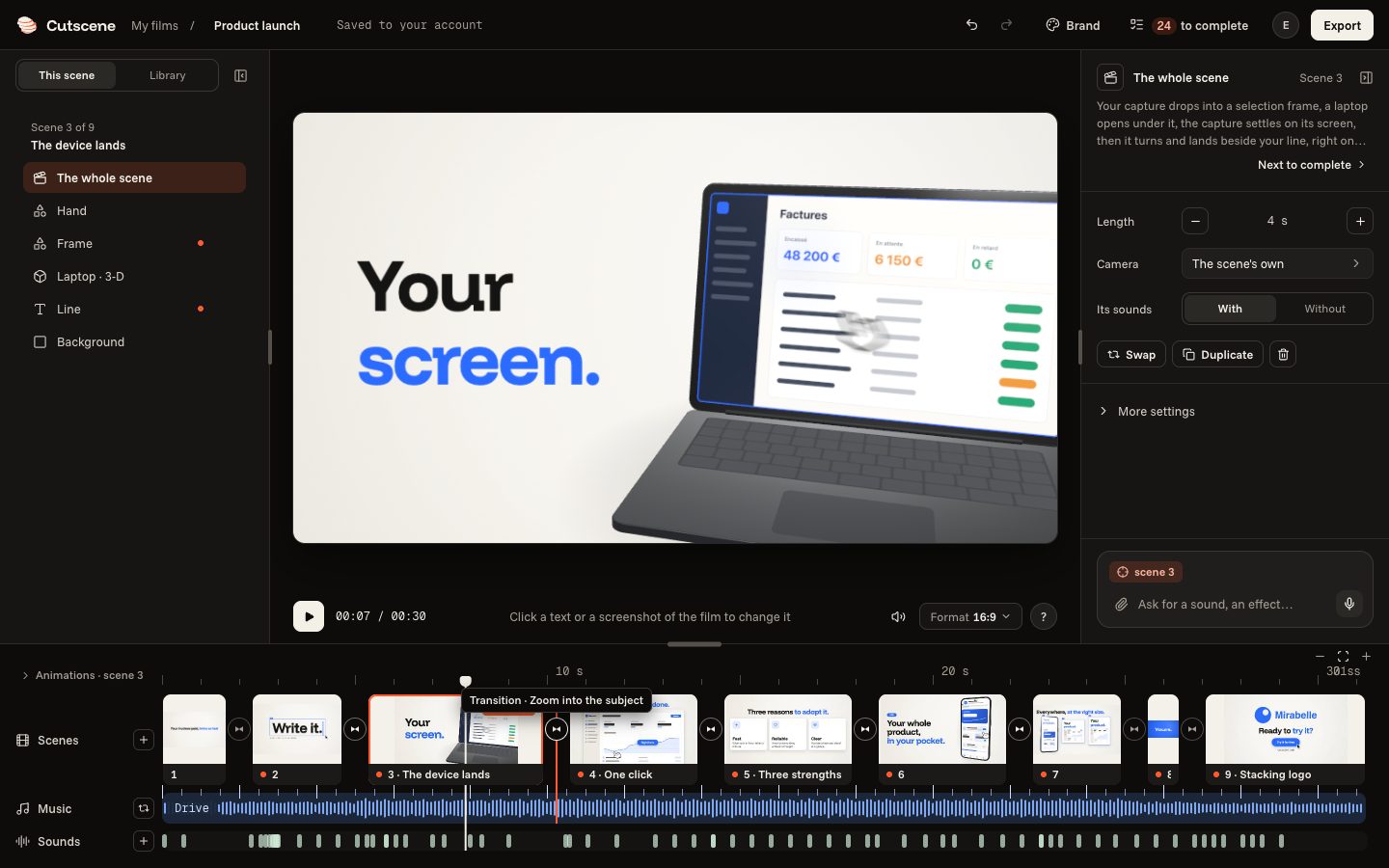
At the bottom, pull a scene's right edge: its length shows while you pull. With Alt, it is more precise.
- 02
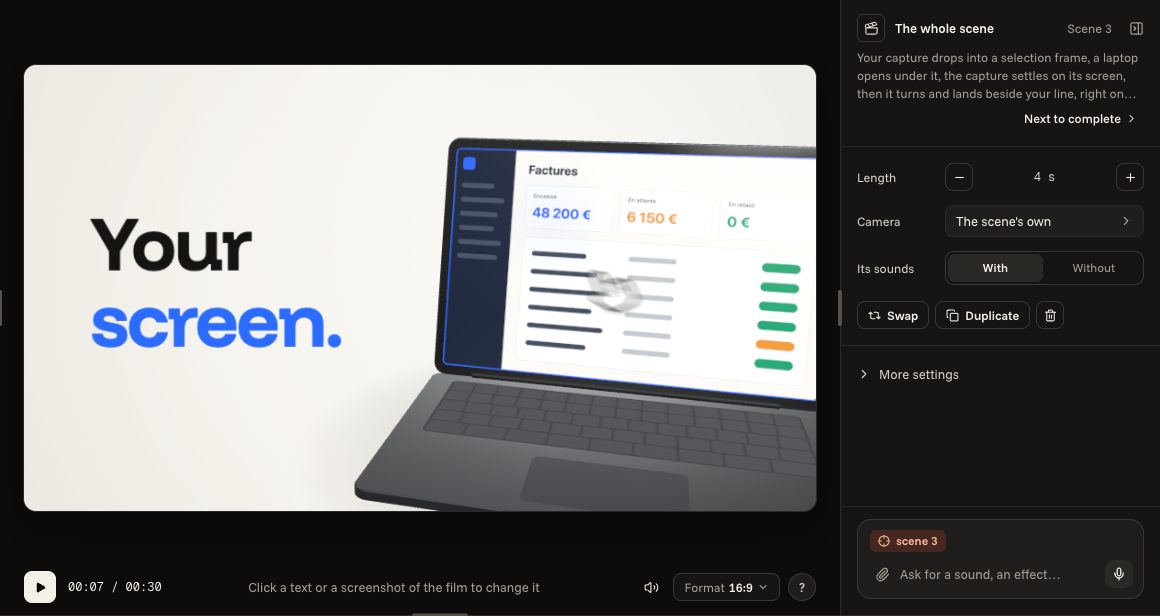
Or from “The whole scene”
On the right, when no element is chosen, “The whole scene” shows its length: its − and + buttons shorten or lengthen it.
- 03
The whole film
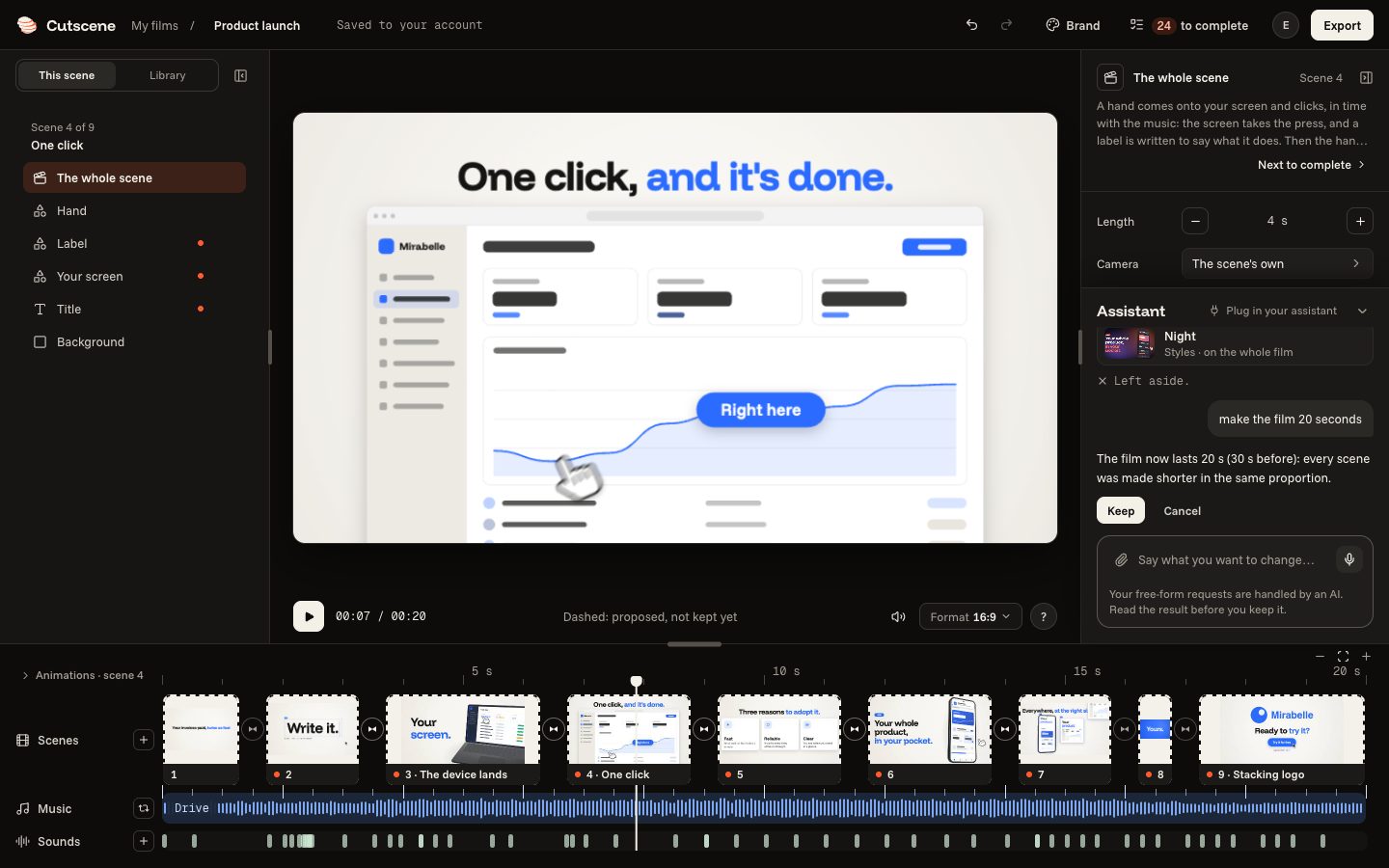
Ask the assistant for it, in seconds: it changes the length of the scenes so that the film lasts that long. The counter, under the film, gives its length.
make the film 20 seconds