Transitions
What takes one scene to the next: try it, keep it, take it away.
4 steps
- 01
Click between two scenes
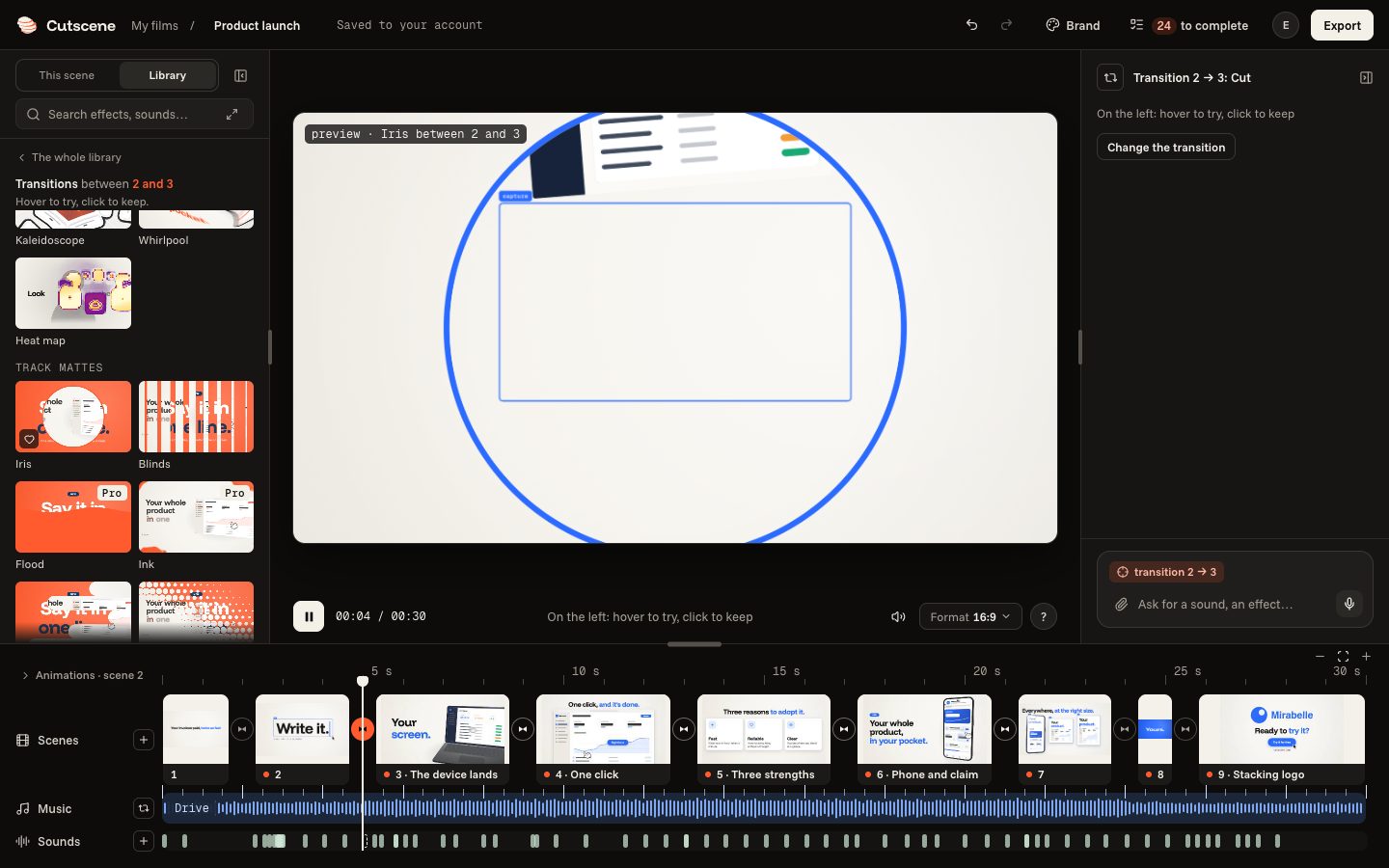
The small round button between two scenes, at the bottom, opens the transitions on the left.

- 02
Hover, then click
Hover over a transition: the film plays it. Click to keep it.
- 03
An element that makes the link
When two scenes show the same element, “An element makes the link” carries it from one to the other. “No link” leaves it in its place.

- 04
Go back to a cut
A right click on the round button: “Back to a cut” takes the transition away, and the next scene arrives at once.