Cancelling or withdrawing
The two pages to stop a subscription: what each one does.
3 steps
- 01
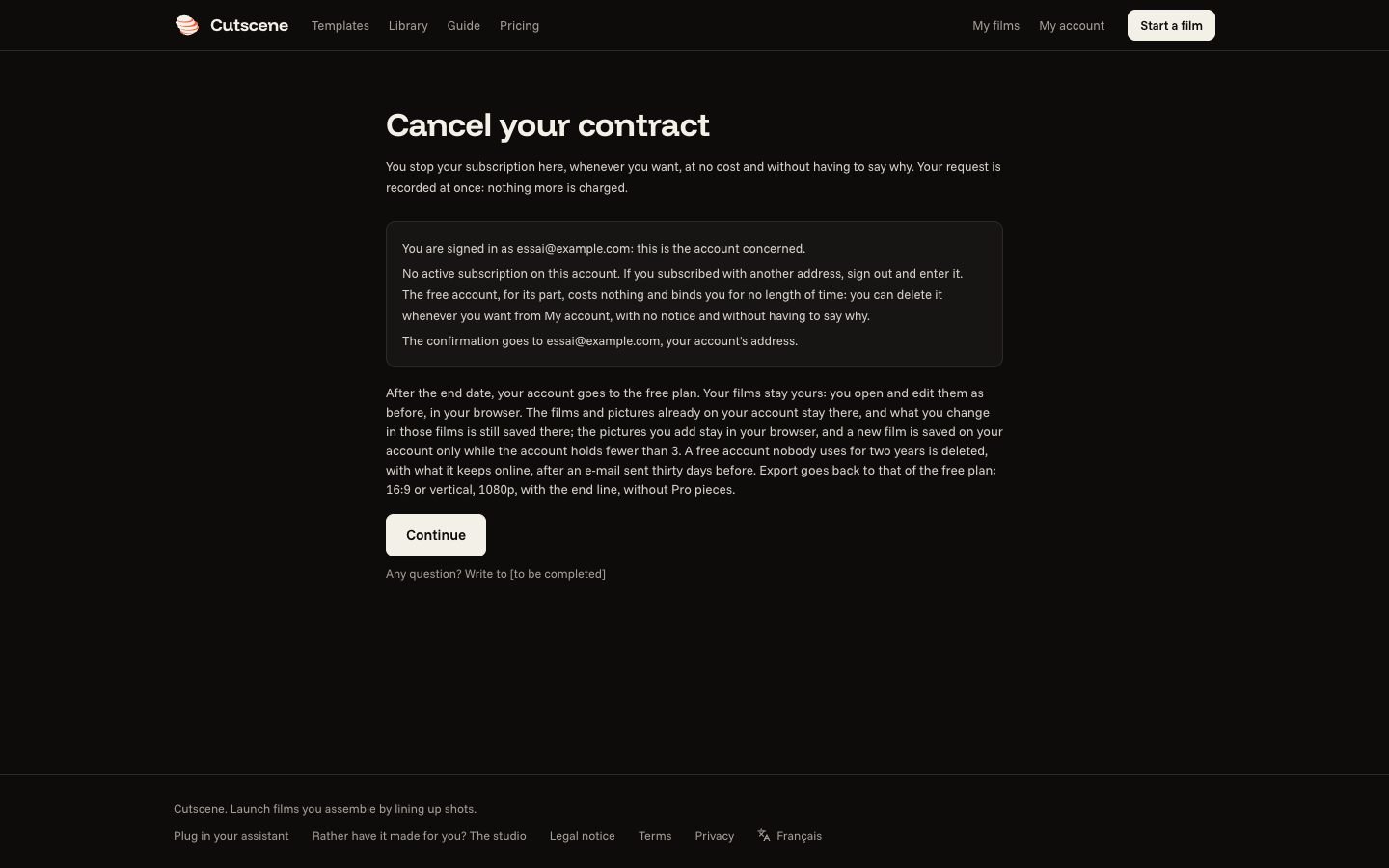
Cancel your contract
You stop your subscription here, whenever you want, at no cost and without having to say why. Your request is recorded at once: nothing more is charged. Open the page. In “My account”, a subscriber also finds “Cancel my subscription”.
- 02
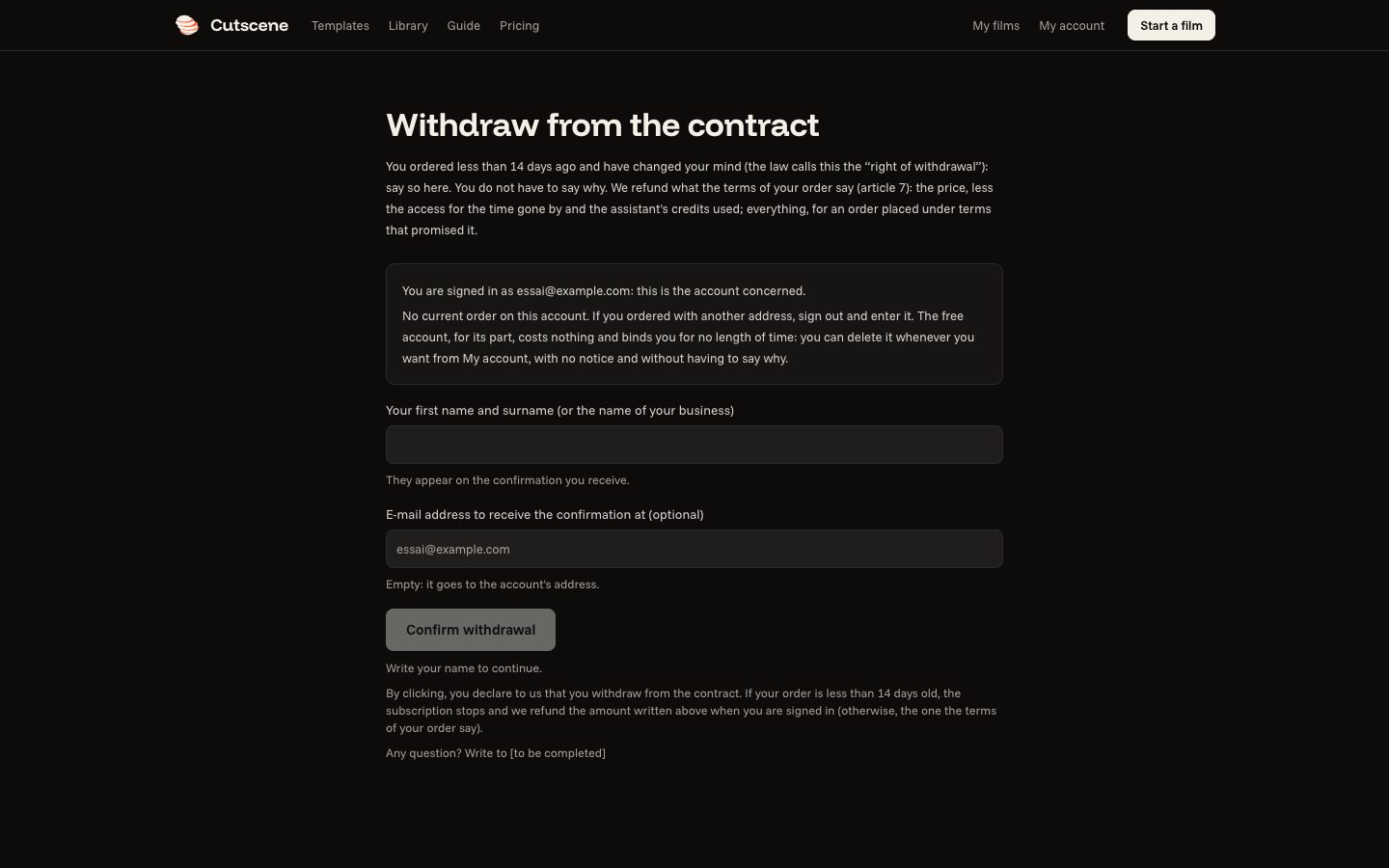
Withdraw from contract here
You ordered less than 14 days ago and have changed your mind (the law calls this the “right of withdrawal”): say so here. You do not have to say why. We refund what the terms of your order say (article 7): the price, less the access for the time gone by and the assistant's credits used; everything, for an order placed under terms that promised it. Open the page.
- 03
Which one?
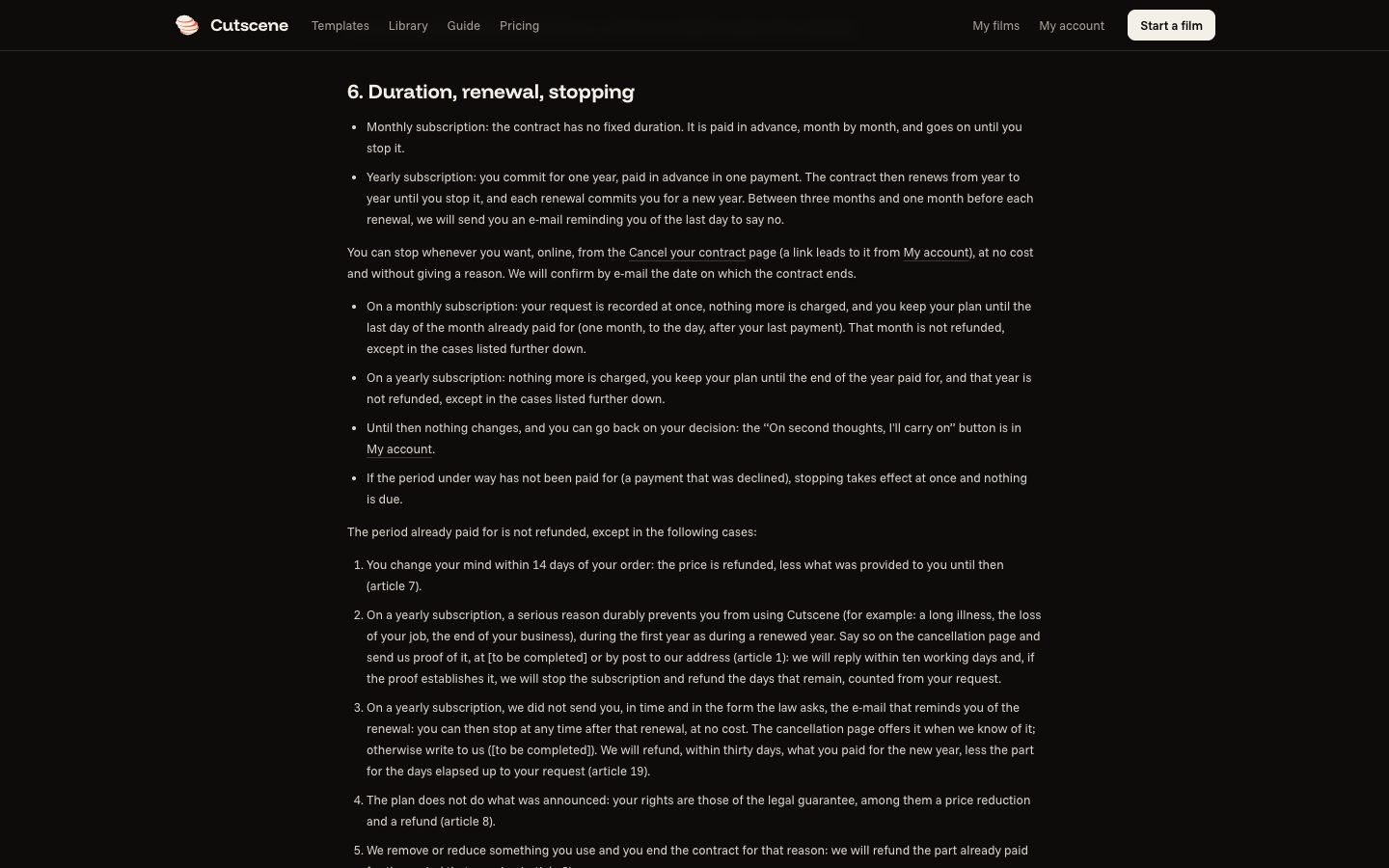
If you ordered less than 14 days ago: cancelling refunds nothing; withdrawing from the contract refunds the price, less what was provided to you until then (article 7 of the terms). The details are in the terms, articles 6 and 7.