Your films on your account
Where your films are kept, how to find them elsewhere, how to keep them in a file.
3 steps
- 01
In your browser, at every change
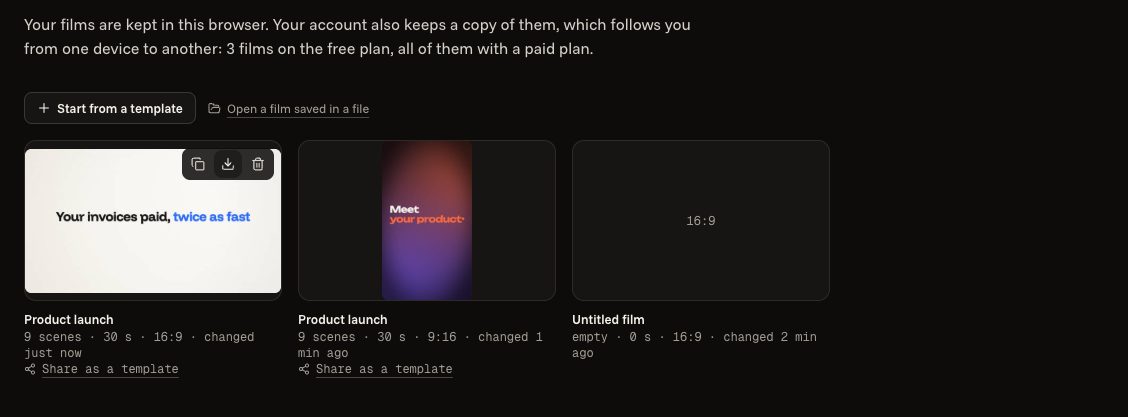
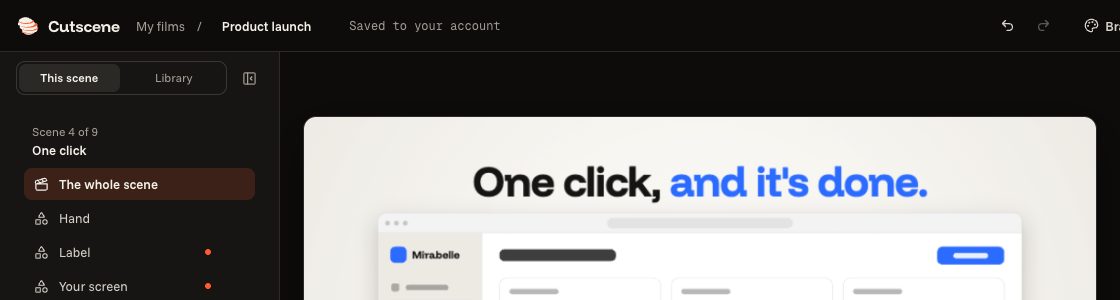
Each film is kept in your browser, at every change. At the top of the editor, “Saved to your account” says that a copy is on your account too.
- 02
A copy on your account
Your account keeps a copy of 3 of your films on the free plan, without their pictures or sounds, and of all of them with a paid plan, with their pictures and sounds. On another device, “My films” lists them under “On your account”: “Open here”.
- 03
In a file
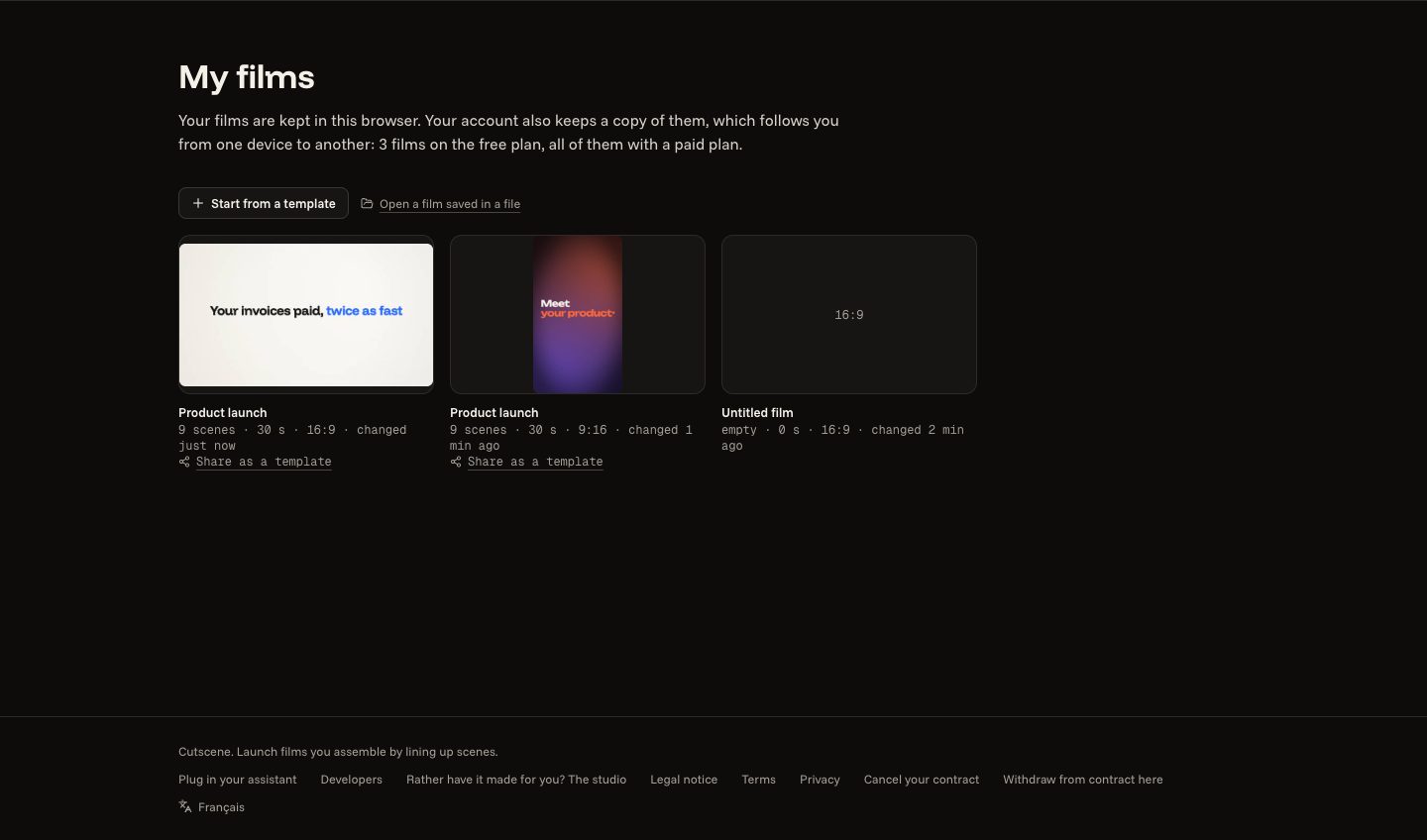
On a film's card in “My films”, the “Save the file” icon (the arrow pointing down) puts it in a .cutscene.json file, to keep it or hand it to somebody; “Open a film saved in a file” opens it again. That file does not hold your pictures or your sounds.