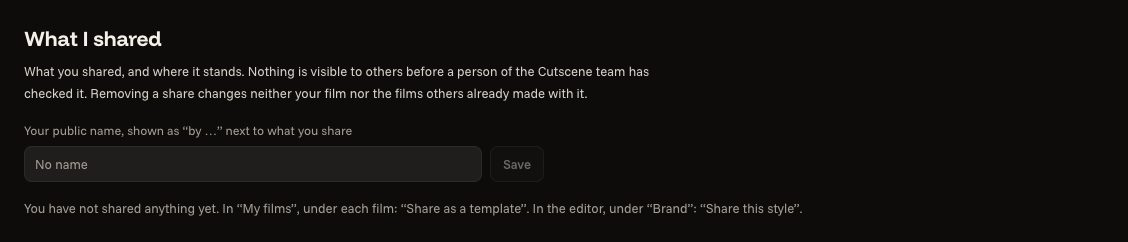
Sharing a template
Give your film to others as a starting point, without your brand or your pictures.
3 steps
- 01
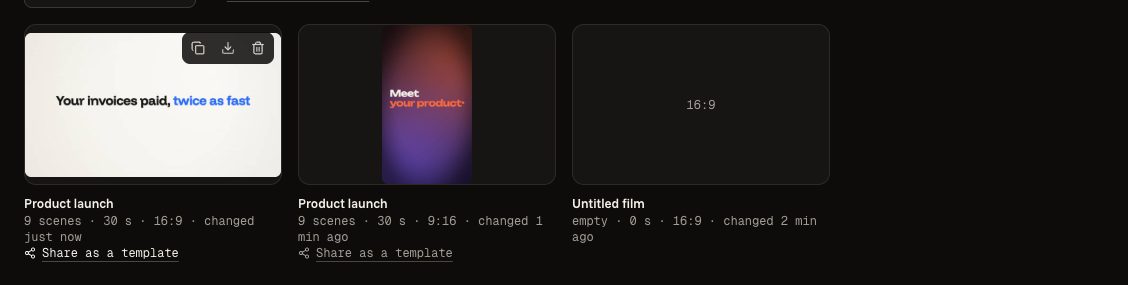
Under your film
In “My films”, under a film: “Share as a template”. To share only your colours, “Share this style” is in the “Your brand” panel.
- 02
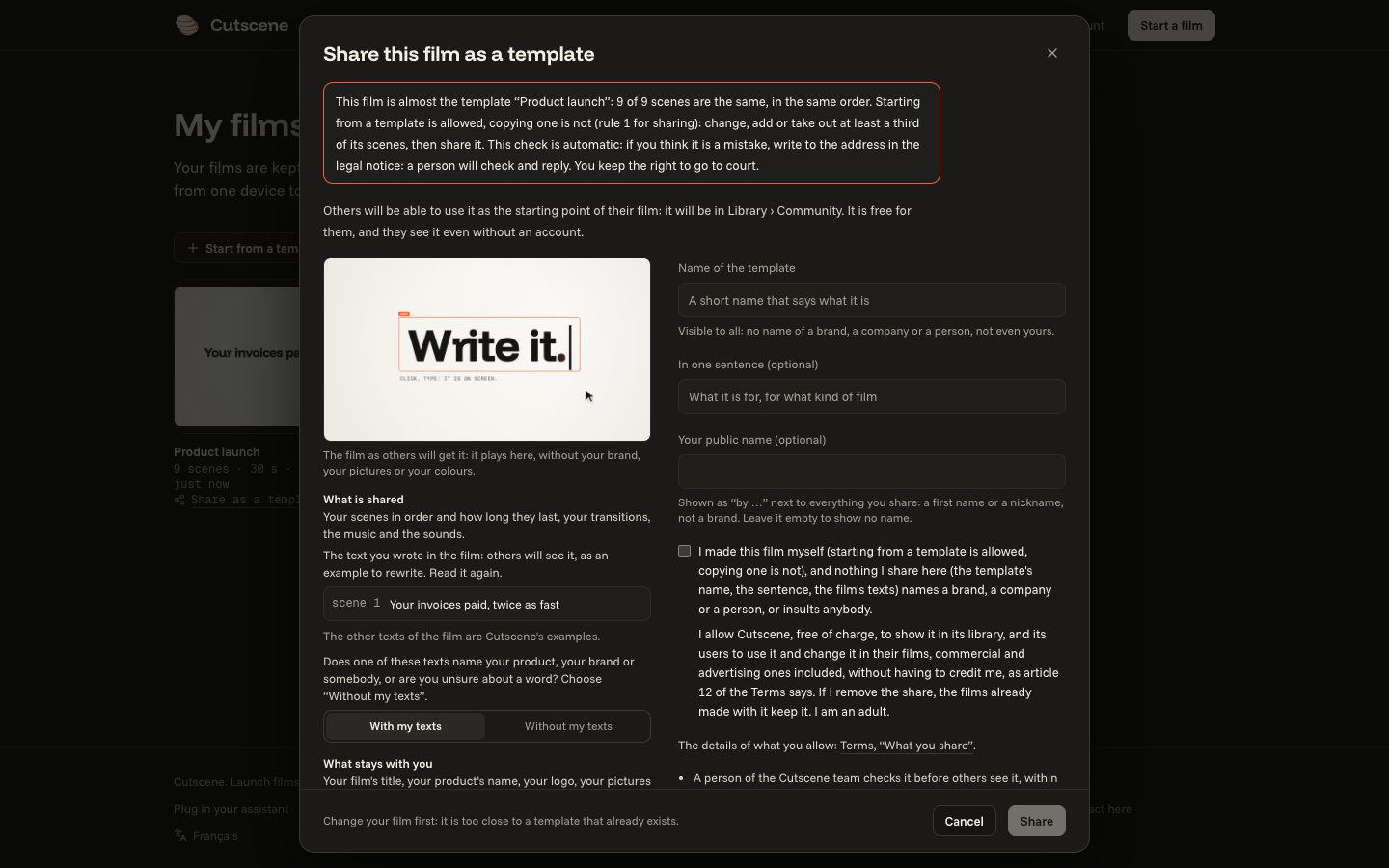
Look at what leaves
The window plays the film as the others will have it: without your brand, your pictures or your colours. It says what leaves and what stays with you, and warns you when your film is too close to a template that already exists: starting from a template is allowed, copying it is not.
- 03
A person checks it
A person of the Cutscene team checks it before the others see it, within 3 days at most. The answer shows in “My account”, “What I shared”.