Your first film in 5 minutes
A template, your words, your screenshots, your brand, then the MP4 file: the five basic gestures.
5 steps
- 01
Choose a template
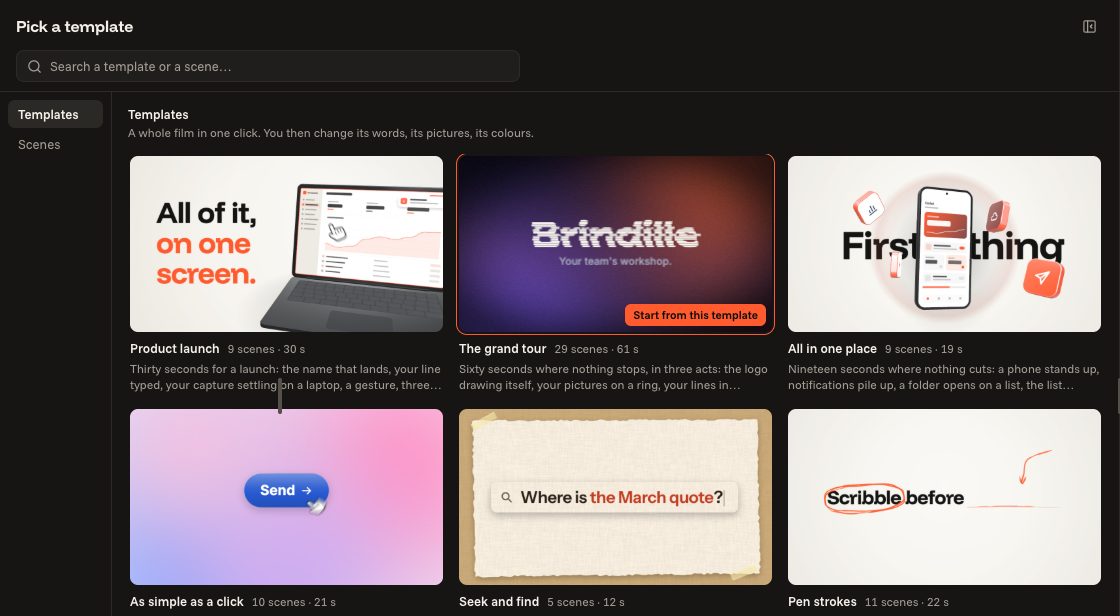
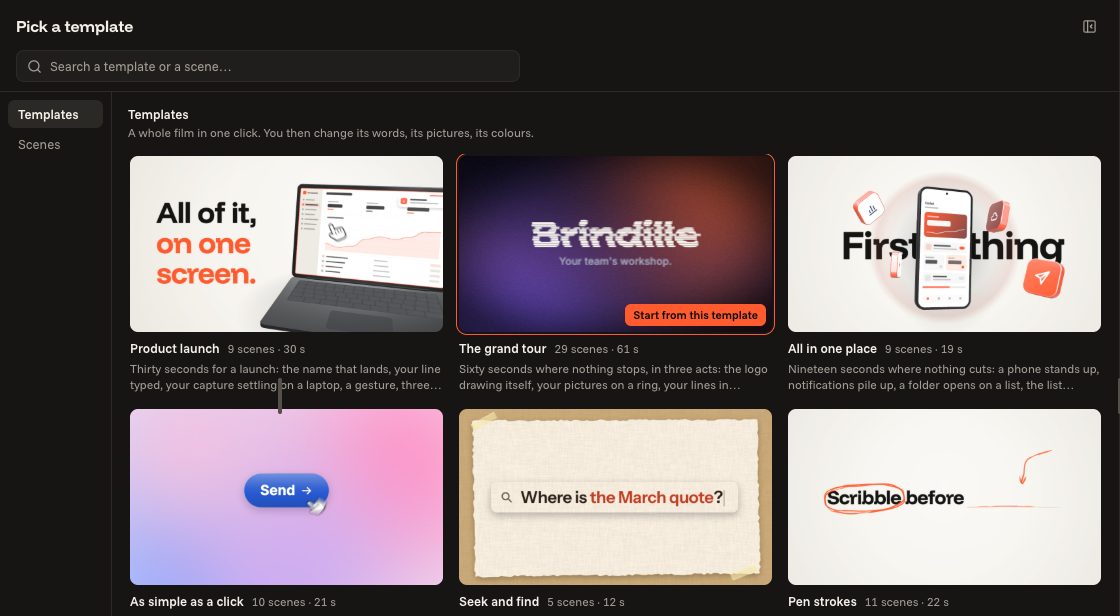
In a new film, the library opens on the templates. One click on a template and the film is whole: its scenes, its transitions, its music, its sounds. Hover over a template to see it move before choosing.
- 02
Write your words
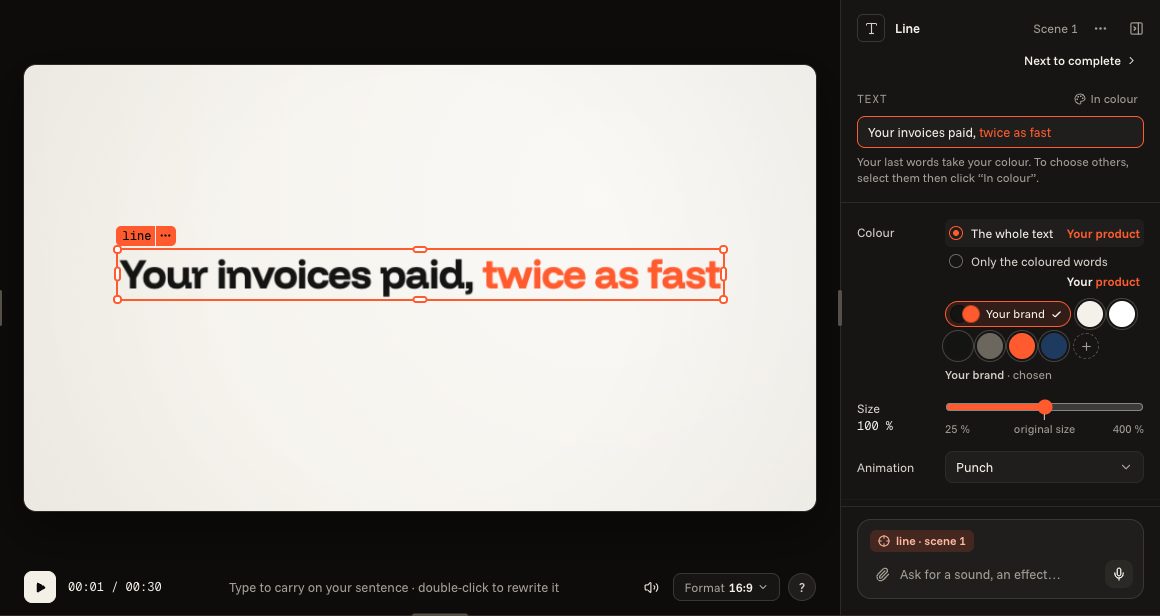
Click a text in the film and type: your words replace the example. Its field opens on the right; “Next”, above it, takes you to the following text, up to the last one.
- 03
Put your screenshots in
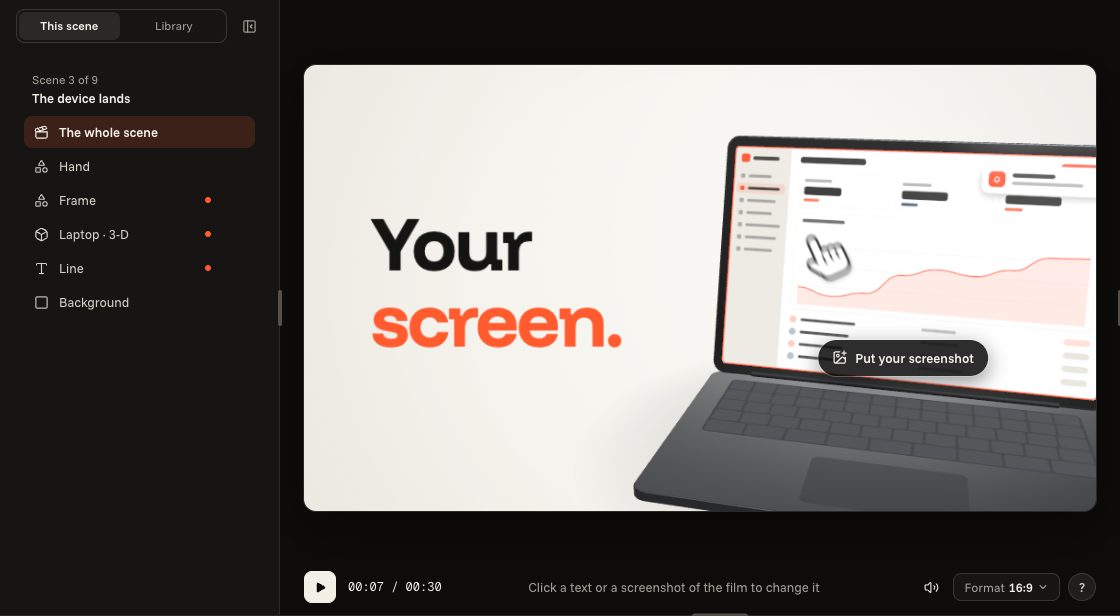
The scenes that show your product display an example screen and the “Put your screenshot” button. Click it to choose your screenshot, or drop it straight onto the film. As it comes off your screen, it is enough: it is framed for you.
- 04
Put your brand on
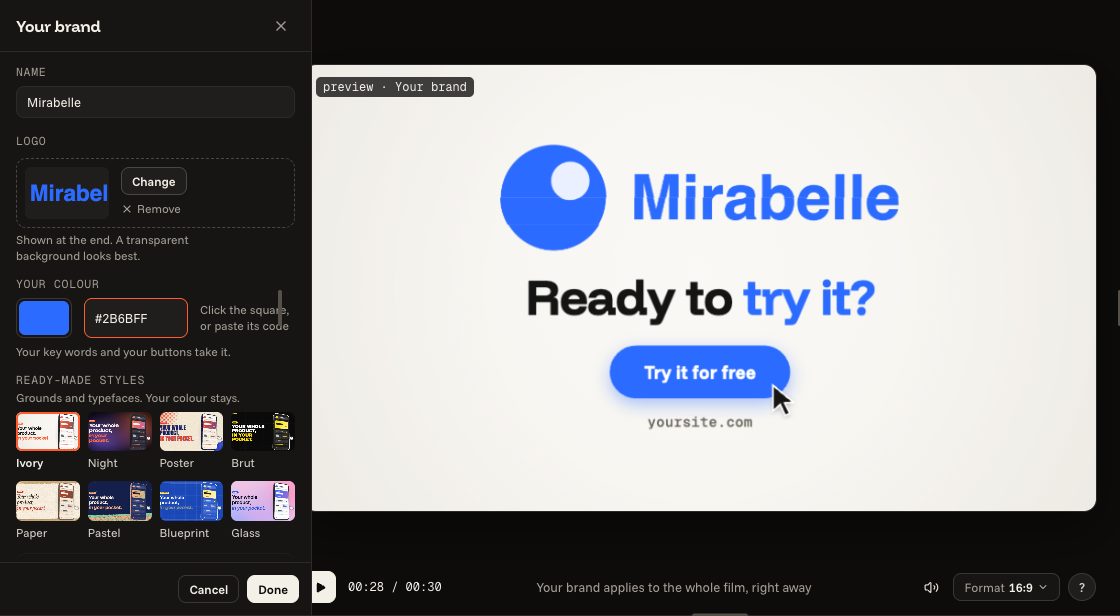
The “Brand” button, at the top: your product's name, your logo, your colour (you can paste its code). The whole film takes them at once.
- 05
Export as MP4
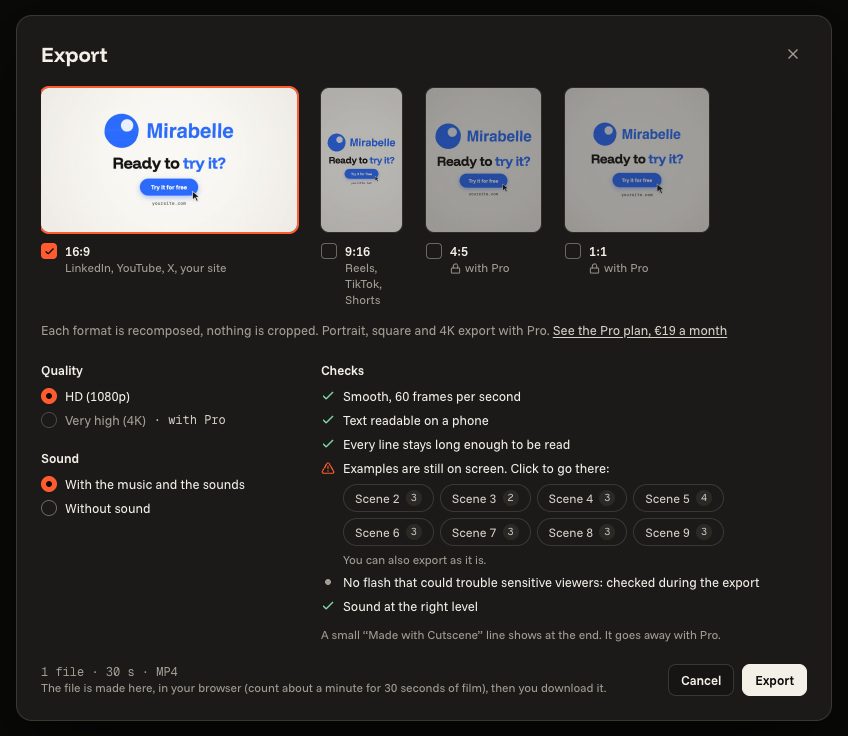
Click “Export”: the window tells you again what is left to write, then makes the MP4 file in your browser, with the sound.