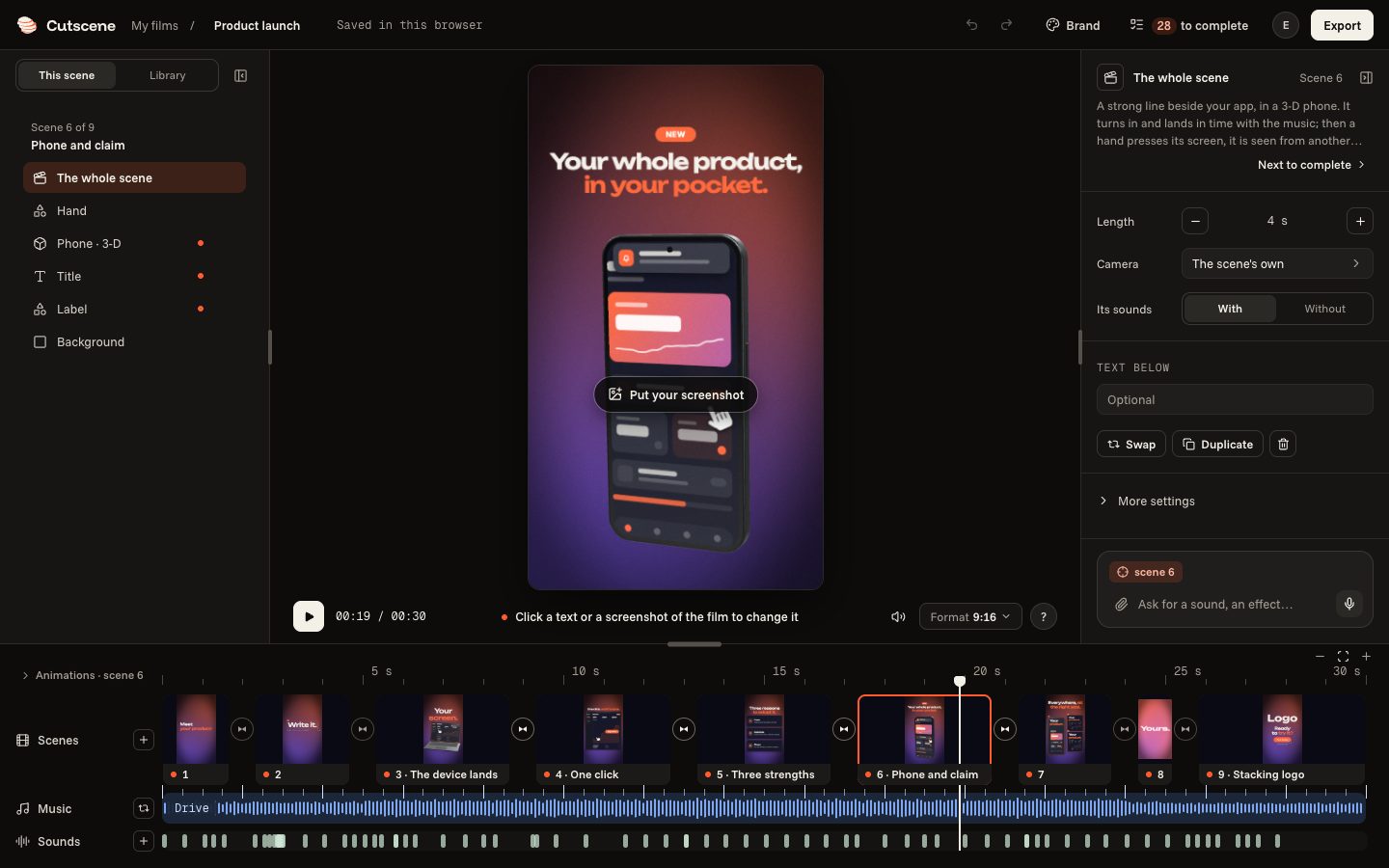
Starting from a template
Look at the templates, try them in your format and your style, then open one in the editor.
3 steps
- 01
Look at the templates
The “Templates” page shows them all: launch, app, new feature, demo, teaser… Hover over a template: it plays on its card.
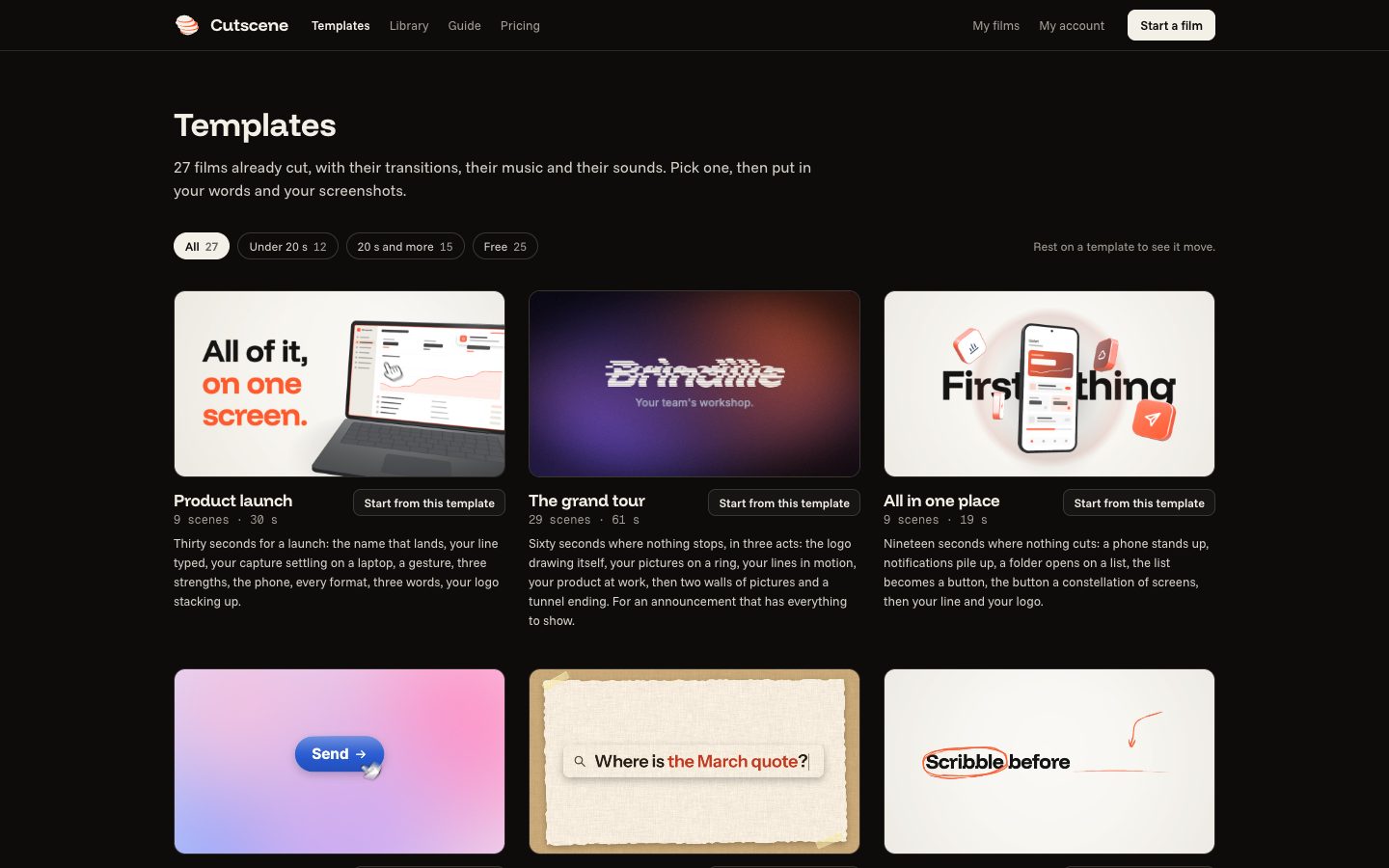
- 02
Try a format and a style
Open a template: the film plays large. Change its format (landscape, vertical, portrait, square) and try its styles, under the film.
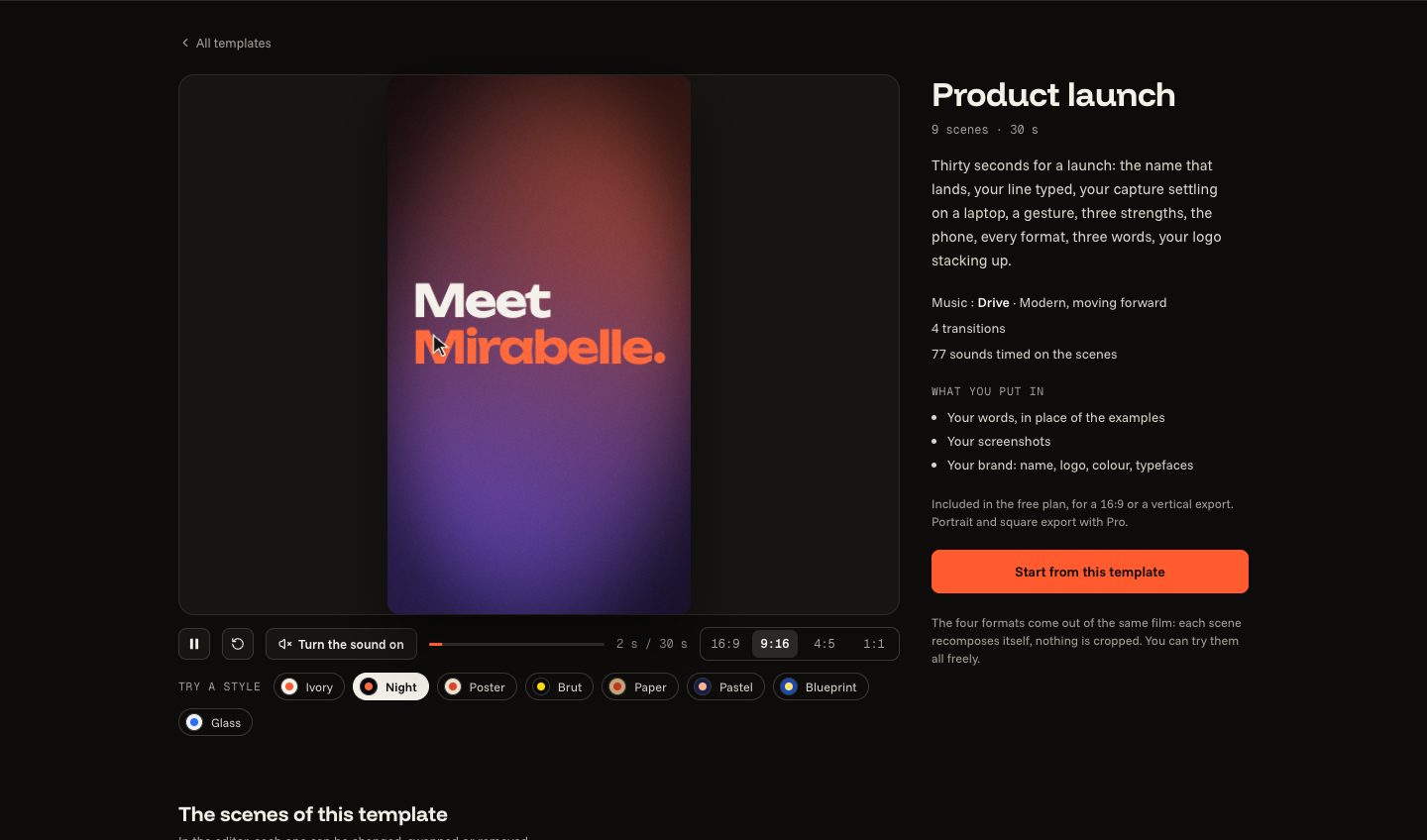
- 03
Click “Start from this template”
The film opens in the editor, in the format and the style chosen. It is yours: its words, its pictures, its scenes can all be changed next.