Asking in your own words
Write or say what you want to the assistant, then keep it or leave it.
3 steps
- 01
Write on the right
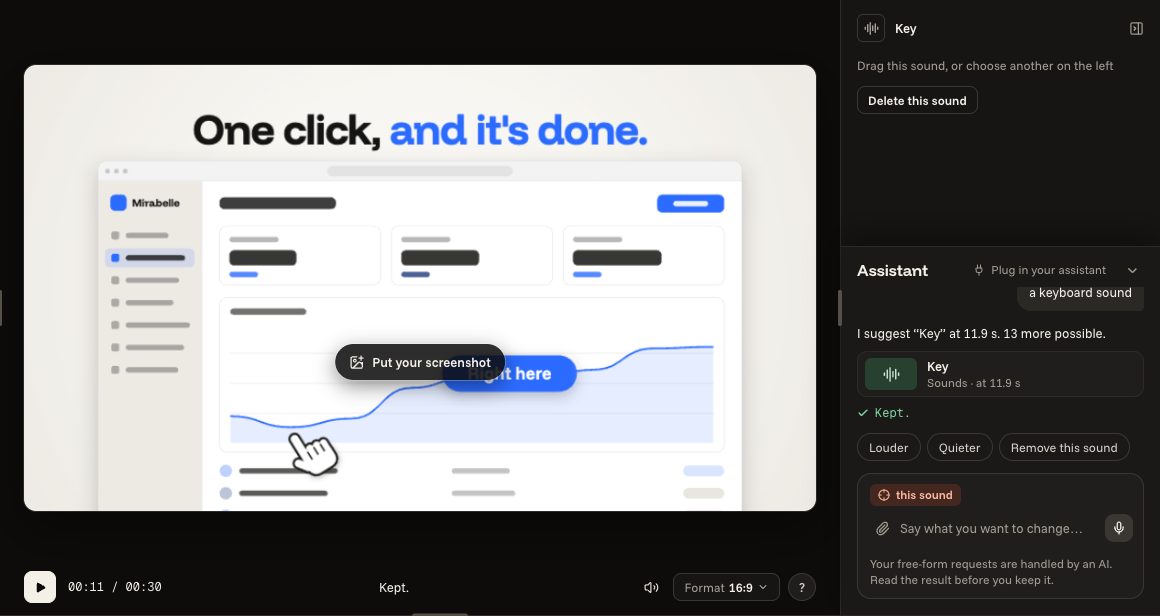
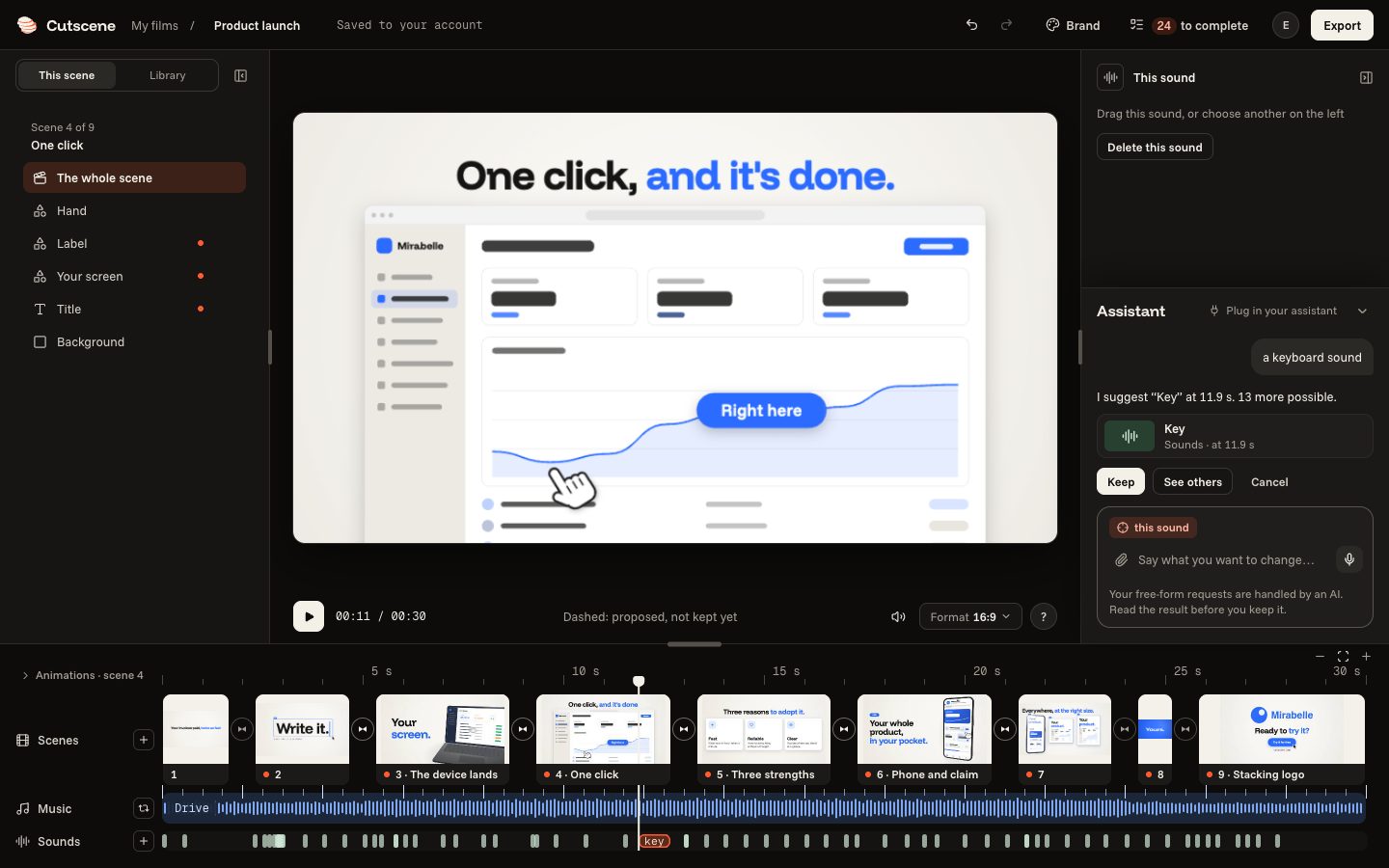
At the bottom right, write in the assistant's line what you want: a sound, a music, another length. It acts on what you chose (a scene, a transition, the music), shown at the top of the field.
a keyboard sound
a calmer music
shorter
- 02
Keep it or leave it aside
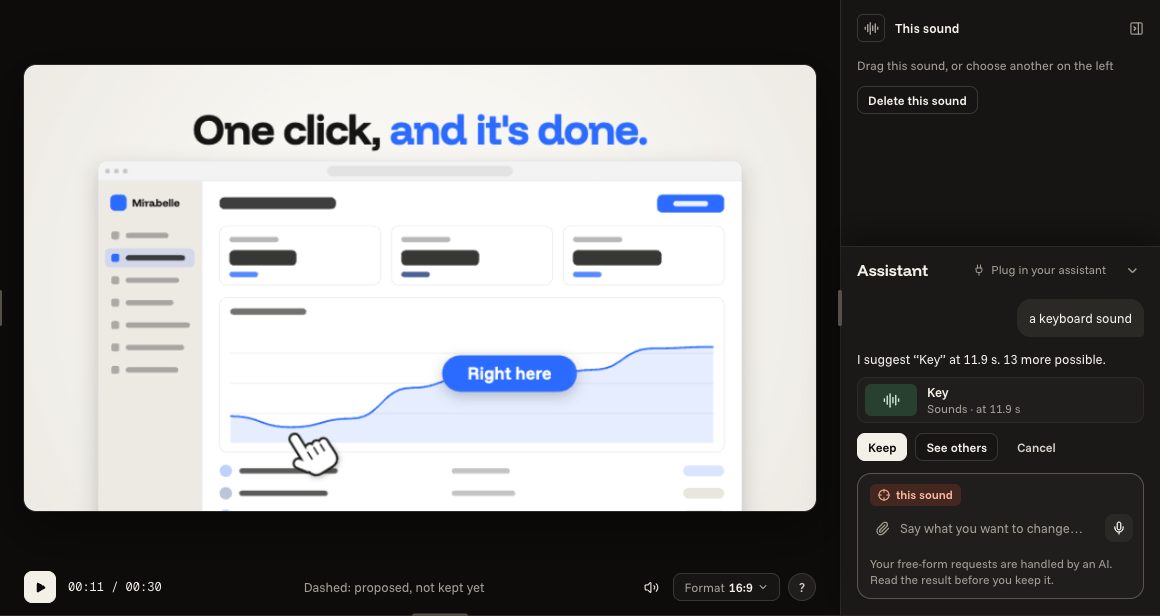
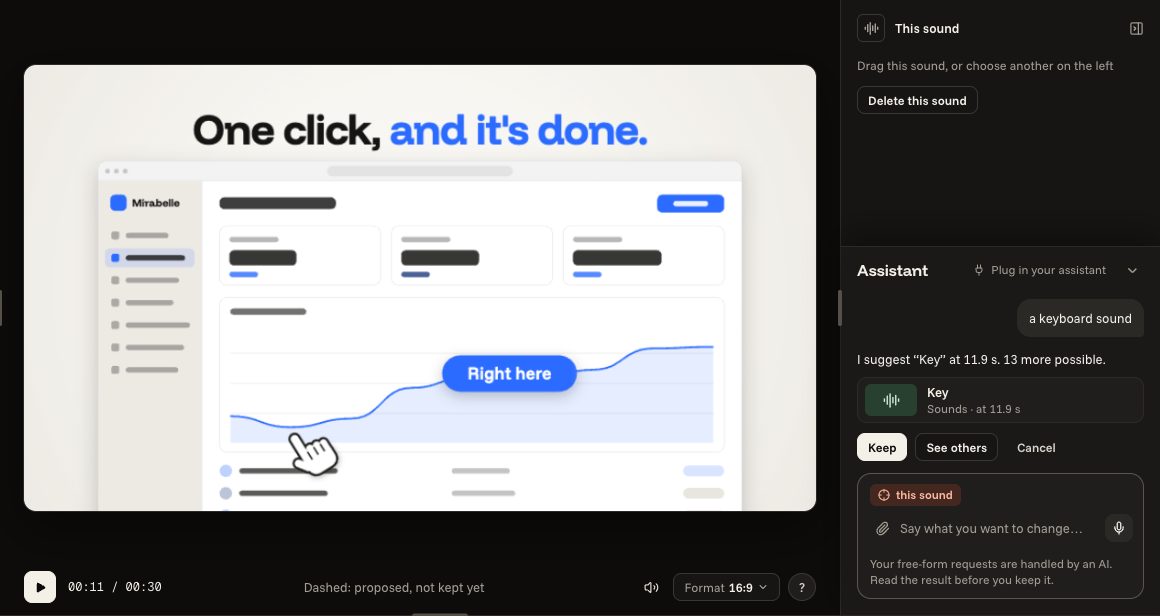
What it offers is dotted: offered, not kept yet. “Keep” (or Enter) keeps it, “Cancel” (or Escape) leaves it aside, “See others” shows other answers.
- 03
Or speak to it
The microphone, at the end of the field, listens to your request: it is done at once, and “Undo” goes back. The paper clip attaches a picture: your screenshot or your logo.