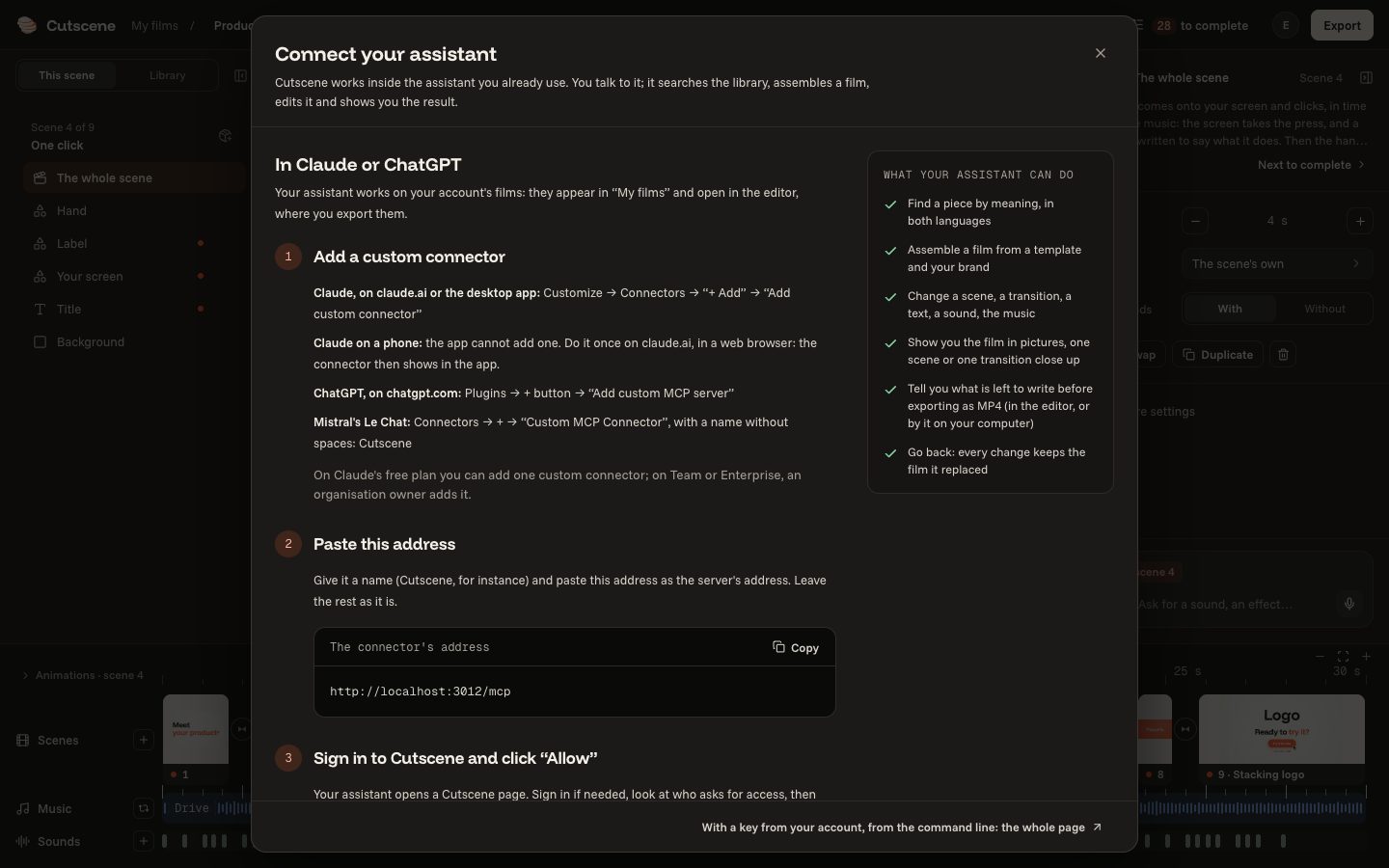
What the assistant can do
Every gesture of the editor can be asked for too. What it does, and what it leaves to you.
4 steps
- 01
Everything the editor does
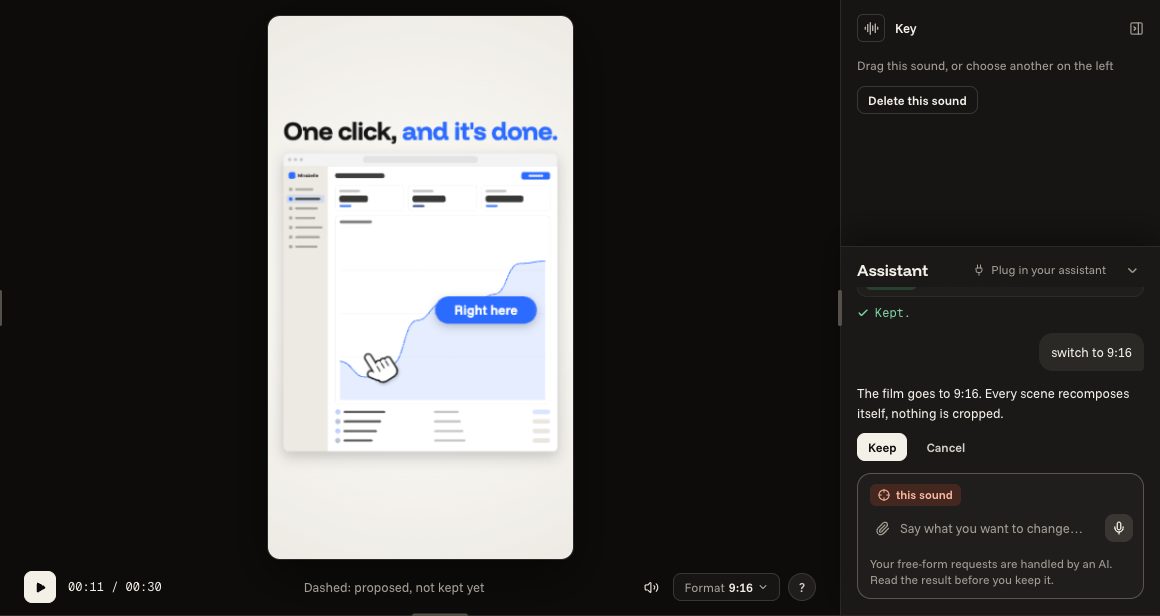
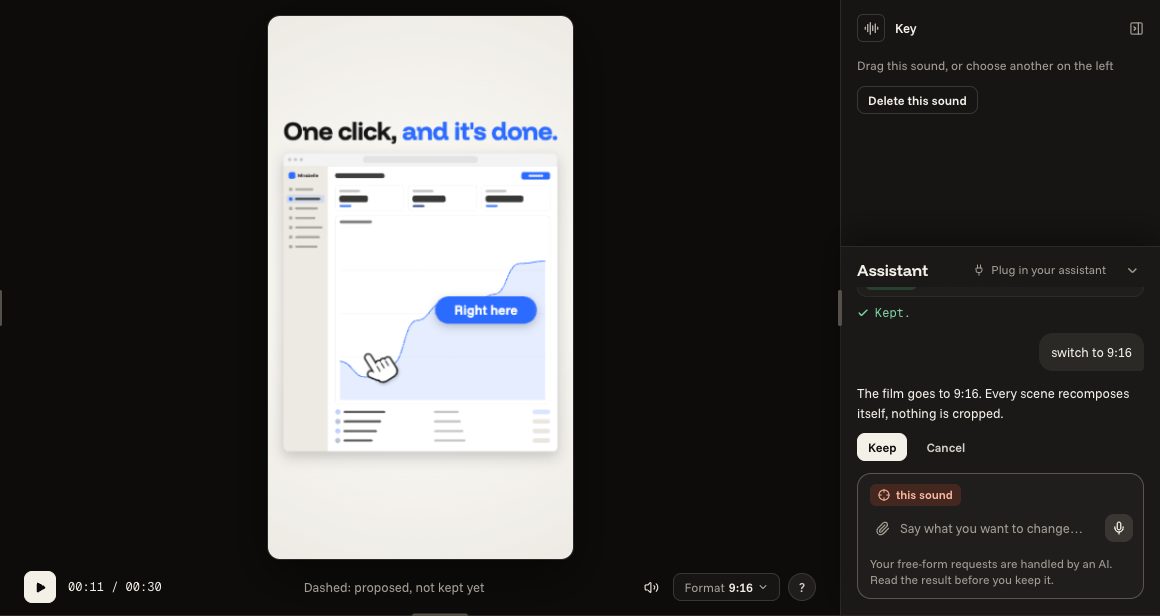
Changing the format, the music, a transition, writing a text, moving a scene, giving the film a length: every gesture of the editor can be asked for too.
switch to 9:16
move scene 2 to the end
my product is called Factur
- 02
It offers, you keep
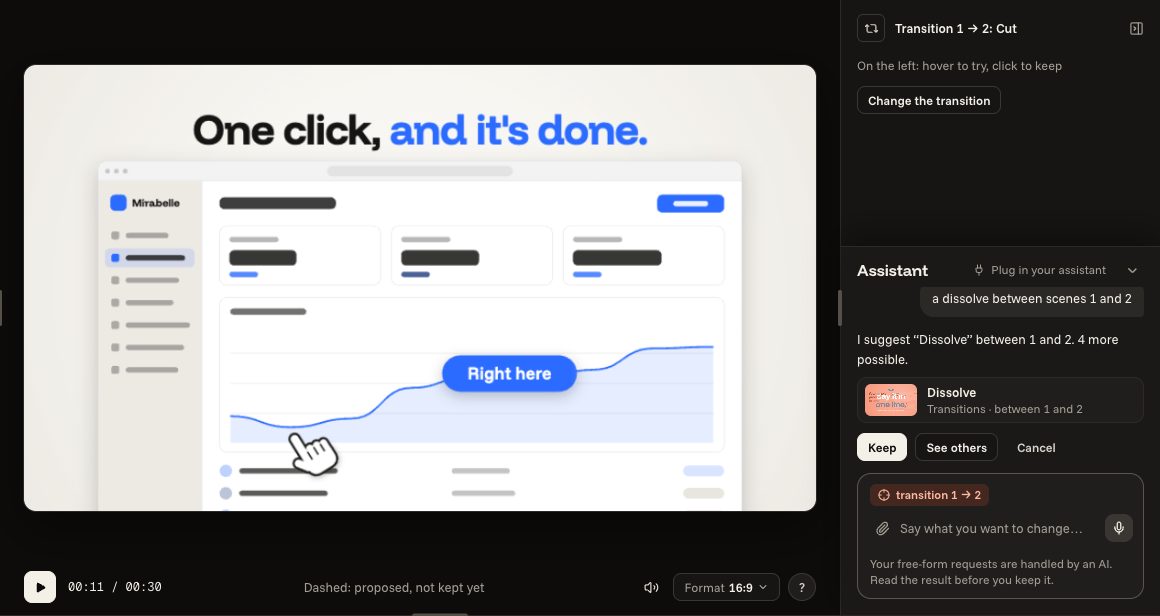
What it understands, it offers at once, already placed in the film, and tells you what it did: you keep it or leave it aside. When it is not sure, it says so.
a dissolve between scenes 1 and 2
- 03
It leaves the last click to you
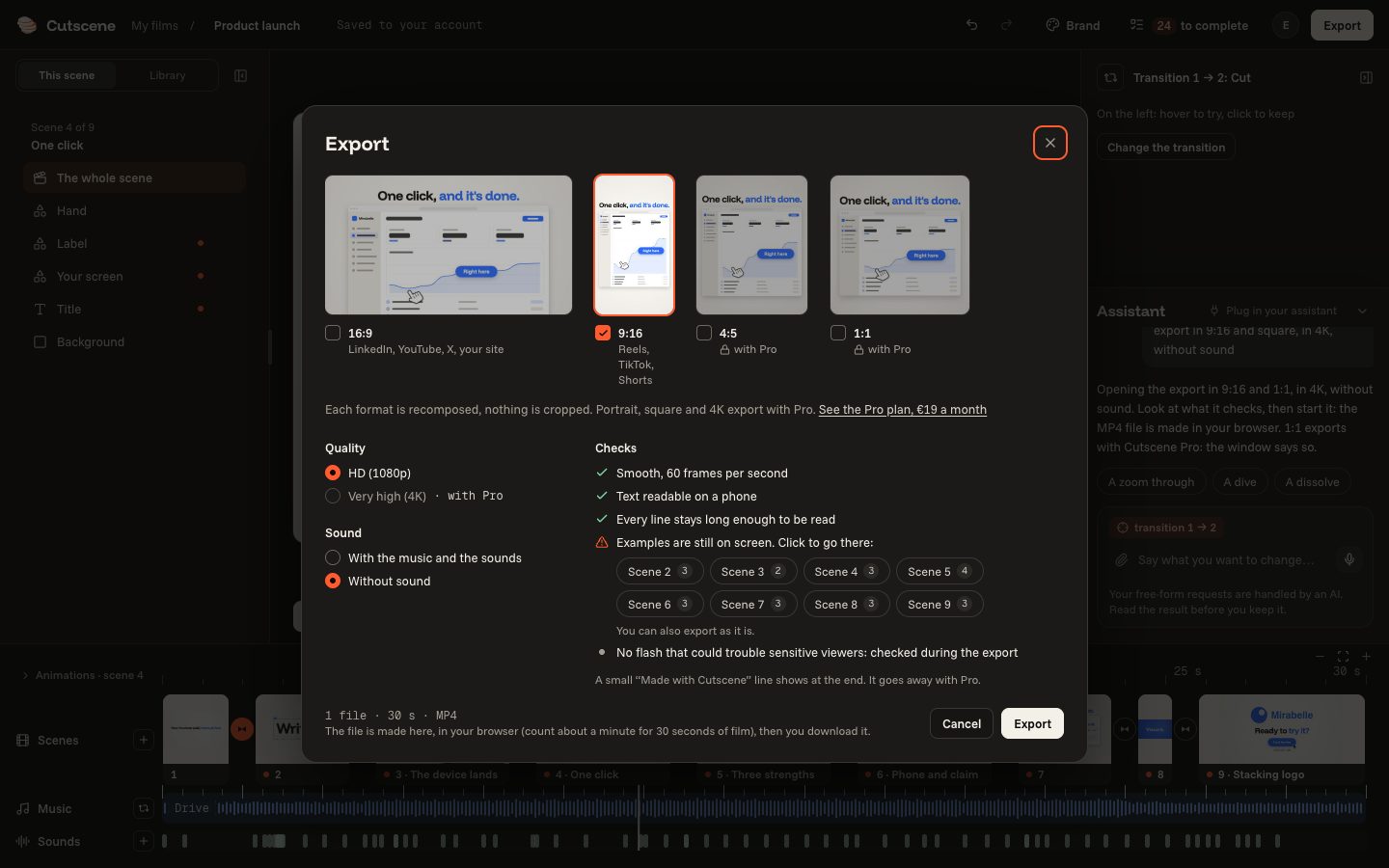
It does not export, pay or sign in for you: it opens the right window, set as you asked, and you click.
export in 9:16 and square, in 4K, without sound
- 04
Your own assistant
Claude or ChatGPT can also work on your films: “Connect your assistant”, in your account's menu (the letter at the top right).