4K
Exporting in very high definition, with Pro.
3 steps
- 01
Choose the quality
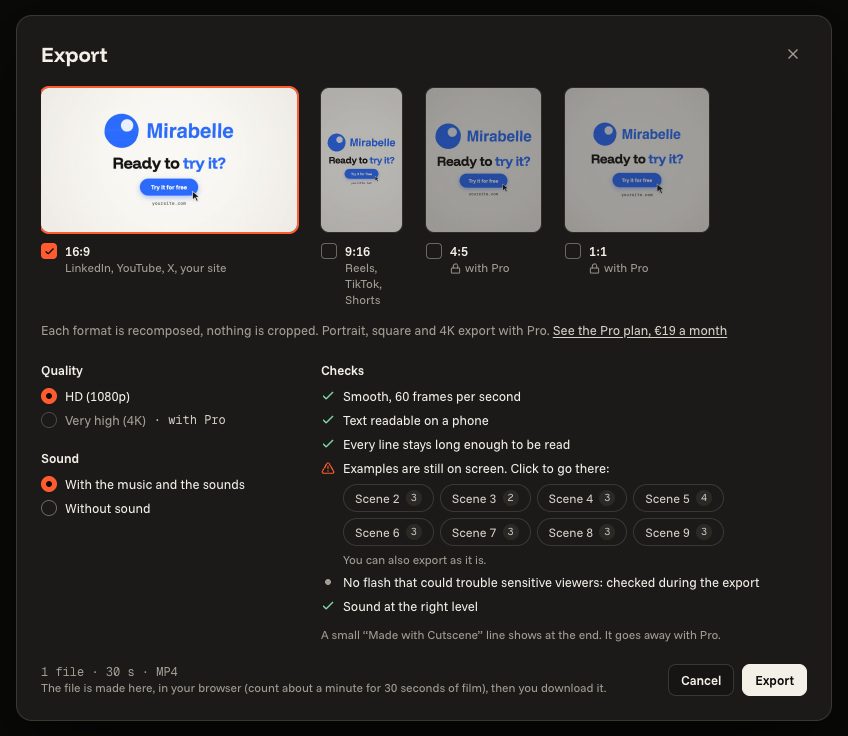
In “Export”, “Quality” offers “HD (1080p)” and “Very high (4K)”.
- 02
4K comes with Pro
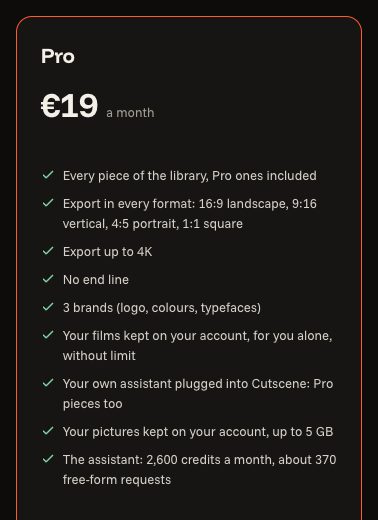
4K exports with Pro, like portrait, square and the film without the end line. Everything can be prepared before: the plan counts at export.
- 03
Change plan
In “My account”, “Change plan” opens the plans.



