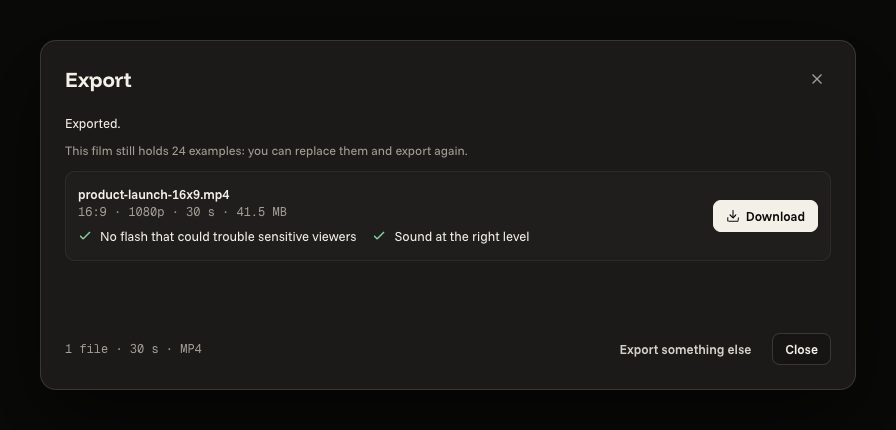
Exporting as MP4
Check what is left, make the file, download it.
3 steps
- 01
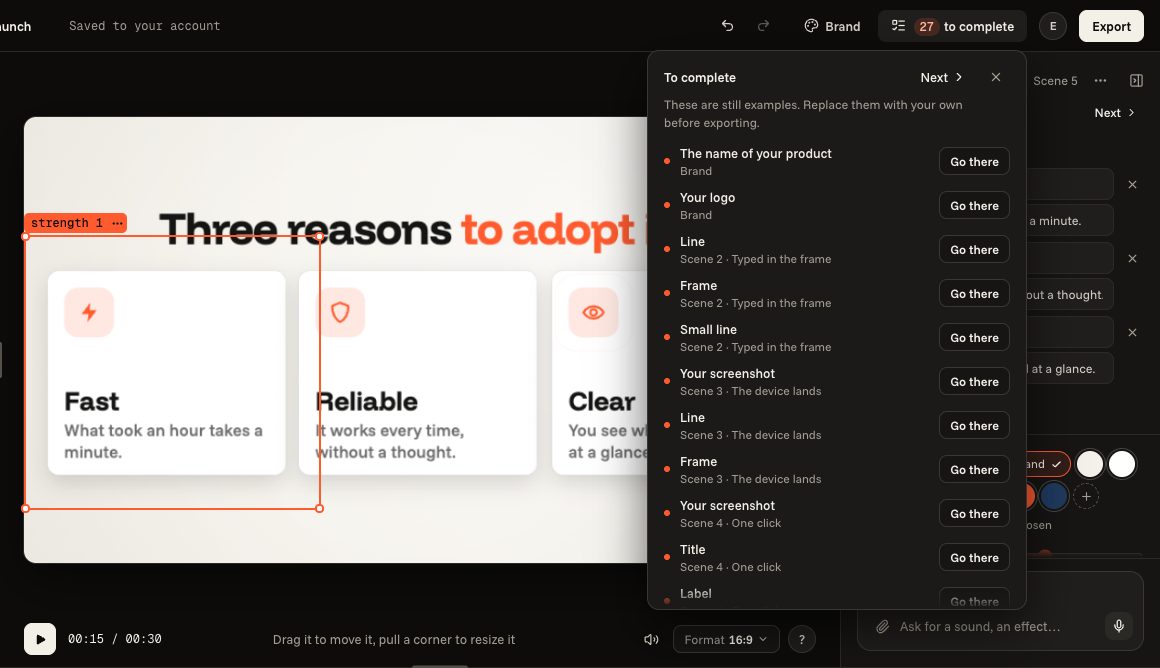
Look at what is left
“To complete”, at the top, lists what is still an example: “Go there” takes you to it. You can also export as it is.
- 02
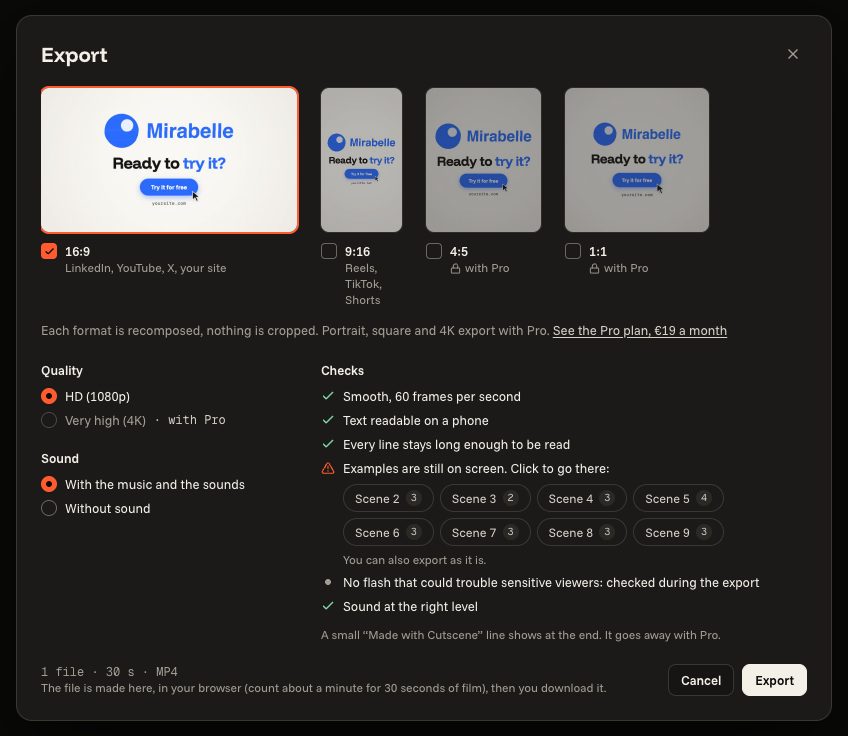
Click “Export”
The window shows the formats, the quality, the sound, and its checks: texts readable on a phone, sentences that stay long enough to be read, no harmful flash.
- 03
Download the file
The file is made in your browser, not on our servers: count about one minute for 30 seconds of film. Then “Download”. It takes Chrome, Edge or a recent Safari; Firefox exports films without sound.