Vertical for Reels and TikTok
Turn the film to 9:16: each scene recomposes itself, nothing is cropped.
3 steps
- 01
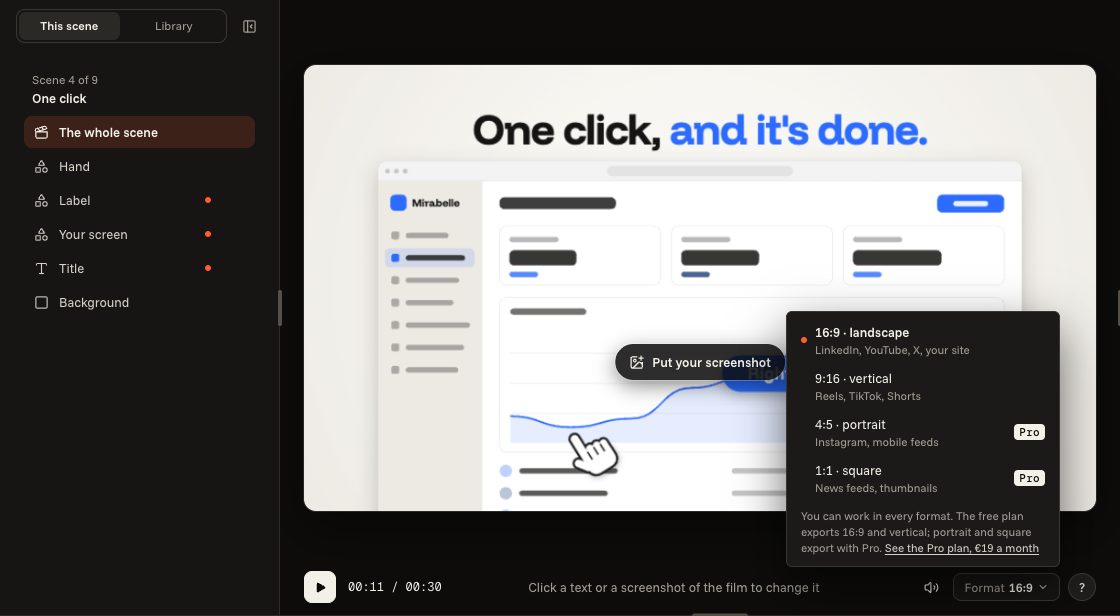
Change the format
The “Format” button, under the film, turns it vertical, portrait or square. You can also choose it on a template's page, before starting.
- 02
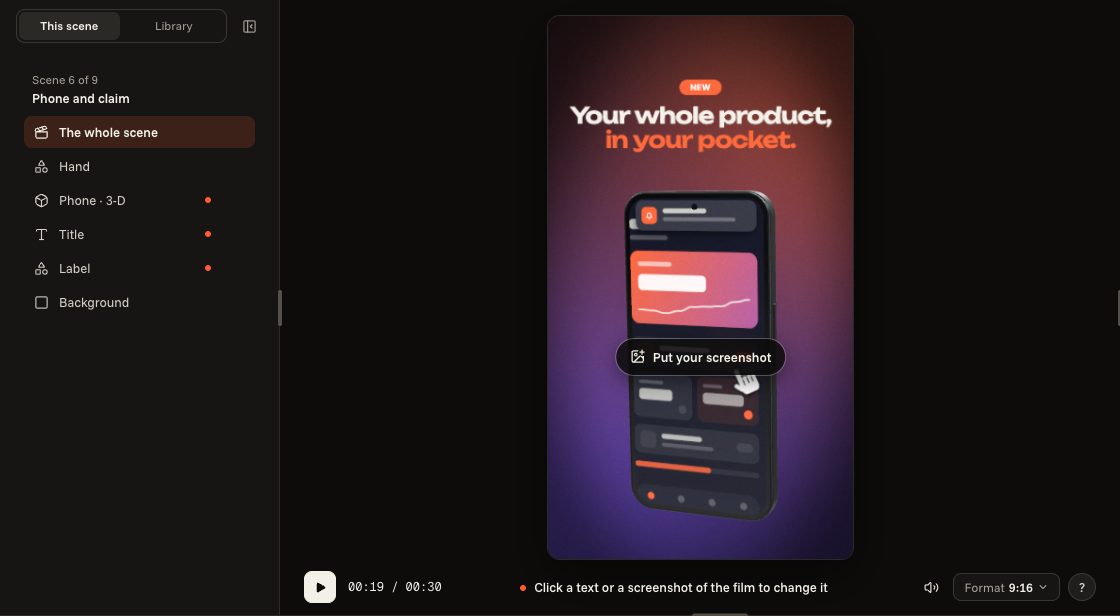
Look at each scene
Each scene recomposes itself: the phone moves, the text changes size, nothing is cropped. Go from one scene to the next to check that everything reads.
- 03
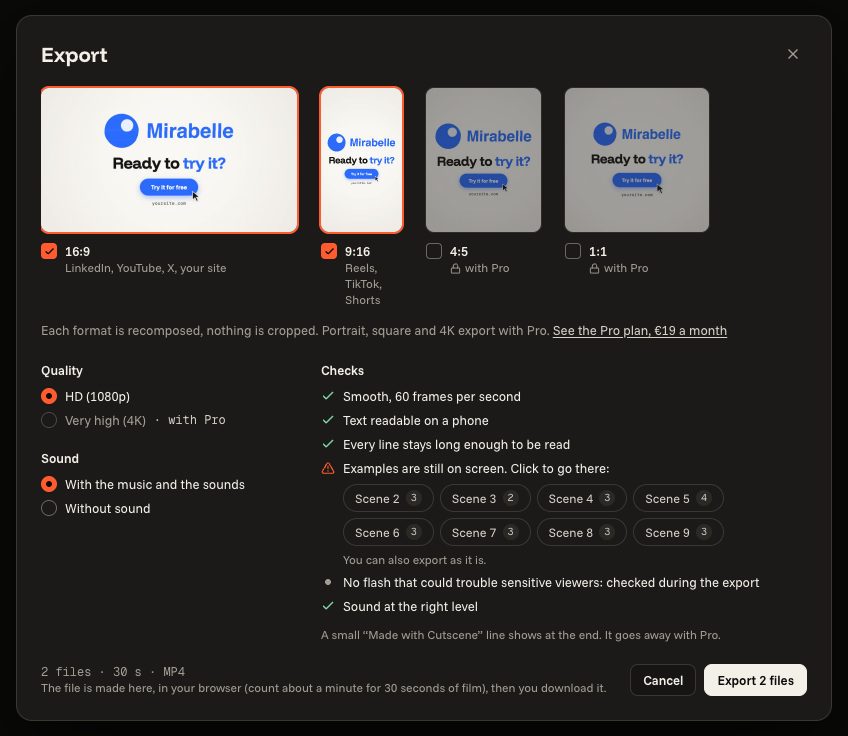
Export in vertical
In “Export”, choose 9:16. The free plan exports 16:9 and vertical; portrait and square export with Pro.