Text animation
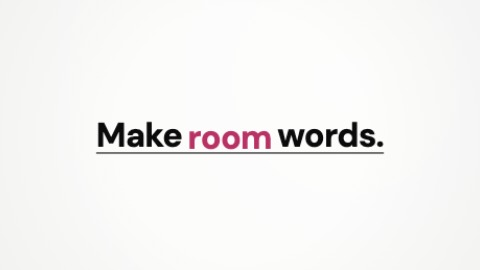
Inserted words
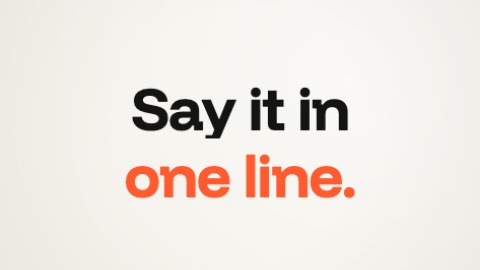
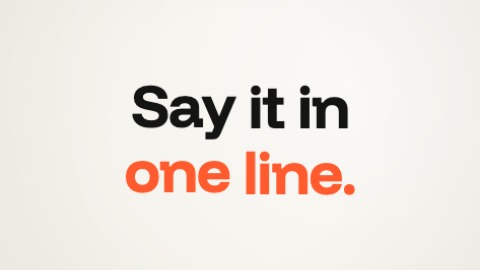
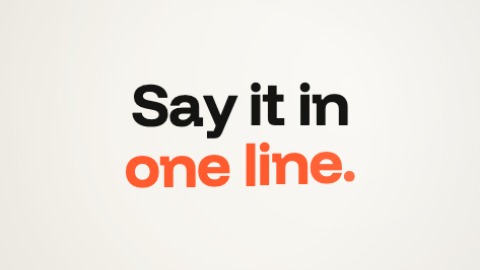
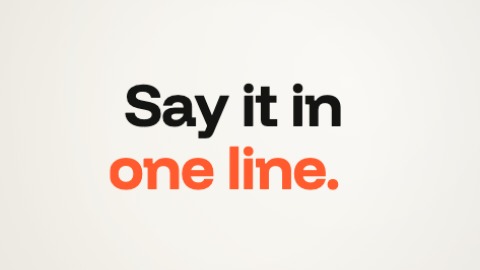
The last word is there first, underlined; then the first comes before it, and each word in between is inserted in its place: the line eases apart just before, the word rises into the gap in your colour then takes the text's, and the underline stretches with the line. Everything glides, nothing shakes.
- Its settings
- Nothing to set: it works as it is.
- In the editor
- Click a text of the picture, then “Animate”, and choose this one.
Included in the free plan.
 Preparing…