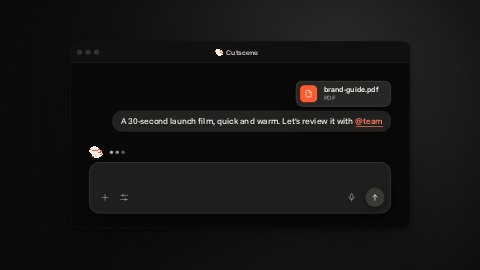
 Preparing…
Try a style
Other scenes
 One clickA hand comes onto your screen and clicks, in time with the music: the screen takes the press, and a label is written to say what it does. Then the hand moves on and the label lights up until the end.
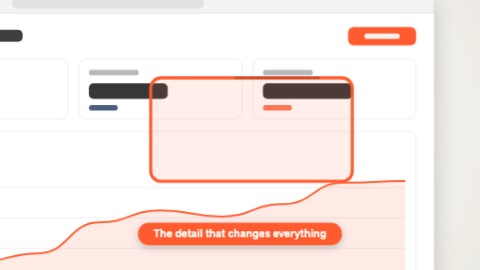 Zoom on a detailThe whole screen first, then the camera dives at once onto the detail that matters, in time with the music, and keeps moving in gently: a frame is drawn round the detail and its caption is written.
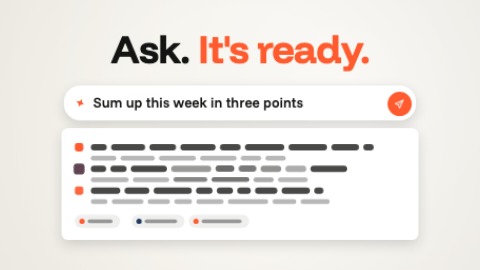 Prompt and answerThe title arrives in two halves, from above and from below, and settles. The request is typed faster and faster into its field, is sent, and the answer streams under it: bars in your colours that turn into lines of text.
 Three screens fanned outThree captures rise one after the other and open like a fan, the middle one in front: each arrives tinted with your colour, then finds its own again, and they light up in turn, in time with the music.