 Preparing…
Try a style
Other scenes
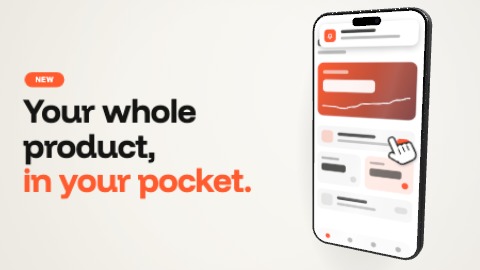 Phone and claimA strong line beside your app, in a 3-D phone. It turns in and lands in time with the music; then a hand presses its screen, it is seen from another angle, and the screen never stops living until the end.
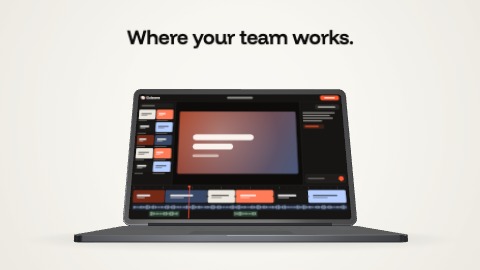
 Laptop openingA laptop rises and opens on your screen, under a line: it is open right in time with the music. Then a hand presses the screen, it is seen from another angle, and the screen never stops living until the end.
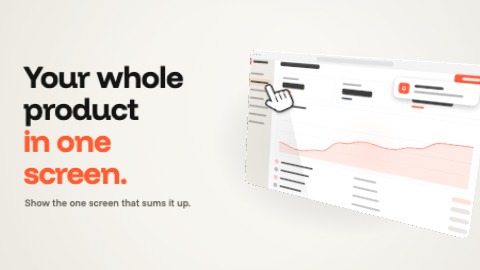 Floating windowYour interface in a window that floats in 3-D: it turns in and lands in time with the music, a hand presses it, it is seen from another angle, and what it shows never stops living.
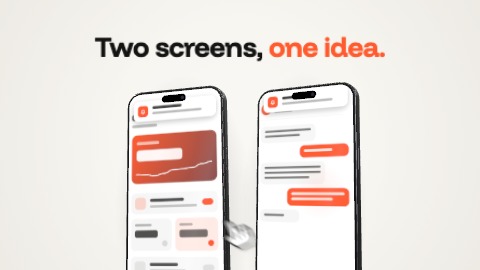 Two phonesTwo phones side by side, to show two screens of your app. They land one after the other, in time with the music; a hand presses one, the other answers, then both are seen from another angle.