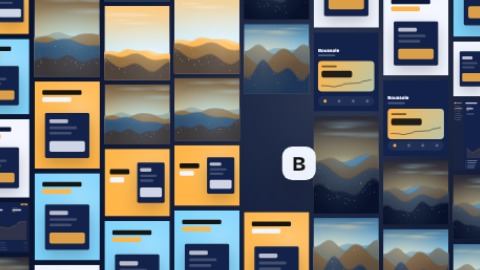
 Preparing…
Try a style
Other scenes
 Icon with volumeYour logo on a 3-D tile that comes from the back, with the name under it.
 Logo revealYour logo pops in very large in the centre, crossed by a glint, and your tagline writes itself under it word by word, in time with the music. Then the glint returns to the logo, which gives a start with the music, and the camera keeps coming closer to the last picture.
 Logo and taglineYour logo large on the left, a rule, your tagline on the right: the rule opens and the tagline writes itself word by word, in time with the music, then a glint returns to the logo and the camera keeps coming closer to the last picture. Sober, to open or to close.
 Logo from barsA line thickens, rises into a block, then splits into twelve bars. Each bar slides and lengthens in its own way: they are the strips of your logo, which draws itself in front of you, settles to its true shape and steps aside to let your name out from behind it. Your tagline lands under it, and a wave runs through the strips in time with the music. With no logo, the bars draw your name.