 Preparing…
Try a style
Other scenes
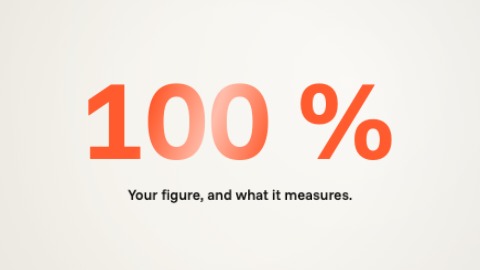 Big figureOne very large figure: it arrives larger than the frame, counts fast, brakes and stops on its value, on the beat. Its caption writes itself word by word, then its source; after that a glint crosses it and the camera keeps coming closer.
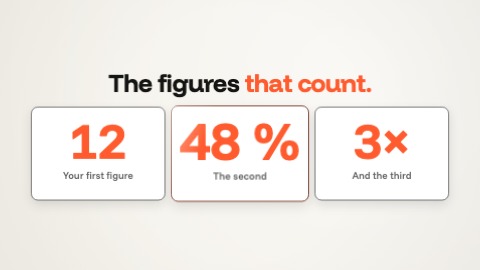 Three figuresThree figures side by side, each with its caption. They arrive one by one, in time with the music: each card shoves the others aside, its figure counts fast and stops on its value as the next one comes, its caption writes itself word by word. Then they light up in turn.
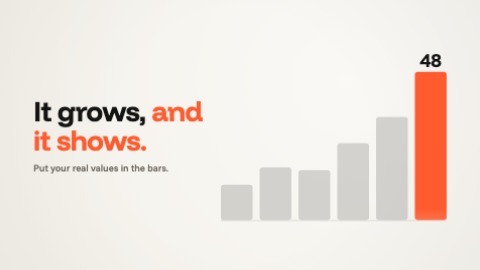 Growing chartBars rising in pushes, in time with the music, each a little after its neighbour; the last one, in your colour, carries its figure, which counts with them and stops on its value. After that a wave runs along the bars and the camera keeps coming closer.
 Price cardYour plan on a card, in time with the music: the price counts and stops on its value, what is included writes itself and gets ticked line by line, then the button lights up and a hand presses it. After that a glint crosses the price and the button, and the camera keeps coming closer.