 Preparing…
Try a style
Other scenes
 One featureThe name of a feature types itself, one line says it, and the screen where it lives lands in time with the music. Then a line leaves the icon and plants itself on the place of the screen you aim at; a light runs it again until the end.
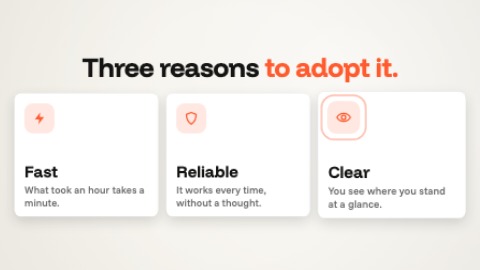 Three strengthsThree cards, one per strength: an icon, a title, a line. They arrive one by one, in time with the music: the first pops alone in two pushes, each one after it shoves the others aside, then the icons ring in turn.
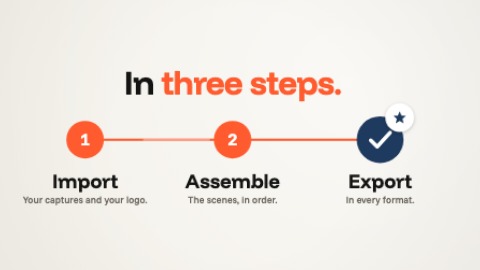 StepsThree or four numbered steps. A marker goes from one to the next, in time with the music: the line runs ahead of it, each step fills as it is reached and its name lights up; the last one ticks itself and is given a star.
 SpotlightThe screen lands, then goes dark at once, in time with the music, except the place you want to show: the pool of light closes on it, its label is written, and it beats with the music until the end.