
Preparing…
Try a style
The scenes of this template
In the editor, each one can be changed, swapped or removed.
- Scene 1 · 4.3 s
 The mess beforeWindows fall askew one on top of the other, in time with the music, to the last picture: each one jolts the pile as it lands. Your line slams down over them: the problem your product solves.
- Scene 2 · 2.1 s
 Punch lineWords arrive group by group, on the beat, flatten and bounce back. The full stop is a ball in your colour, which drops in last: your key words then take their colour, and the ball keeps bouncing on the beat, the line giving under it, until the scene ends.
- Scene 3 · 4.3 s
 The device landsYour capture drops into a selection frame, a laptop opens under it, the capture settles on its screen, then it turns and lands beside your line, right on the beat. Then a hand presses the screen, it is seen from another angle, and it is back in its place before the end.
- Scene 4 · 4.3 s
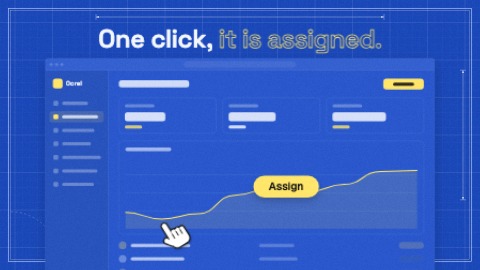 One clickA hand comes onto your screen and clicks, in time with the music: the screen takes the press, and a label is written to say what it does. Then the hand moves on and the label lights up until the end.
- Scene 5 · 4.3 s
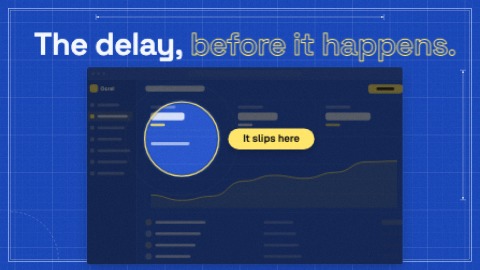 SpotlightThe screen lands, then goes dark at once, in time with the music, except the place you want to show: the pool of light closes on it, its label is written, and it beats with the music until the end.
- Scene 6 · 5.3 s
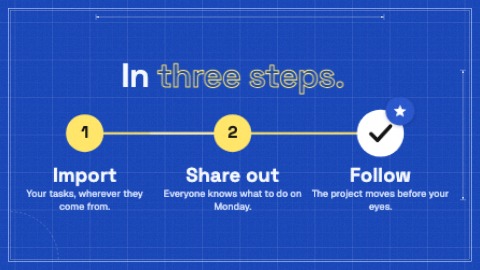 StepsThree or four numbered steps. A marker goes from one to the next, in time with the music: the line runs ahead of it, each step fills as it is reached and its name lights up; the last one ticks itself and is given a star.
- Scene 7 · 5.3 s
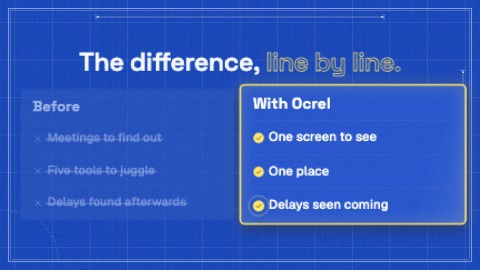 Without / withTwo columns: life without you on the left, with you on the right. The lines arrive in pairs, in time with the music: each “without” line is written, then its answer is ticked on the right and strikes it out. At the end the right column takes the light, and its ticks ring in turn.
- Scene 8 · 4.3 s
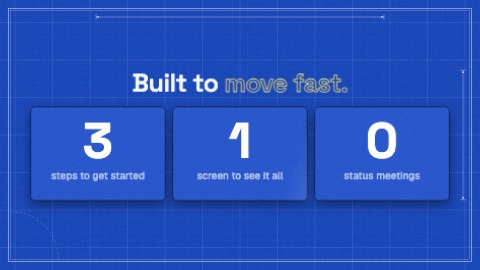 Three figuresThree figures side by side, each with its caption. They arrive one by one, in time with the music: each card shoves the others aside, its figure counts fast and stops on its value as the next one comes, its caption writes itself word by word. Then they light up in turn.
- Scene 9 · 5.3 s
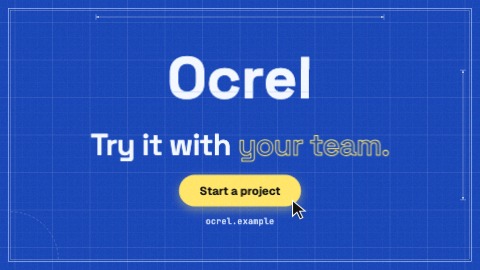 Stacking logoYour logo comes down in slices that stack with a bounce and takes its place. Then, on the beat: your last line is written word by word, a button pops, your address is typed, a pointer presses the button. Until the last frame the slices shiver, a sheen crosses the button and the camera keeps coming closer.

