
Preparing…
Try a style
The scenes of this template
In the editor, each one can be changed, swapped or removed.
- Scene 1 · 2.5 s
 Logo from barsA line thickens, rises into a block, then splits into twelve bars. Each bar slides and lengthens in its own way: they are the strips of your logo, which draws itself in front of you, settles to its true shape and steps aside to let your name out from behind it. Your tagline lands under it, and a wave runs through the strips in time with the music. With no logo, the bars draw your name.
- Scene 2 · 1.7 s
 Burst of iconsYour icons on white tiles, in a row over a full-frame picture: the first one pops alone in the middle and a ring of light leaves for the edges, then the others burst out to its left and right, in time with the music. The row shrinks while the picture pushes in: the two move in opposite directions, which gives depth. Without a picture of yours, a soft landscape in your colours.
- Scene 3 · 2.5 s
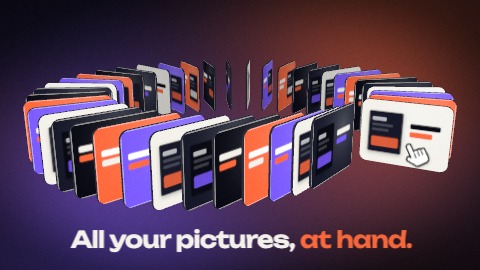 Ring of picturesYour pictures standing on a ring, like the cards of a rotary file. First a sunburst of thin lines in your colours, then the camera swings to the side: it is a carousel, turning. A hand parts it like pages being turned, one picture is uncovered and takes your colour, and the camera dives through the ring. Seen from above, your sentence is written in the middle.
- Scene 4 · 2.5 s
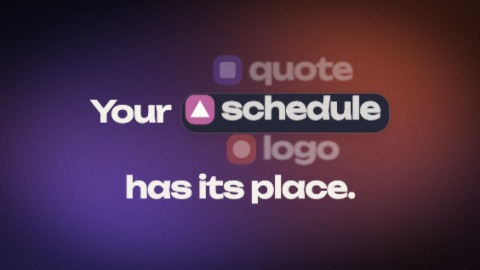 A chip in the lineA sentence with a gap, and in the gap a chip: a small mark (or your picture) and a word. The chip turns like a wheel, in time with the music, to show your words one after the other, and the rest of the sentence closes up or opens to its width. Unlike “Changing word”, the word sits in a chip, in the middle of the line, and the line moves with it.
- Scene 5 · 1.7 s
 Linked picturesYour line above a few of your pictures, joined by dashed lines. Everything arrives sliding and never stops. One picture is picked: it takes your colour, a box closes on it, a caption is written beside it. From there the dashed lines draw themselves from picture to picture, in time with the music. In a longer scene the view steps back: more lines join the pictures into a small network and each takes a pale tint.
- Scene 6 · 1.7 s
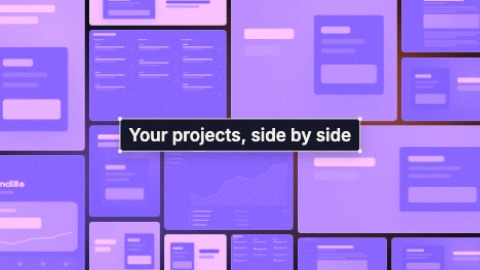 A wall fills upYour line is written word by word in a selection box that widens with it, in the middle. Meanwhile your pictures fly in from every side and tile the screen around it like masonry. A wave tints them in your colours, then a second one, in time with the music, gives them back their true colours. In a longer scene the wall steps back and dashed outlines group a few pictures, each with its caption.
- Scene 7 · 1.7 s
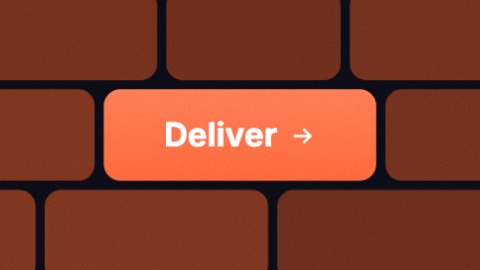 Run of buttonsA run of buttons, one per card: the picture cuts in time with the music, faster and faster. The button keeps its place and its size, and each card has its own backdrop and its own small animation: an interface, glass over a colour that flows, ripples, a ribbon that passes in front and behind, a wall of bricks in which it is the lit one. The last card beats once and leaves its button between four corner marks.
- Scene 8 · 2.1 s
 Words in the viewfinderFour corner marks, as in a viewfinder, close on a short word. Then the frame stretches in one go to hold your whole sentence, which is written behind it letter by letter. In time with the music its emphasised words (failing any, the last one) take your two colours, and the frame starts to close again.
- Scene 9 · 1.7 s
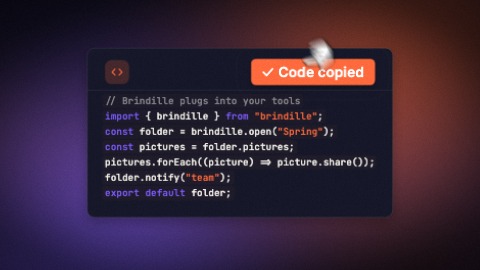 Code cardA card of code rises into the picture and your snippet types itself in a breath, one line after the other, too fast to be read: the speed is the point. Its keywords and its strings then take their colours in a wave, and a hand comes to press the button, in time with the music: it answers with a tick and its second word. Unlike “Terminal”, nothing runs: this is code you show, and copy.
- Scene 10 · 1.7 s
 The phone stands upTwo words land large, as a double image, and go on shrinking. A phone comes up from under the camera, huge and almost flat: it tilts up, recedes and stands in front of them, your screenshot on its screen. Then your icons burst out from behind it and float around it, in time with the music. At the end the picture may drain to grey, right before bad news.
- Scene 11 · 1.7 s
 A column of notificationsNotifications pile up on the ground: each one pops from below, a little too wide, dips, takes its size and pushes the earlier ones up. Its words land right after, one by one. They arrive in time with the music, closer and closer together, and the column never stops climbing: at the end it grows and rushes out through the top of the frame.
- Scene 12 · 2.1 s
 A folder opensA folder in your colour slides into place, a hand takes it, its flap opens towards you and what it holds comes out: a note, whose title types itself while it rises, or your pictures, which burst out, hang for a moment and drop into a tidy grid in a panel that stretches. The folder falls away, and only the note or the pictures are left.
- Scene 13 · 2.1 s
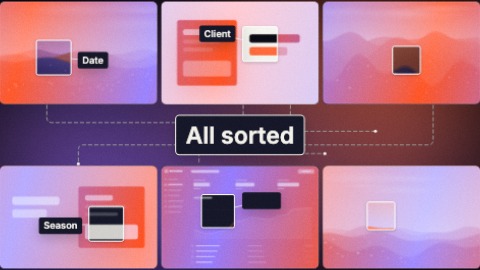 Four coloursSix of your pictures round a title in a box. They come in their true colours, then the whole set takes a tint, and changes it in one go, in time with the music, up to four times: your colour, your second colour, the one between them, then both flowing together. With each tint the title is written again and small tags land on the pictures. Under the last one, dashed lines join the pictures to one another.
- Scene 14 · 2.9 s
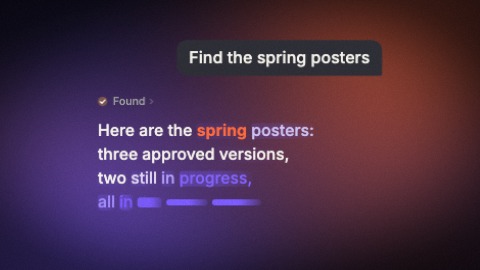 The assistant at workA request types itself in a card and a hand presses send: the card melts into its message, blurred and coloured, and lands in the upper right. Under it the steps of the work come in time with the music and tick one by one, then the list folds into one line and the answer writes itself in its place: bars in your colours that turn into the text, or a table that fills cell by cell. The page never stops rising.
- Scene 15 · 2.5 s
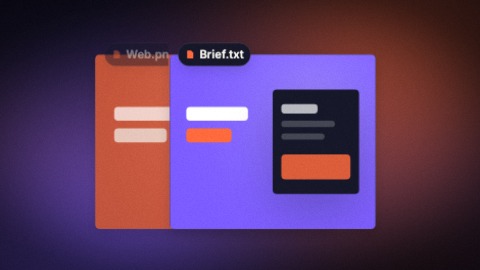 A burst of resultsA small status chip: an outline runs round it, a word is typed in it, a ring spins beside it. Then it opens into the first result, a card first tinted with your colour that takes its true colours; the next ones whip in from the side, in time with the music, each over the one before, which slides behind and fades. Your pictures, or example cards while there are none. Unlike “Search and results”, no field and no list: cards that chase one another.
- Scene 16 · 1.7 s
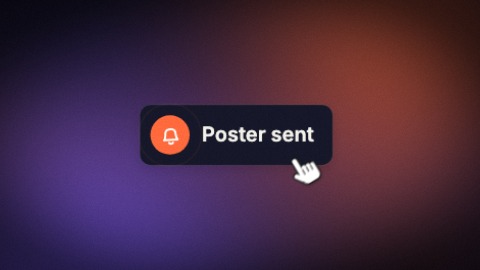 A single notificationOne notification alone on the ground, as wide as what it says: it slides into place, its message writes itself word by word and the card grows with it, its icon rings in time with the music. Then a hand tumbles in, lands under the line and runs back along the words, which lift off one by one.
- Scene 17 · 2.1 s
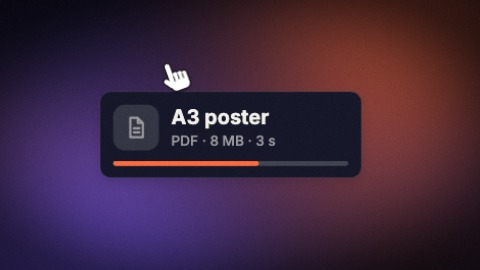 A file on its wayOne file card alone on the ground: its tile drops into place, its name writes itself word by word, its details follow, and its bar runs as far as you say and stops there (at 100 the tile ticks itself). A hand tumbles in above the card, comes down on the name and sweeps it away. Held longer, the bar gets there push by push, in time with the music.
- Scene 18 · 1.3 s
 A single buttonOne button alone on the ground: it forms with a spring, takes its label word by word and swells as the words land, then breathes. A hand comes up from below, turning, and presses it in time with the music: the button jumps and takes off through the top of the picture, faster and faster.
- Scene 19 · 2.1 s
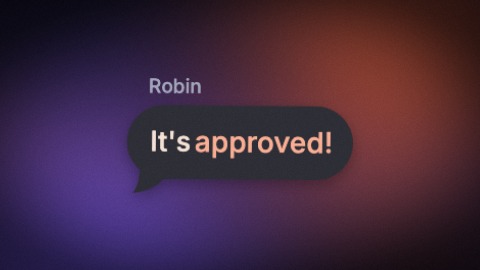 One bubbleA single message bubble on the ground: it arrives tilted and blurred, swings into place and bounces softly. Its words land almost together, in your colour, then settle; above it the sender's name types itself letter by letter. Then the bubble grows, faster and faster, and rushes at the camera.
- Scene 20 · 1.7 s
 Screens and ribbonsYour screenshots standing side by side, like panels seen three-quarters on, on a gradient of your colours. A ribbon of your colour runs behind them, a second one slips in front of one and behind the next, panes of glass stand between them. Everything comes out of a blur, then the camera travels along the row, from one screen to the next in time with the music: the near ones sweep past, the far ones barely move.
- Scene 21 · 2.1 s
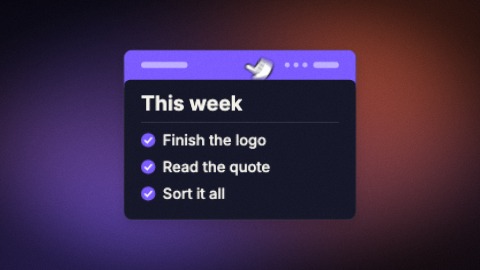 A list that writes itselfOne note alone on the ground, and its list writing itself in front of you: each row comes word by word, in time with the music, then its box ticks itself, and the card comes a little closer at each row. A hand lands on the band and drags the card down: it closes into a bar and leaves. Unlike “Checklist”, the rows are not there at the start: they get written.
- Scene 22 · 2.9 s
 Changing wordA fixed line, and one word that drops into place, bounces and gives way to the next to give it several endings. The camera never stops moving in, and jumps at each word.
- Scene 23 · 1.7 s
 Travelling lineYour sentence is set so large that it does not fit the picture: the camera runs along it while it is written word by word, whips over the last words, brakes, keeps gliding with a shove in time with the music, then shoots off to the side. The emphasised words (failing any, the first one) take your colour. In a tall frame the sentence is stacked and the camera comes down it.
- Scene 24 · 3.3 s
 Constellation of screensYour first screenshot fills the picture, then the camera lets go of it and pulls back, faster and faster: five more screens burst in from every side, each at its own depth, and the whole set slides past the lens, the near ones much faster than the far ones. A short phrase lands in the middle (up to three, one after the other). Held longer, the camera pulls back again and more screens arrive.
- Scene 25 · 2.5 s
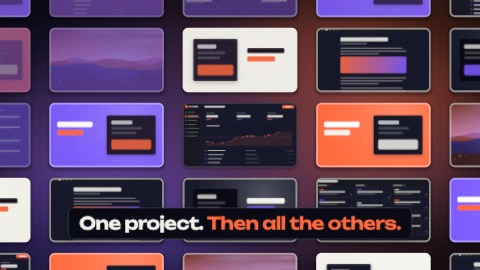 One of manyYour capture fills the screen, swells for an instant, then drops to a third of its size at once: it is one tile of a wall. Its neighbours pop in round it as flat tints in your colours and become your other captures. The wall never stops receding, a wave of colour crosses it, and it drops again: nine screens, fifty, two hundred.
- Scene 26 · 2.5 s
 A wall wakes upA dense wall of your pictures fills the screen edge to edge. It is born along a diagonal, each picture first as flat tints in your colours, then a second wave makes them true. A veil comes down, your line is written on it, and a hand crosses the wall: the pictures it passes light up again, and a few stay lit.
- Scene 27 · 1.7 s
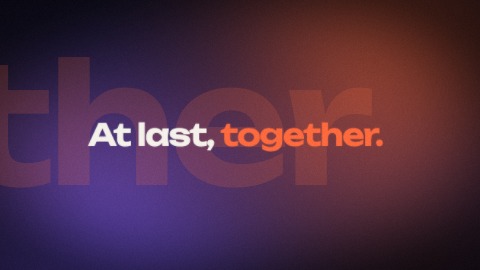 Giant wordThe emphasised word of your sentence (failing one, the last) crosses the picture huge, so large that only a few of its letters fit. Then the same word arrives small, in its place, and the rest of the sentence closes in around it: two sizes for one word, in time with the music. In a longer scene, the start of the sentence is written first.
- Scene 28 · 1.7 s
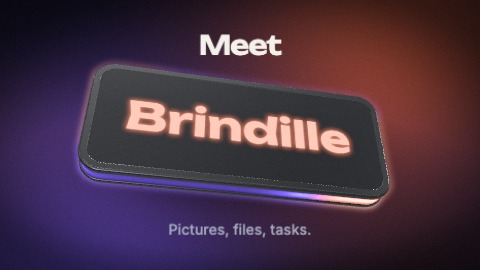 Logo on a slabTwo or three words are written, large. Then a thick 3-D slab drops from above the camera, its edge lit from inside by a gradient of your colours: it lands on the sentence, tips up, and your words jump above it. Your logo is cut into it: the logo ends the sentence. The slab keeps turning, its light keeps running round the edge in time with the music, and your tagline settles under it.
- Scene 29 · 2.9 s
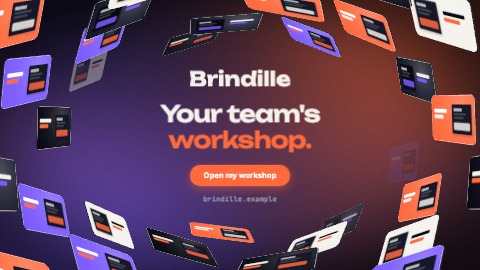 Tunnel endingYour logo and your tagline, written behind a soft bar in your colours. Your pictures fly in from behind the camera on every side, line up along a tunnel and recede towards the centre, slowly, without ever stopping. A button and your address to finish.

