
 Preparing…
Try a style
In the templates

Other scenes
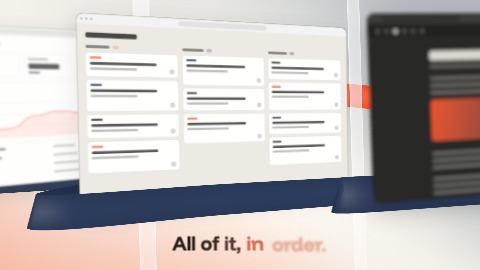
 Wall of screensYour captures form a tilted wall drifting behind a line. It arrives thrown, brakes, then glides without stopping; in time with the music, one screen after another comes forward and lights up, and the camera moves a notch closer.
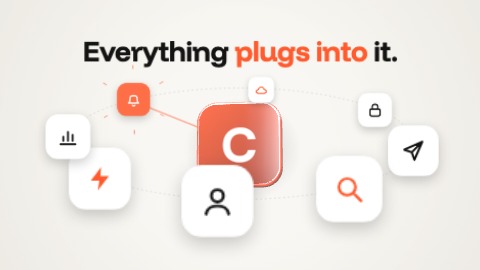 Everything in orbitYour logo as a 3-D tile in the centre, with icons in a round about it, the near ones larger: the round arrives spinning, brakes, and the logo sends a spark to one icon after another, in time with the music: it jumps and takes your colour. Then the round spins up and the camera rushes at it.
 3-D carouselYour pictures go round a 3-D carousel, one notch per beat, behind a selection frame that locks on the middle one. Once locked, the wheel still pulls on the beat and the framed picture comes forward, until the scene ends.
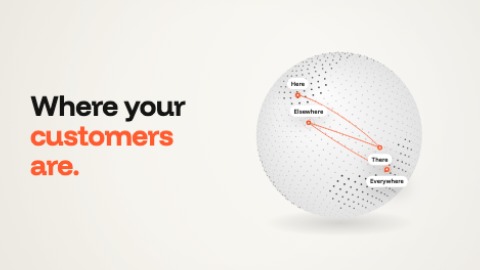 Around the globeA globe of dots turns beside your line: pins land on it one per beat, each with one of your words, and arcs join them.