
 Preparing…
Try a style
The scenes of this template
In the editor, each one can be changed, swapped or removed.
- Scene 1 · 3 s
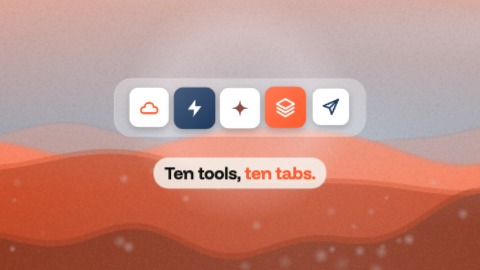 Burst of iconsYour icons on white tiles, in a row over a full-frame picture: the first one pops alone in the middle and a ring of light leaves for the edges, then the others burst out to its left and right, in time with the music. The row shrinks while the picture pushes in: the two move in opposite directions, which gives depth. Without a picture of yours, a soft landscape in your colours.
- Scene 2 · 2 s
 Travelling lineYour sentence is set so large that it does not fit the picture: the camera runs along it while it is written word by word, whips over the last words, brakes, keeps gliding with a shove in time with the music, then shoots off to the side. The emphasised words (failing any, the first one) take your colour. In a tall frame the sentence is stacked and the camera comes down it.
- Scene 3 · 2 s
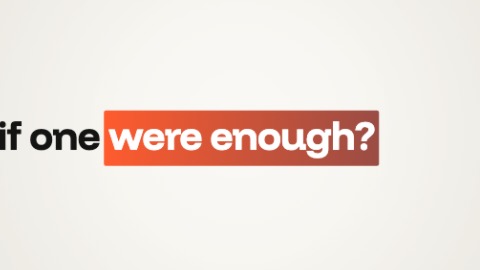 Line and zoomYour sentence writes itself word by word on a line that slides, and its emphasised words (failing any, the last one) arrive in a plate of your colours. The slide speeds up, the camera throws itself at the plate, brakes hard, then keeps creeping in, with a kick in time with the music.
- Scene 4 · 3 s
 Run of buttonsA run of buttons, one per card: the picture cuts in time with the music, faster and faster. The button keeps its place and its size, and each card has its own backdrop and its own small animation: an interface, glass over a colour that flows, ripples, a ribbon that passes in front and behind, a wall of bricks in which it is the lit one. The last card beats once and leaves its button between four corner marks.
- Scene 5 · 2 s
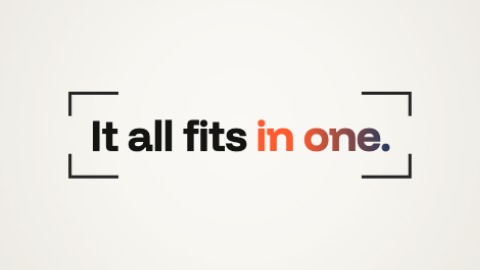 Words in the viewfinderFour corner marks, as in a viewfinder, close on a short word. Then the frame stretches in one go to hold your whole sentence, which is written behind it letter by letter. In time with the music its emphasised words (failing any, the last one) take your two colours, and the frame starts to close again.
- Scene 6 · 2.5 s
 Logo, jolt, nameA small square in your colour tips onto its corner and bursts into a rounded tile, in a gradient of your colours, your logo in it, while it finishes turning level. It gathers itself, then everything jumps for an instant, in time with the music: squares, the tile stretched, torn into streaks. And your logo is there, clean: it steps aside, and your name comes out from behind it letter by letter, your tagline under it. Before a cut, the whole thing shoots up and out.
- Scene 7 · 2 s
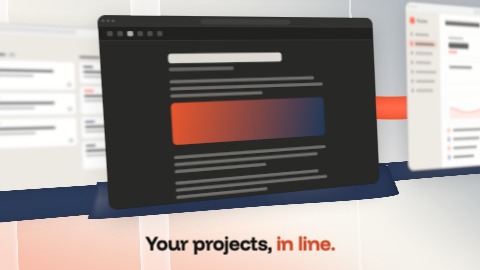 Screens and ribbonsYour screenshots standing side by side, like panels seen three-quarters on, on a gradient of your colours. A ribbon of your colour runs behind them, a second one slips in front of one and behind the next, panes of glass stand between them. Everything comes out of a blur, then the camera travels along the row, from one screen to the next in time with the music: the near ones sweep past, the far ones barely move.
- Scene 8 · 2 s
 Circle of facesYour title in the middle, its key word in your brand's two colours, with up to eight round pictures of different sizes around it, each with its badge. The whole group rises from the bottom of the picture, out of focus, sharpens and settles; then the circle tightens round the title, each picture drifting a little on its own, and one of them swells in time with the music. Before a cut it collapses towards the middle line until it is no more than a slot. Only put real people there: your team, real customers.
- Scene 9 · 3 s
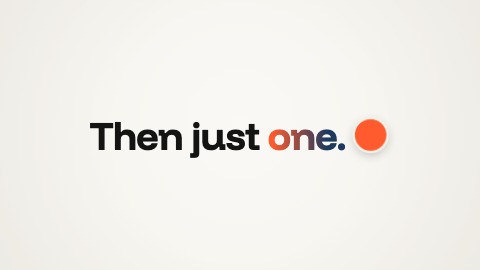 A line rewrittenYour logo (a dot in your colour if you have none) runs along a first line and rewrites it: behind it the second is already there, ahead of it still the first, and under it the letters are out of focus. The line comes down to the centre and doubles in size. Then the logo runs back, faster and faster, and what it leaves this time is your signature: your logo and your brand's name, in time with the music.

