
Preparing…
Try a style
The scenes of this template
In the editor, each one can be changed, swapped or removed.
- Scene 1 · 2 s
 BeamYour line lands word by word, your icon pops, drops to the bottom of the picture and opens a beam of light upward: your screenshot appears in it and sharpens. Then everything swings away and the camera lands in your screenshot, lying at an angle in space, which brakes and then recedes; your icon comes back in front of it. Four gestures in a second, in time with the music.
- Scene 2 · 2 s
 Wall and wordHundreds of small pictures packed into a wall, seen through the bulging glass of an old screen, with its lines and its dark edges. In the middle, a disc in your colour and one very large word, replaced at once by the next, in time with the music; the last one stays longest. The picture comes closer faster and faster and rushes at you just before the cut.
- Scene 3 · 2 s
 Line and zoomYour sentence writes itself word by word on a line that slides, and its emphasised words (failing any, the last one) arrive in a plate of your colours. The slide speeds up, the camera throws itself at the plate, brakes hard, then keeps creeping in, with a kick in time with the music.
- Scene 4 · 1.5 s
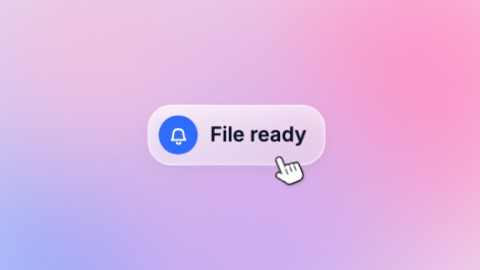 A single notificationOne notification alone on the ground, as wide as what it says: it slides into place, its message writes itself word by word and the card grows with it, its icon rings in time with the music. Then a hand tumbles in, lands under the line and runs back along the words, which lift off one by one.
- Scene 5 · 2 s
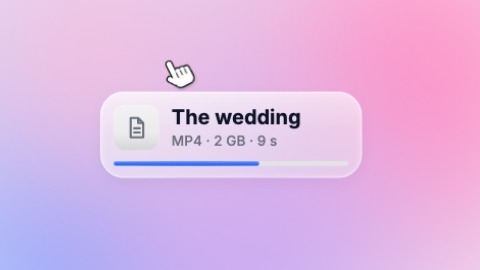 A file on its wayOne file card alone on the ground: its tile drops into place, its name writes itself word by word, its details follow, and its bar runs as far as you say and stops there (at 100 the tile ticks itself). A hand tumbles in above the card, comes down on the name and sweeps it away. Held longer, the bar gets there push by push, in time with the music.
- Scene 6 · 1.5 s
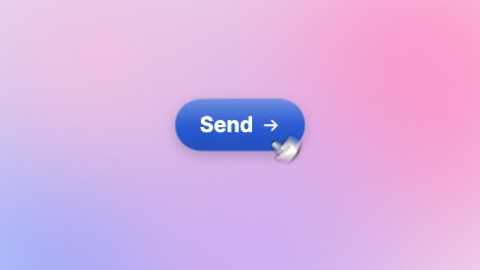 A single buttonOne button alone on the ground: it forms with a spring, takes its label word by word and swells as the words land, then breathes. A hand comes up from below, turning, and presses it in time with the music: the button jumps and takes off through the top of the picture, faster and faster.
- Scene 7 · 2 s
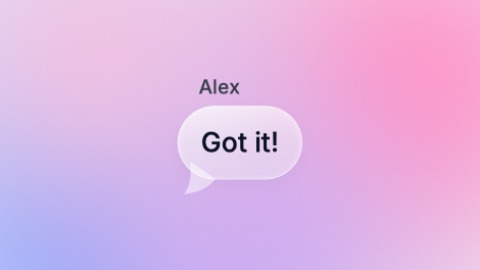 One bubbleA single message bubble on the ground: it arrives tilted and blurred, swings into place and bounces softly. Its words land almost together, in your colour, then settle; above it the sender's name types itself letter by letter. Then the bubble grows, faster and faster, and rushes at the camera.
- Scene 8 · 3 s
 Changing wordA fixed line, and one word that drops into place, bounces and gives way to the next to give it several endings. The camera never stops moving in, and jumps at each word.
- Scene 9 · 2 s
 Travelling lineYour sentence is set so large that it does not fit the picture: the camera runs along it while it is written word by word, whips over the last words, brakes, keeps gliding with a shove in time with the music, then shoots off to the side. The emphasised words (failing any, the first one) take your colour. In a tall frame the sentence is stacked and the camera comes down it.
- Scene 10 · 2.5 s
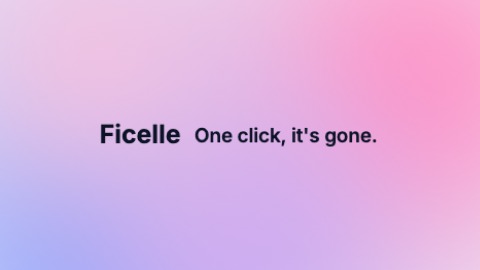 Logo like a coinYour logo comes in from the side, seen edge-on, turning on itself like a coin: it brakes, faces you and keeps gliding. The words of your tagline spring up beside it one by one, in time with the music, and push it aside: the whole ends up centred. Before a cut, everything closes in on the middle, slowly and then at once. You can start with the words, and set your logo on a disc: a real coin, with an edge in your colours.

