
Preparing…
Try a style
The scenes of this template
In the editor, each one can be changed, swapped or removed.
- Scene 1 · 3 s
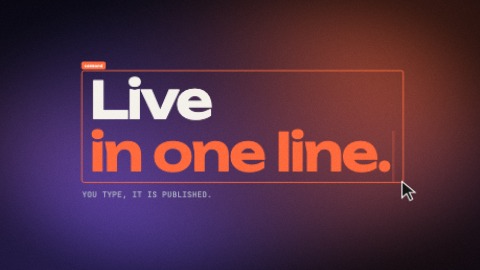 Typed in the frameA click opens a selection frame, then your words are typed in it faster and faster. The pointer comes back, pulls the frame by its corner, and your words grow with it. The frame and the words then give a start on each beat, the caret glowing, until the scene ends.
- Scene 2 · 3 s
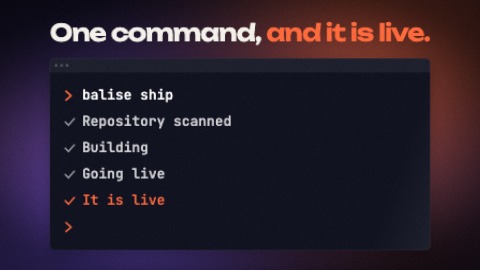 TerminalA command is typed faster and faster into a terminal and runs in time with the music: its lines of output drop at once, one a frame, then tick themselves one after the other; the last, in your colour, says it is done.
- Scene 3 · 3 s
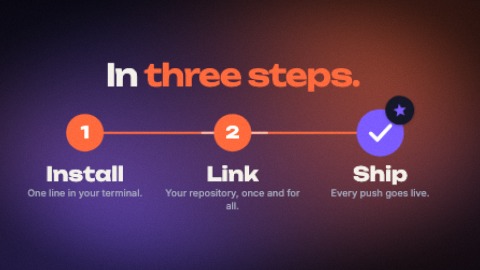 StepsThree or four numbered steps. A marker goes from one to the next, in time with the music: the line runs ahead of it, each step fills as it is reached and its name lights up; the last one ticks itself and is given a star.
- Scene 4 · 3.5 s
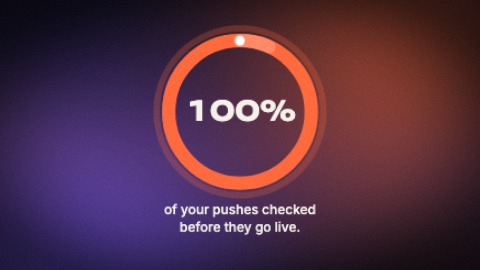 GaugeA ring fills in two pushes, on the beat, up to your percentage while the figure counts in its middle and stops on its value; its caption writes itself word by word, then its source, and a light runs round the ring to the end.
- Scene 5 · 4 s
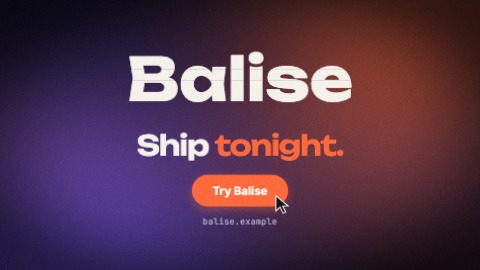 Stacking logoYour logo comes down in slices that stack with a bounce and takes its place. Then, on the beat: your last line is written word by word, a button pops, your address is typed, a pointer presses the button. Until the last frame the slices shiver, a sheen crosses the button and the camera keeps coming closer.

