
Preparing…
Try a style
The scenes of this template
In the editor, each one can be changed, swapped or removed.
- Scene 1 · 3.2 s
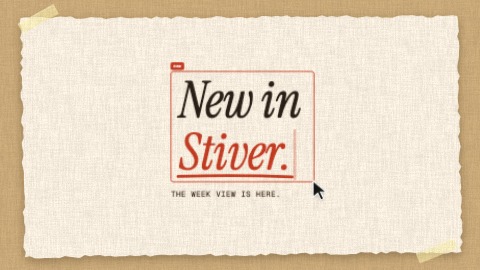 Typed in the frameA click opens a selection frame, then your words are typed in it faster and faster. The pointer comes back, pulls the frame by its corner, and your words grow with it. The frame and the words then give a start on each beat, the caret glowing, until the scene ends.
- Scene 2 · 2.8 s
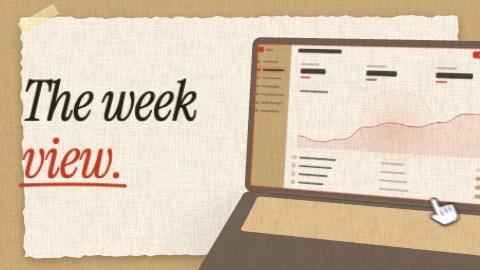 The device landsYour capture drops into a selection frame, a laptop opens under it, the capture settles on its screen, then it turns and lands beside your line, right on the beat. Then a hand presses the screen, it is seen from another angle, and it is back in its place before the end.
- Scene 3 · 4 s
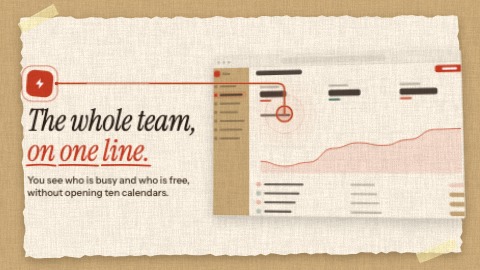 One featureThe name of a feature types itself, one line says it, and the screen where it lives lands in time with the music. Then a line leaves the icon and plants itself on the place of the screen you aim at; a light runs it again until the end.
- Scene 4 · 3.6 s
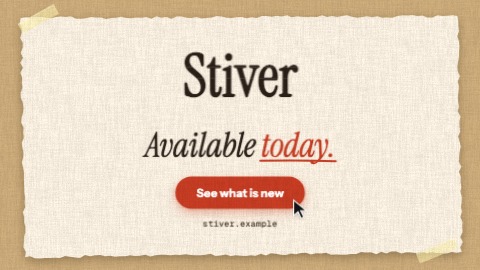 Stacking logoYour logo comes down in slices that stack with a bounce and takes its place. Then, on the beat: your last line is written word by word, a button pops, your address is typed, a pointer presses the button. Until the last frame the slices shiver, a sheen crosses the button and the camera keeps coming closer.

