
Preparing…
Try a style
The scenes of this template
In the editor, each one can be changed, swapped or removed.
- Scene 1 · 2 s
 Words in the viewfinderFour corner marks, as in a viewfinder, close on a short word. Then the frame stretches in one go to hold your whole sentence, which is written behind it letter by letter. In time with the music its emphasised words (failing any, the last one) take your two colours, and the frame starts to close again.
- Scene 2 · 2.5 s
 Three screens fanned outThree captures rise one after the other and open like a fan, the middle one in front: each arrives tinted with your colour, then finds its own again, and they light up in turn, in time with the music.
- Scene 3 · 3 s
 A chip in the lineA sentence with a gap, and in the gap a chip: a small mark (or your picture) and a word. The chip turns like a wheel, in time with the music, to show your words one after the other, and the rest of the sentence closes up or opens to its width. Unlike “Changing word”, the word sits in a chip, in the middle of the line, and the line moves with it.
- Scene 4 · 5 s
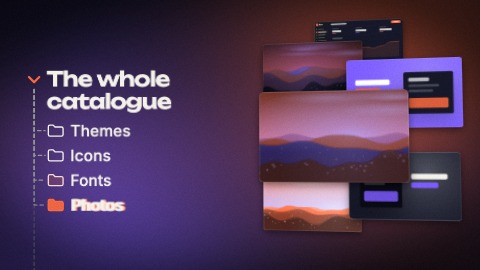 TreeA menu that unfolds row by row, in time with the music: a dashed line leaves the title, the row arrives at its end all at once, and the whole menu steps up. Beside it, your pictures stacked in space change places at each new row, then go on turning slowly. Write one line per row, with a dash in front of those filed under the one before. A short scene shows fewer rows, a long one shows them all.
- Scene 5 · 2 s
 Question and answerTwo sentences in the same place. The first writes itself word by word, its last word in your colour, then falls away: it shrinks towards the centre, faster and faster. The second sweeps in from the side, larger, brakes while it is written and comes towards you, with a kick in time with the music. Before a cut, the camera goes through it.
- Scene 6 · 2 s
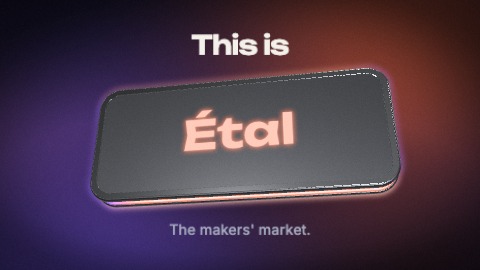 Logo on a slabTwo or three words are written, large. Then a thick 3-D slab drops from above the camera, its edge lit from inside by a gradient of your colours: it lands on the sentence, tips up, and your words jump above it. Your logo is cut into it: the logo ends the sentence. The slab keeps turning, its light keeps running round the edge in time with the music, and your tagline settles under it.
- Scene 7 · 2 s
 Typed in the frameA click opens a selection frame, then your words are typed in it faster and faster. The pointer comes back, pulls the frame by its corner, and your words grow with it. The frame and the words then give a start on each beat, the caret glowing, until the scene ends.
- Scene 8 · 2 s
 Control roomYour title in the middle of an interface at work: a window with your screenshot, turned in space, level meters that jump in time with the music, sliders that travel, three bars and a marker running along them, a small histogram that breathes. Half-way the title changes: solid bars cover its words for an instant, the slider panel tumbles a quarter turn, and the next title appears. Write two titles: the last word of each is set large, the rest small above it.
- Scene 9 · 3.5 s
 A line of tilesYour pictures on thick tiles standing one behind the other, in a line that starts close by and runs away into the picture. The line comes up from a corner, a hand lands on the first tile and sets it going like a conveyor, in time with the music; then it glides up the line and waits: every tile that passes under its finger lifts and lights up in your colour. The hand leaves, the line runs on.
- Scene 10 · 1.5 s
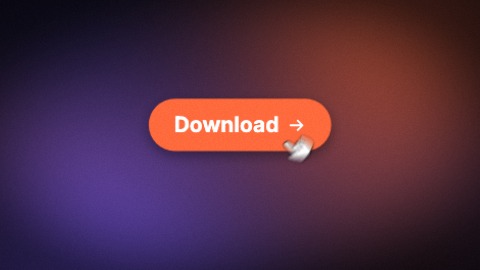 A single buttonOne button alone on the ground: it forms with a spring, takes its label word by word and swells as the words land, then breathes. A hand comes up from below, turning, and presses it in time with the music: the button jumps and takes off through the top of the picture, faster and faster.
- Scene 11 · 2.5 s
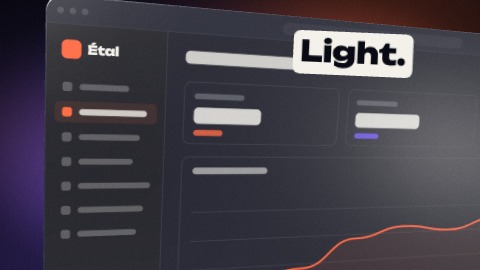 Screenshot from every angleYour screenshot on a 3-D screen, filmed by four cameras: three-quarter view, very close, from above, then facing it. The picture cuts to another angle in time with the music, and no angle stands still.
- Scene 12 · 1.5 s
 Words in cutsTwo to four phrases, one per beat, each filling the frame on its own ground: yours, its inverse, your colour. Every beat is a cut.
- Scene 13 · 2 s
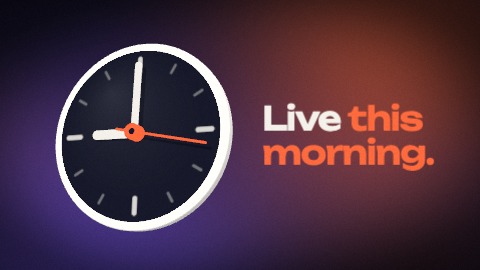 ClockA clock fills the picture, pulls back at once and moves aside while its hands spin at full speed to the time you write; they settle there with a small bounce and your line lands beside it. Then time runs: the thin hand moves on in time with the music, and a ring leaves the face each time.
- Scene 14 · 2 s
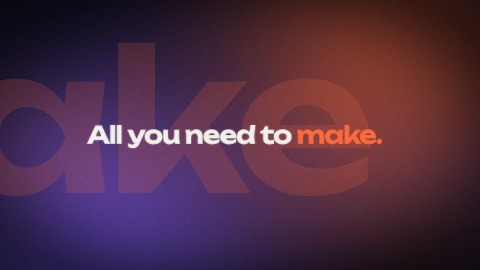 Giant wordThe emphasised word of your sentence (failing one, the last) crosses the picture huge, so large that only a few of its letters fit. Then the same word arrives small, in its place, and the rest of the sentence closes in around it: two sizes for one word, in time with the music. In a longer scene, the start of the sentence is written first.
- Scene 15 · 4 s
 Constellation of screensYour first screenshot fills the picture, then the camera lets go of it and pulls back, faster and faster: five more screens burst in from every side, each at its own depth, and the whole set slides past the lens, the near ones much faster than the far ones. A short phrase lands in the middle (up to three, one after the other). Held longer, the camera pulls back again and more screens arrive.
- Scene 16 · 3 s
 Tunnel endingYour logo and your tagline, written behind a soft bar in your colours. Your pictures fly in from behind the camera on every side, line up along a tunnel and recede towards the centre, slowly, without ever stopping. A button and your address to finish.

