
Preparing…
Try a style
The scenes of this template
In the editor, each one can be changed, swapped or removed.
- Scene 1 · 5 s
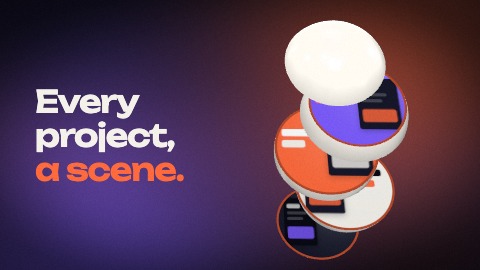 ProSliced objectA ball in your colour fills the picture. Lines of light run round it, then, in time with the music, it is cut: its slices part with a bounce, lean towards you, and every cut face takes one of your pictures, from the bottom up. To finish, one slice comes round to face you and the camera dives into it: its picture fills the screen. You choose the shape (ball or pebble) and the cut: across, seen from above, or upright, side by side.
- Scene 2 · 5 s
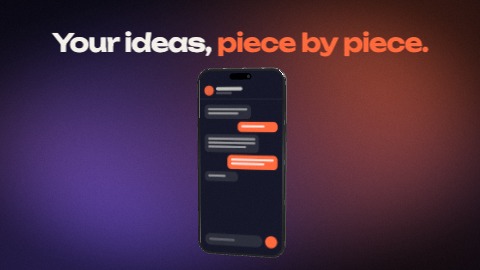 ProPiece by pieceThick tiles, each one of your pictures, fall tumbling one after the other, in time with the music, and land end to end on the floor like a timeline. The row stands up into a folding screen, folds shut into a pile, the pile turns to face you and becomes a phone: the first tile is its screen. You choose the angle: from above or skimming the floor.
- Scene 3 · 4 s
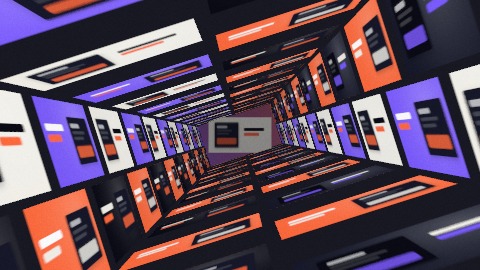 ProCorridor of picturesThe camera rushes down a corridor whose walls, floor and ceiling are lined with your pictures; your line waits at the far end, the camera creeps towards it, then rushes through it; the corridor tilts a little on the way; at the far end, one picture faces you and comes up to fill the screen.
- Scene 4 · 4 s
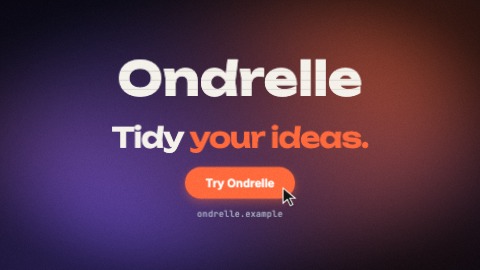 Stacking logoYour logo comes down in slices that stack with a bounce and takes its place. Then, on the beat: your last line is written word by word, a button pops, your address is typed, a pointer presses the button. Until the last frame the slices shiver, a sheen crosses the button and the camera keeps coming closer.

