
Preparing…
Try a style
The scenes of this template
In the editor, each one can be changed, swapped or removed.
- Scene 1 · 2 s
 Punch lineWords arrive group by group, on the beat, flatten and bounce back. The full stop is a ball in your colour, which drops in last: your key words then take their colour, and the ball keeps bouncing on the beat, the line giving under it, until the scene ends.
- Scene 2 · 2 s
 CrushedYour line's full stop jumps out of the picture; a dull slide drops on the line and flattens it, a band says no, then the full stop comes back down, breaks the slide to pieces, and the line stands up again. It then bounces on the beat until the end.
- Scene 3 · 2 s
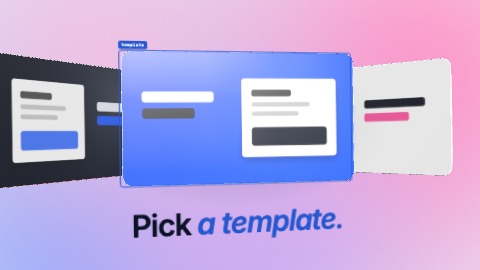 3-D carouselYour pictures go round a 3-D carousel, one notch per beat, behind a selection frame that locks on the middle one. Once locked, the wheel still pulls on the beat and the framed picture comes forward, until the scene ends.
- Scene 4 · 3 s
 Typed in the frameA click opens a selection frame, then your words are typed in it faster and faster. The pointer comes back, pulls the frame by its corner, and your words grow with it. The frame and the words then give a start on each beat, the caret glowing, until the scene ends.
- Scene 5 · 2.5 s
 The device landsYour capture drops into a selection frame, a laptop opens under it, the capture settles on its screen, then it turns and lands beside your line, right on the beat. Then a hand presses the screen, it is seen from another angle, and it is back in its place before the end.
- Scene 6 · 2 s
 RestyleThe same scene in your film's style, then in three others, one per beat: nothing changes but the style. At each one the laptop gives a start, and the camera comes closer until the next.
- Scene 7 · 2 s
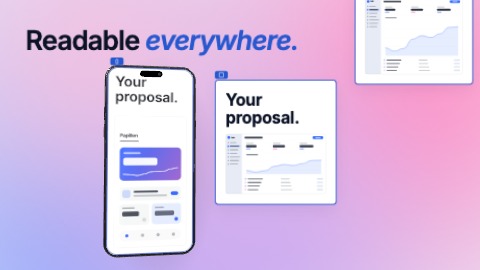 One content, four framesThe frame goes from wide to square to tall, a phone turns in and takes the tall one, the square and portrait versions land beside it, one after the other on the beat: the same content, recomposed in each. Then the two versions change places and the phone swings to another angle, on the beat, until the end.
- Scene 8 · 3 s
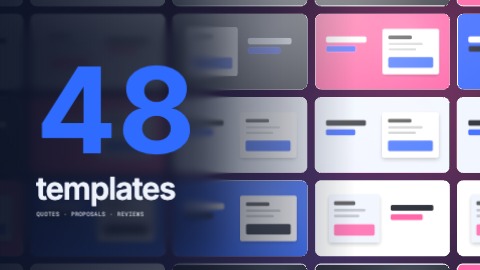 3-D wall and counterA tilted wall of your pictures, every other row sliding the other way, pushed on the beat, behind a figure that counts and stops right on the beat. The figure then gives a start with the music; then the wall stops, a frame closes on one tile, the camera goes into it.
- Scene 9 · 1.5 s
 Words in cutsTwo to four phrases, one per beat, each filling the frame on its own ground: yours, its inverse, your colour. Every beat is a cut.
- Scene 10 · 4 s
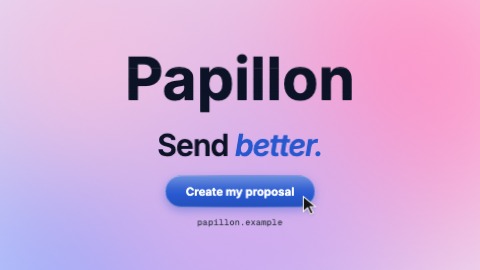 Stacking logoYour logo comes down in slices that stack with a bounce and takes its place. Then, on the beat: your last line is written word by word, a button pops, your address is typed, a pointer presses the button. Until the last frame the slices shiver, a sheen crosses the button and the camera keeps coming closer.

