
 Preparing…
Try a style
The scenes of this template
In the editor, each one can be changed, swapped or removed.
- Scene 1 · 3.2 s
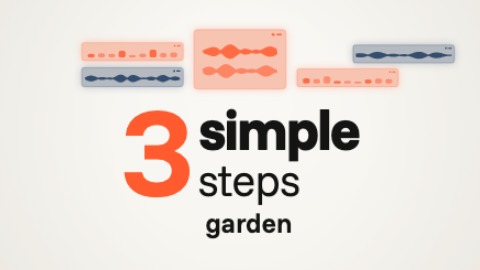 Title in three sizesA title set in three sizes and two typefaces: a figure or a first word very large, a heavy word, a light word. Each part appears at once, in time with the music, with no slide and no fade. Under it, one small word at a time, cut to the next. Above it, small glowing panels come in from one side, then the other.
- Scene 2 · 2.1 s
 The phone stands upTwo words land large, as a double image, and go on shrinking. A phone comes up from under the camera, huge and almost flat: it tilts up, recedes and stands in front of them, your screenshot on its screen. Then your icons burst out from behind it and float around it, in time with the music. At the end the picture may drain to grey, right before bad news.
- Scene 3 · 3.2 s
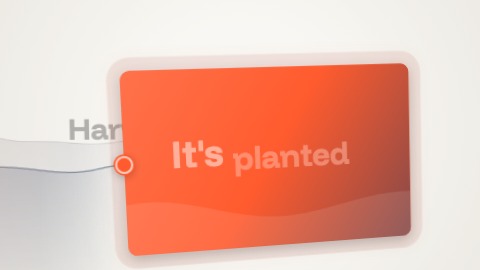 WaveA short line types itself in the middle; a dot of your colour springs from it and draws a soft wave as it runs. The camera follows it and looks down the wave as it runs away into the picture: your words wait along the way and light up one by one as it passes, in time with the music. At the end the dot becomes a card that rushes at the camera, a quarter too large, and settles, with your picture or your title.
- Scene 4 · 3.2 s
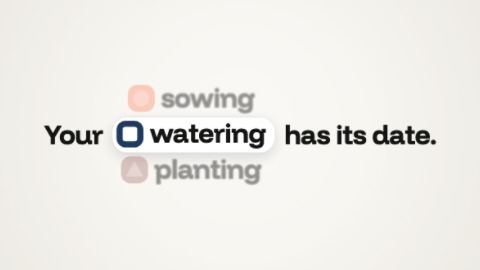 A chip in the lineA sentence with a gap, and in the gap a chip: a small mark (or your picture) and a word. The chip turns like a wheel, in time with the music, to show your words one after the other, and the rest of the sentence closes up or opens to its width. Unlike “Changing word”, the word sits in a chip, in the middle of the line, and the line moves with it.
- Scene 5 · 2.7 s
 Screenshot from every angleYour screenshot on a 3-D screen, filmed by four cameras: three-quarter view, very close, from above, then facing it. The picture cuts to another angle in time with the music, and no angle stands still.
- Scene 6 · 2.1 s
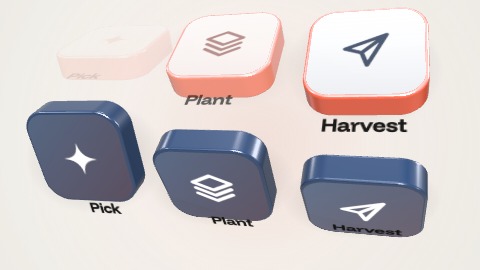 Tiles that pushThree thick 3-D tiles, each with its sign or your picture and its word. They arrive one by one, in time with the music: the first pops alone in two pushes, each one after it shoves the others, which squash a little and recover. Then the whole row rolls over a quarter turn, like a drum, and comes back in your second colour, with other words if you write some.
- Scene 7 · 3.2 s
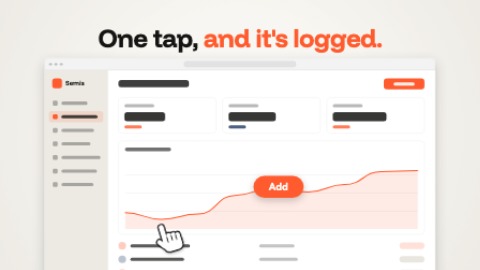 One clickA hand comes onto your screen and clicks, in time with the music: the screen takes the press, and a label is written to say what it does. Then the hand moves on and the label lights up until the end.
- Scene 8 · 2.7 s
 Logo, jolt, nameA small square in your colour tips onto its corner and bursts into a rounded tile, in a gradient of your colours, your logo in it, while it finishes turning level. It gathers itself, then everything jumps for an instant, in time with the music: squares, the tile stretched, torn into streaks. And your logo is there, clean: it steps aside, and your name comes out from behind it letter by letter, your tagline under it. Before a cut, the whole thing shoots up and out.
- Scene 9 · 3.2 s
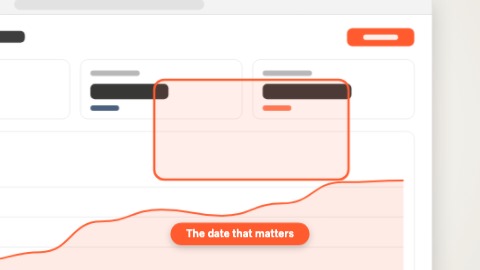 Zoom on a detailThe whole screen first, then the camera dives at once onto the detail that matters, in time with the music, and keeps moving in gently: a frame is drawn round the detail and its caption is written.
- Scene 10 · 2.1 s
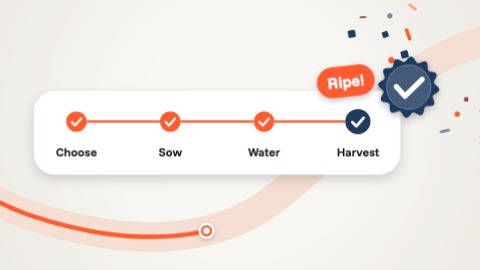 Steps and a rewardA card of steps gliding across the picture: a marker goes from one to the next, in time with the music, each step fills, ticks itself, and its name lights up. At the last one a seal pops out with a shower of small shapes in your colours and a word. Behind the card a second marker draws its line along a wave.
- Scene 11 · 2.1 s
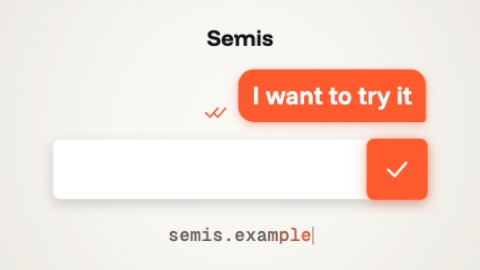 Message sentAn ending shaped like a message: your logo, a bar in which your line types itself in one go, then a hand presses the send button, in time with the music. The button takes your colour and turns once on itself, the line leaves the bar upward in a bubble, and your address types itself underneath.

