Transitions
What happens between two scenes.
 Zoom throughThe camera dives into the picture and comes out in the next scene.
 DiveThe next scene was waiting, very small, in the middle of the picture: the camera goes into it.
 Whip panThe camera whips sideways: the picture streaks and lands on the next scene.
 SpinThe picture turns as it rushes at the camera, and the next scene arrives in the same sweep.
 Camera pull-backThe camera pulls back: the scene that ends shrinks to a frame in the middle of the next one, then melts into it.
 ProInfinite zoomThe camera goes into the picture, which holds the next one, which holds the first, and so on: three levels in one sweep, and it comes out in the next scene.
 Zoom into the subjectThe next scene lights up inside the picture's subject (the device's screen, the logo, the card) and the camera dives in until it fills the frame.
 Reveal pull-backThe camera pulls back and the picture turns out to sit inside the next scene's subject: on its device's screen, in its logo, on its card. It melts into it while the scene takes its place.
 Wide-lens zoomA burst of zoom through a wide lens: the picture rushes and bulges at its edges, the next scene comes from afar in the same sweep and flattens as it lands.
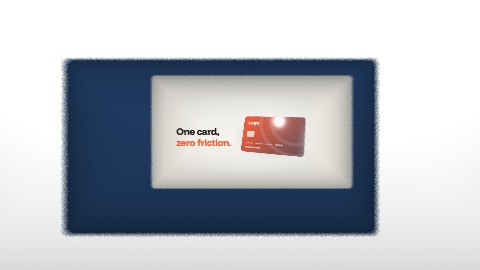 TunnelThe picture opens in its middle and the camera rushes in: it goes through three frames in your colours, one behind the other, and the next scene grows at the far end until it fills the screen.
 ProPicture boardThe camera pulls back: the picture was only one tile on a board, among others in your colours. It slides to its neighbour, the next scene, and dives into it.
 Three-step zoomThree jolts of zoom onto the subject, each on a fraction of the beat, then the cut: the next scene is already tight on its own subject and loosens in three jolts.
 ScrollThe film scrolls like a page: the picture leaves upwards, faster and faster, and stretches as it goes; a band in your two colours, with blurred edges, crosses the frame; the next scene rises from below at speed and brakes into place. Without the band, a moment of bare ground is left between the two.
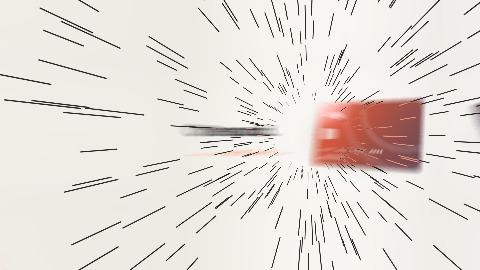 WarpThe camera pushes towards the picture's subject, harder and harder, then goes through it at once: thin lines shoot out of the vanishing point like stars, in your colour. The next scene was waiting there, very small: it grows fast, then brakes for a long time, while the lines die out.
 Distant mosaicThe picture breaks at once into big squares, and under the squares the camera pulls back very fast: the scene is only a handful of blocks, five times smaller, where the next one's subject will stand. The next scene's blocks come in while the last ones of the first are still there, crisp, on a ground left clean; then they get finer while the camera ends its pull-back and brakes.
 ProDive into a tileThe camera dives into the next tile. It draws back until the picture is one tile of a wall, slides to the next tile and dives into it: that is the next scene. The other tiles show both scenes in your colours.
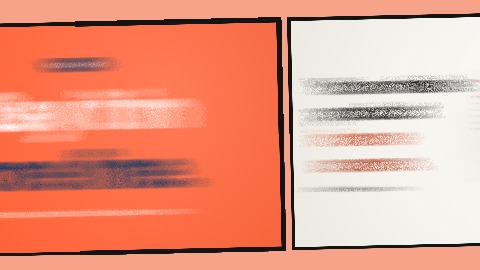 Next panelThe scene becomes a comic panel, inked on a printed page; the camera draws back a little and glides to the next panel, which is the next scene.
 Dive into the oA small « o » is printed in the middle of the scene and the camera dives into it: the scene grows around the letter until its counter fills the frame, and inside the counter the next scene settles in.
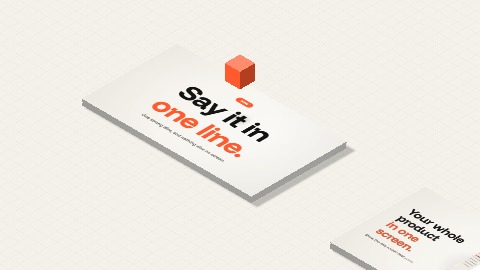 Cube hopThe scene lies down on the floor as an isometric slab, the camera glides to another slab where the next one waits, the cube in your colour hops from one to the other, and the next scene stands up to fill the frame.