Transitions
What happens between two scenes.
 CutOne scene replaces the other at once, on the beat.
 RelayThe setting changes at once, half-way, while the carried element travels from one scene to the next without leaving the screen.
 Feathered cutA cut you do not feel: right around it the picture loses a little of its sharpness and gains a little brightness, then all is back.
 DissolveThe next scene appears through the first one.
 PushThe next scene pushes the first one out of frame.
 CoverThe next scene slides over the first one, which steps back a little.
 WipeA band in your colour crosses the frame at an angle and uncovers the next scene.
 IrisA circle opens in the centre and uncovers the next scene.
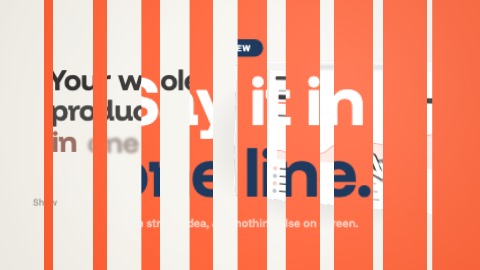 BlindsThe picture splits into strips that flip one after the other to the next scene.
 Blur throughThe picture blurs, then the next scene comes into focus.
 Rack focusThe first scene drifts out of focus while the next one sharpens.
 Zoom throughThe camera dives into the picture and comes out in the next scene.
 DiveThe next scene was waiting, very small, in the middle of the picture: the camera goes into it.
 Whip panThe camera whips sideways: the picture streaks and lands on the next scene.
 SpinThe picture turns as it rushes at the camera, and the next scene arrives in the same sweep.
 MosaicThe picture breaks into big pixels and re-forms as the next scene.
 FlashA short veil of light makes the change.
 ProFloodYour colour floods the frame from the bottom, then withdraws over the next scene.
 ProInkThe next scene spreads like ink on paper, edged in your colour.
 ProGlitchThe picture jumps in slices, like a signal dropping out, and locks back onto the next scene.
 Camera pull-backThe camera pulls back: the scene that ends shrinks to a frame in the middle of the next one, then melts into it.
 ProInfinite zoomThe camera goes into the picture, which holds the next one, which holds the first, and so on: three levels in one sweep, and it comes out in the next scene.
 Cut on actionThe scene sets off to one side, gathering speed; the cut falls in mid-move and the next scene finishes the gesture: one movement is all you see.
 Zoom match cutThe picture rushes at the camera, the cut falls while it grows and the next scene arrives still moving, from further away: one burst of zoom for two scenes.
 Shape match cutYour colour closes the picture down to a shape (a circle, a square, a bar); for an instant only the shape is left, then it opens again on the next scene.
 MorphThe two pictures bend towards each other: the lights and darks of the second pull the first, which seems to become it.
 Liquid dissolveThe picture runs and opens into pools through which the next scene arrives, and sets in its turn.
 Bar matteFive round-ended bars shoot across the picture one after the other: the next scene is already inside them.
 Dot matteA screen of dots swells in a wave from one corner to the other: each one is a window onto the next scene, and they end up meeting.
 ProBrand windowYour logo (or your name in large letters) appears in the middle, cut out of the picture: the next scene shows through it. It grows until the camera goes through.
 Dip to colourThe scene fades into a colour (your brand's dark, its colour or its light) and the next one comes out of it: a breath, a change of chapter.
 Subject to subjectThe picture rushes to bring its subject to an exact place and size; the cut falls, and the next scene's subject is right there, the same size, before it goes back to its own place. The eye has not moved.
 ProMetamorphosisThe scene's subject gathers into a drop of your colour, which takes off and comes down where the next subject stands: it bursts, the subject comes out of it, and the new setting opens around it.
 Zoom into the subjectThe next scene lights up inside the picture's subject (the device's screen, the logo, the card) and the camera dives in until it fills the frame.
 Reveal pull-backThe camera pulls back and the picture turns out to sit inside the next scene's subject: on its device's screen, in its logo, on its card. It melts into it while the scene takes its place.
 RippleA drop falls on the picture's subject: a wave spreads from it, bends everything on its way and leaves the next scene behind it, still a little stirred.
 ReshapeThe scene's card (a notification, a button, a panel) becomes the next scene's: its content is swept away, it takes the next one's colour from the heart outwards, darts to its place while changing size and corners, overshoots by a touch and settles, as the new content arrives in it. Around it, one ground gives way to the other without a jolt.
 DashThe picture closes like a frame around its middle: a band, then a dash in your colour, brighter and brighter, then a square, while the rest goes out of focus. The square tips onto its corner and bursts open: it is a window onto the next scene, where that scene's subject stands, and it grows until it leaves the picture.
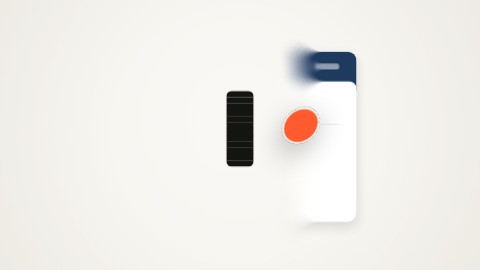 CourierYour logo (a dot in your colour if you have none) crosses the picture at the subject's height, thrown then braking: behind it the next scene is already there, ahead of it still the first, and under it the picture is blurred.
 Wide-lens zoomA burst of zoom through a wide lens: the picture rushes and bulges at its edges, the next scene comes from afar in the same sweep and flattens as it lands.
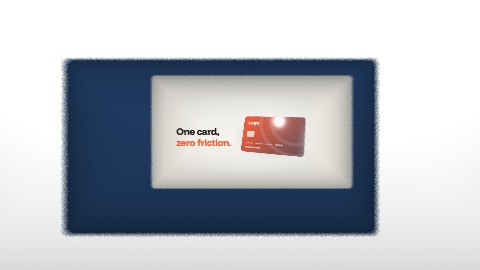 TunnelThe picture opens in its middle and the camera rushes in: it goes through three frames in your colours, one behind the other, and the next scene grows at the far end until it fills the screen.
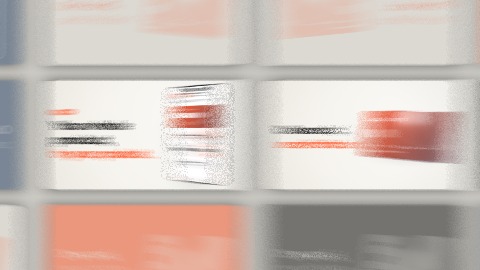 ProPicture boardThe camera pulls back: the picture was only one tile on a board, among others in your colours. It slides to its neighbour, the next scene, and dives into it.
 StretchThe picture opens in two where its subject stands and stretches: only lines of its colours are left. They take the colours of the next scene, which closes on its own subject.
 Three-step zoomThree jolts of zoom onto the subject, each on a fraction of the beat, then the cut: the next scene is already tight on its own subject and loosens in three jolts.
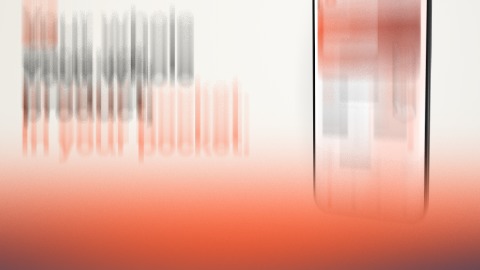 ScrollThe film scrolls like a page: the picture leaves upwards, faster and faster, and stretches as it goes; a band in your two colours, with blurred edges, crosses the frame; the next scene rises from below at speed and brakes into place. Without the band, a moment of bare ground is left between the two.
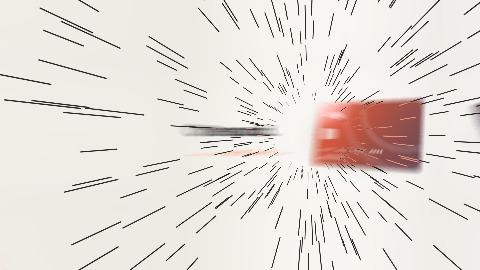 WarpThe camera pushes towards the picture's subject, harder and harder, then goes through it at once: thin lines shoot out of the vanishing point like stars, in your colour. The next scene was waiting there, very small: it grows fast, then brakes for a long time, while the lines die out.
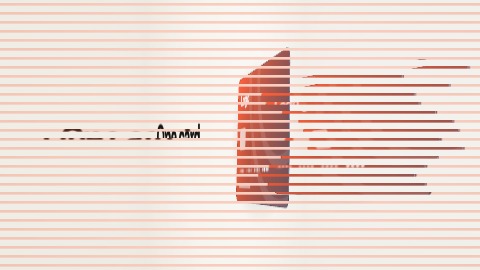 JoltJust before the cut, three split-second pictures of the next scene, in its own colours: stretched wide and smeared sideways, the scene that leaves still showing through; then squeezed to a third of its width and chopped by thin bars, then at its size in a coarse grain. It then lands a touch too large, and settles.
 Distant mosaicThe picture breaks at once into big squares, and under the squares the camera pulls back very fast: the scene is only a handful of blocks, five times smaller, where the next one's subject will stand. The next scene's blocks come in while the last ones of the first are still there, crisp, on a ground left clean; then they get finer while the camera ends its pull-back and brakes.
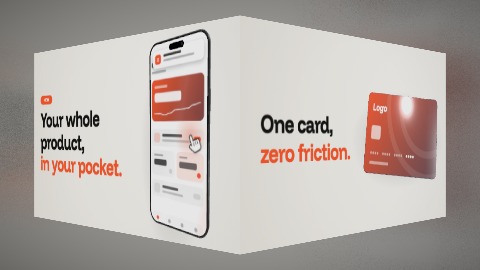 CubeThe two scenes are two faces of a cube: it steps back a little, makes a quarter turn and the next scene comes round to the front.
 FlipThe picture is a card: it steps back, turns over and shows the next scene, printed on its back.
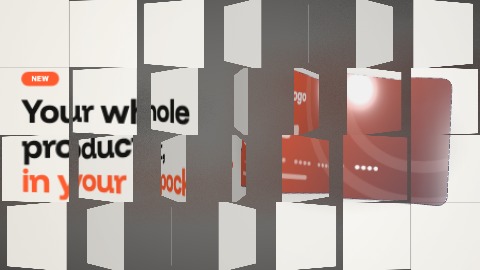 TilesThe picture is made of tiles that turn over one by one, in a wave from one corner to the other: each carries a piece of the next scene on its back.
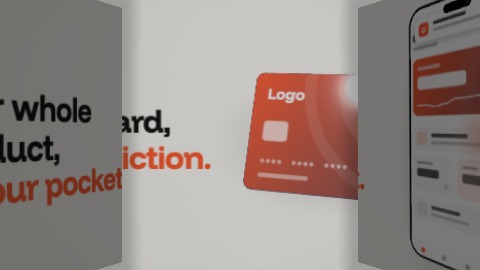 DoorsThe picture splits into two leaves that open inwards, like doors, and the camera goes between them: the next scene was waiting behind, in the shade, and lights up as it goes in.
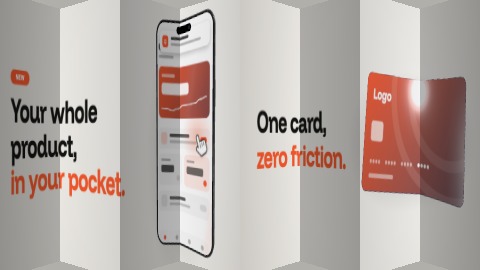 FoldThe picture folds up like an accordion towards one edge, pleat after pleat, while the next scene unfolds from the other side.
 Page turnThe picture lifts by a corner and rolls up like a page being turned: its back goes by, and the next scene was underneath.
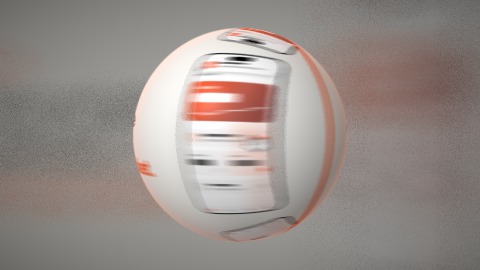 ProPlanetThe picture bulges, steps back and becomes a ball: the next scene is on its other side. It makes a half turn, belted in your colour, then comes back to the camera and flattens out.
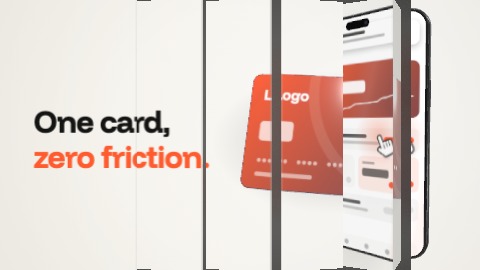 ProPrismsThe picture is made of upright prisms, like a billboard of turning slats: a wave turns them one by one, with a small bounce, and each shows its share of the next scene on another face.
 ProFlapsBoth sides of the picture swing in towards you like doors, their backs in your colour; what is left turns over at once, and the next scene unfolds its flaps.
 ProMarbleA marble in your colour drops onto the scene's subject and squashes: the cut falls on the impact, the marble stays where it is while everything changes around it, then it hops to the next scene's subject and vanishes into it. It can be a tile or a ring.
 ProFixed pointA dot in your colour settles on one place of the screen and stays there: the scene rushes towards it, the next scene shows first inside the dot, as through a porthole, then takes the whole screen drawing back round the same point, the dot still in the same place and the same size. Then it melts away.
 Brush strokesFour broad brush strokes cross the picture, one way then the other: their head is in your colour, still wet, and the next scene appears in the paint.
 ShapesA circle, a square, a triangle, a half-disc and a cross pop up one after the other with a bounce: each is a window onto the next scene, edged in your colour. Then they grow until they meet.
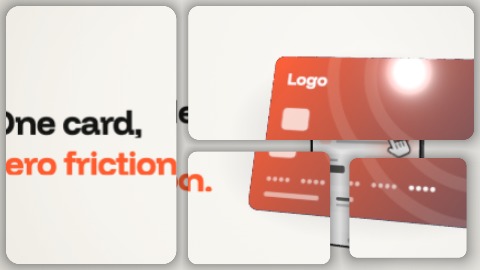 PanesFour round-cornered panes open one after the other on the picture, laid out like an app page: each shows a piece of the next scene, slightly offset, then they join and the picture is whole.
 Shadow dissolveThe picture is its own matte: its dark parts let the next scene through first (or its light parts), then the rest follows, bit by bit.
 ShutterThe six blades of a lens close on the picture as they turn, until only a point is left; they open again on the next scene. The edge of the opening is in your colour.
 Opening strokeA stroke in your colour crosses the picture from edge to edge, then opens in two: the next scene is inside it, and its two lips part until they leave the frame.
 PenumbraThe picture darkens from its edges until only a pool of light is left, closing faster and faster on its subject and taking your colour. In the dark the pool slides to where the next scene's subject stands: it opens again there, hazy and tinted at first, then the whole picture comes back to daylight. The rest of the picture never goes out altogether.
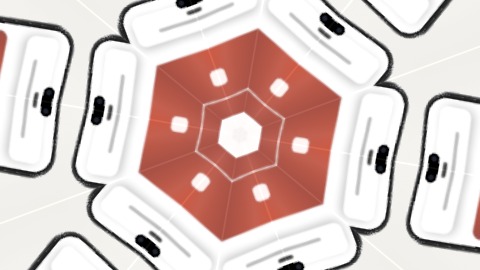 KaleidoscopeA rosette opens in the middle of the picture, as if between six mirrors turned on its subject, and takes it over; its colours turn into those of the next scene, which opens in its middle in turn.
 WhirlpoolThe picture winds around its subject like water round a drain, tighter and tighter. The whirlpool slides to the subject of the next scene, which unwinds the same way.
 MeltThe picture melts and runs down the screen in long uneven trails, like paint still too wet: the next scene was behind it.
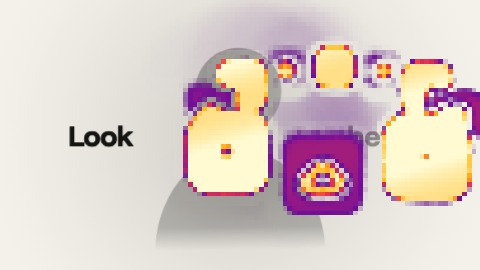 Heat mapThe next scene first appears as a thermal camera would see it: a patch of heat in big blocks forms on the picture, in the place of what it shows, purple at its edge, yellow and white at its heart. The blocks get finer, the patch takes the shape of what the scene shows, and within a few frames the false colours give way to the true ones.
 TideYour two colours come in by a corner as a sheet with hazy edges, one above, one below, and take the whole picture, faster and faster. A second front sets off from the next corner, edged with a third tint born of the two: behind it the next scene is already there, its first word readable while the colours finish withdrawing to the far corner.
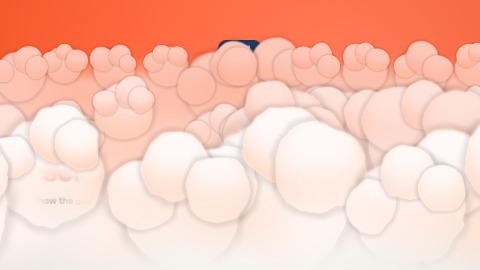 CloudA bank of cloud rises from the bottom of the picture: big round billows of uneven sizes that roll and swell as they come, pale on top and shaded with a little of your colour in their hollows. It hides the scene, passes, and frays away over the next one.
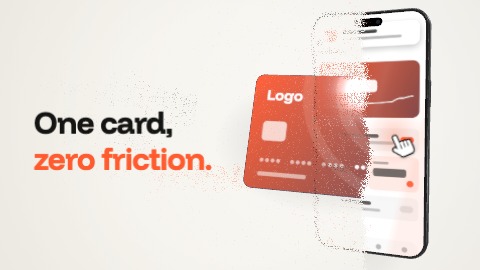 ProDustThe picture crumbles into fine grains along an advancing front: the grains float up and fade, a few of them in your colour, and the next scene appears right behind. The front starts from the left or from the picture's subject.
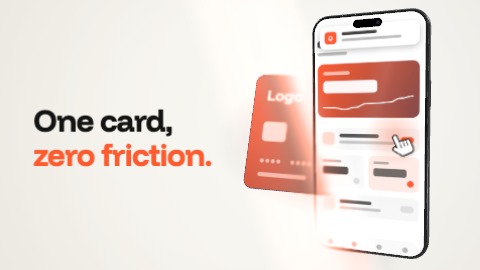 ProBlade of lightA slanting ray of light passes over the picture: ahead of it the scene, behind it the next one. Where it passes the picture brightens with your colour, softens for a moment and keeps a luminous trail.
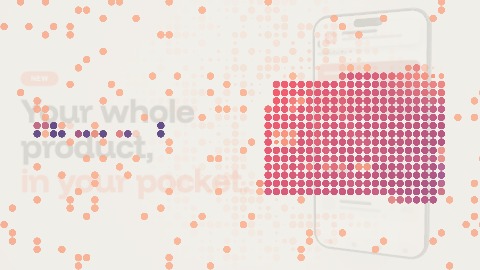 ProDots into mosaicDots light up in place on a fixed grid: where the next scene has something to show, first in two tones of your colours, then in its own; they swell into squares that touch, grow finer twice, and the next scene comes up sharp.
 ProThe card becomes a switchThe scene's subject becomes a switch: it shrinks and rounds into one while the rest melts into its ground; the switch turns on in your colour, and the next scene opens out of its knob.
 ProDive into a tileThe camera dives into the next tile. It draws back until the picture is one tile of a wall, slides to the next tile and dives into it: that is the next scene. The other tiles show both scenes in your colours.
 Sticker peelThe picture is a sticker: its corner lifts, the fold crosses the frame showing its back with a thick outline and a hard shadow, and the next scene appears underneath.
 RecompositionThe picture comes apart in tiles that slide along the grid one square each, round into a disc half-way and land square again, turned into the next scene.
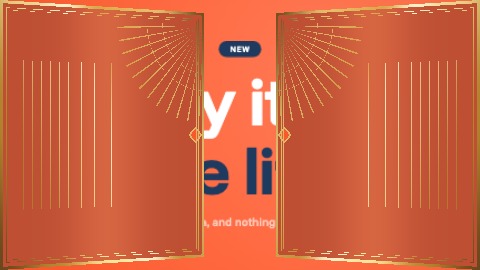 Gilded doorsTwo gilded doors swing shut in perspective over the scene; together they draw a rising sun; then they swing open onto the next scene.
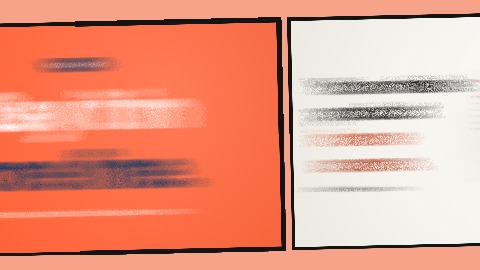 Next panelThe scene becomes a comic panel, inked on a printed page; the camera draws back a little and glides to the next panel, which is the next scene.
 Dive into the letterAn O in your colour opens over the scene and the camera dives through its counter: the inside of the letter is the window onto the next scene, until it fills the frame.
 Wire of lightA pulse of light runs along a tube, draws the frame of the next scene as it goes round, then the scene lights up inside it and the frame opens out to the edges.
 Pixel irisA video game's iris: a stepped circle closes on the subject, the screen is dark for an instant, then the circle opens on the next scene.
 Dive into the oA small « o » is printed in the middle of the scene and the camera dives into it: the scene grows around the letter until its counter fills the frame, and inside the counter the next scene settles in.
 Fast forwardThe cassette fast-forwards: bands of noise race down the picture, tearing it, then the next scene starts and the picture rolls once before it settles.
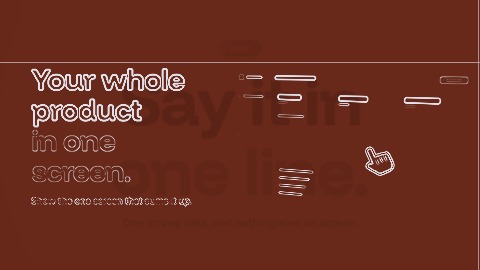 Construction linesThe next scene is drawn before it arrives: the scene fades into the print's colour, construction lines cross the frame around what is coming, a plotter draws its outlines in white lines, then it fills in.
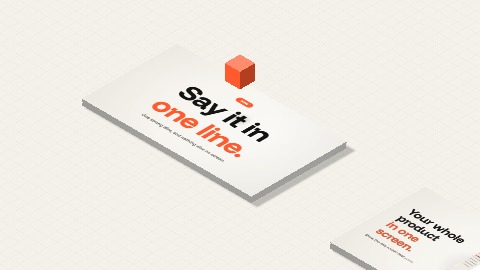 Cube hopThe scene lies down on the floor as an isometric slab, the camera glides to another slab where the next one waits, the cube in your colour hops from one to the other, and the next scene stands up to fill the frame.
 TearThe scene is a sheet of paper torn in two: the tear runs down, the two halves part with a small turn, their edges show the white core of the paper, and the next scene lies beneath.
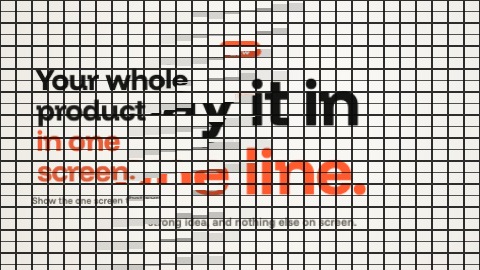 Flap waveThe frame becomes a board of flaps: a wave crosses it from left to right and each flap turns over on its hinge, the top half then the bottom one, to show the next scene.
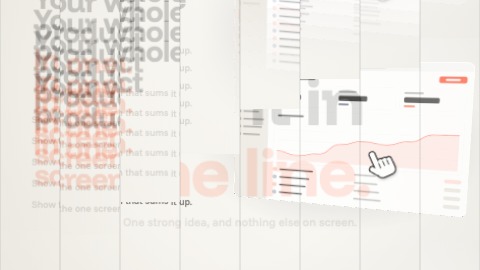 Gravity flipGravity takes the scene: it falls out of the frame in slabs, one after another, and the next scene's slabs drop from above, hit the bottom of the frame and bounce twice before they rest.
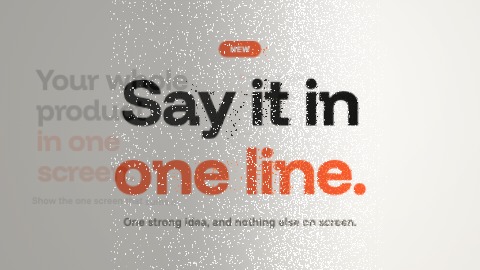 Grain flightThe scene comes apart into grains of light that the wind carries off to the right, bit by bit, while the next scene's grains blow in behind them and settle in their places.
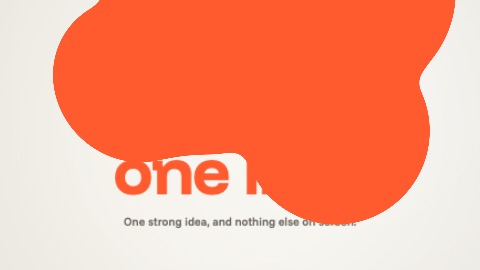 PuddleDrops in your colour fall into the frame, grow and run together until a puddle covers the scene, then the puddle drains down and leaves the next scene.
 Glass sweepA pane of fluted glass slides across the frame from left to right: behind it the next scene, refracted in strips, then plain once the glass has gone by.